
How to access my Business Email account via Webmail?
Hashtags: #Email #Corporate #Webmail #Roundcube
There are three ways to access Webmail:
- From its web address
- From the control panel
- From the Client Area
We will detail each access method below.
Access Webmail from your web address:
The web address that gives access to webmail is: tudominio.com/webmail
Replace “tudominio.com” with the domain of your account to access.
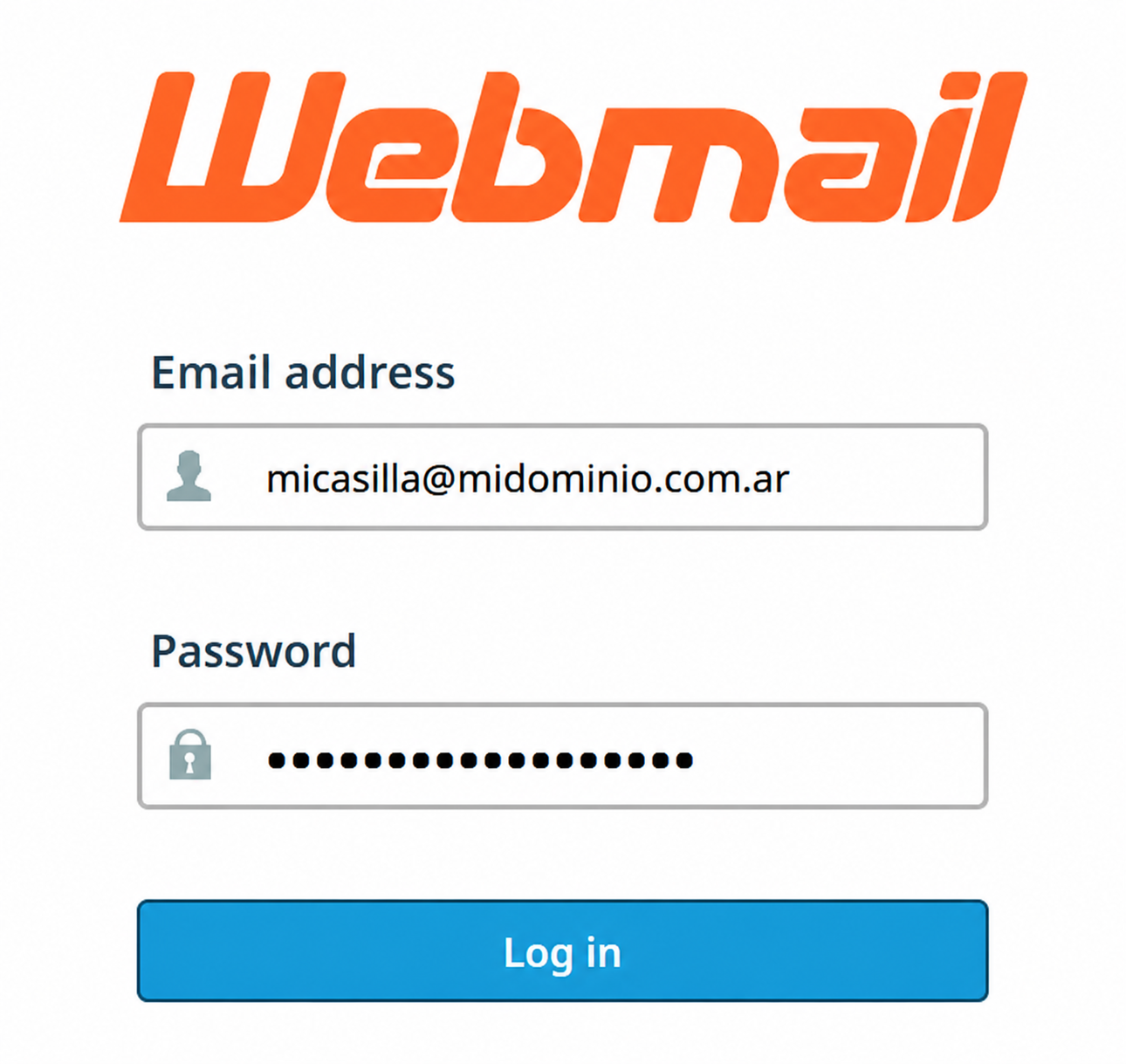
A screen will appear where you must enter your mailbox and password.
Click Log in to access.
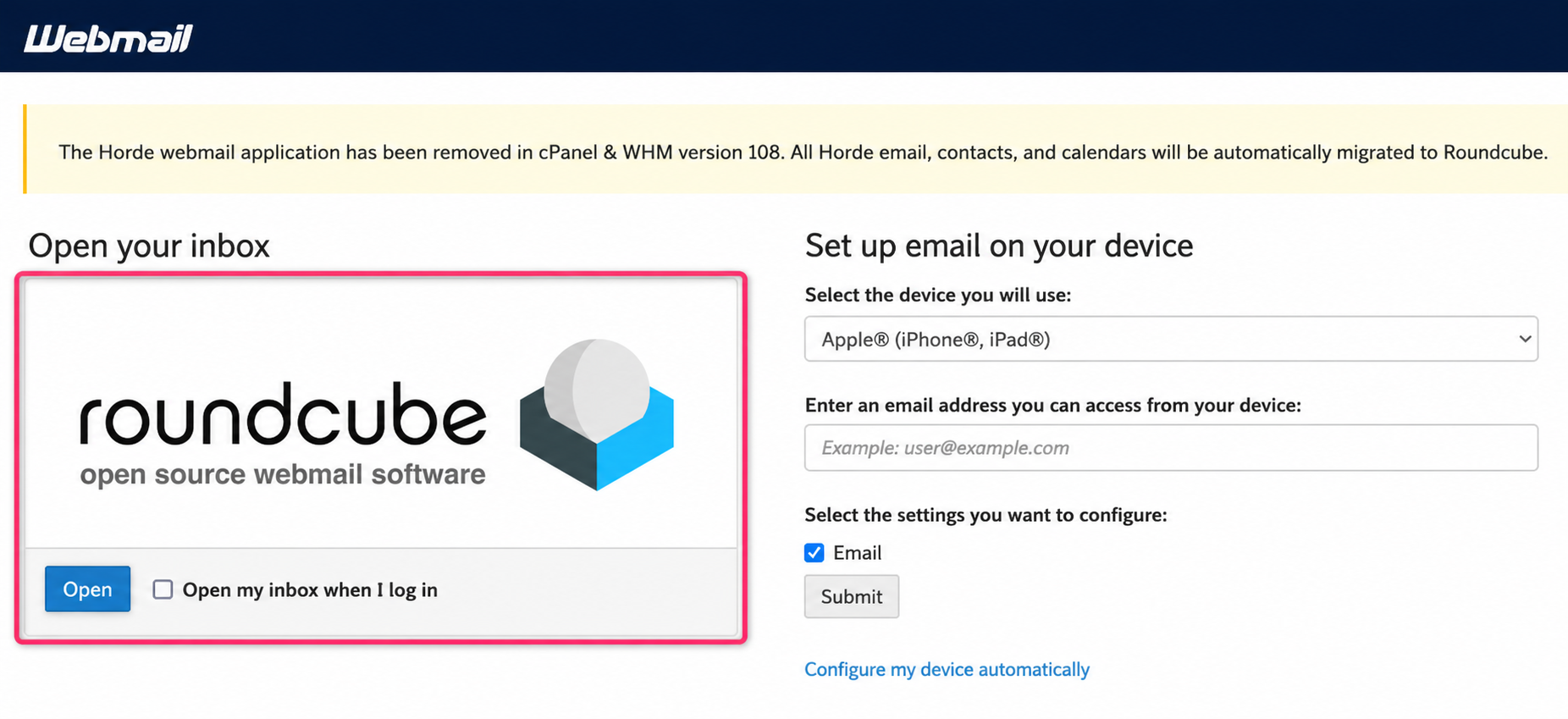
You will arrive at the screen where you must choose roundcube to access your mailbox.
Access Webmail from the control panel
-
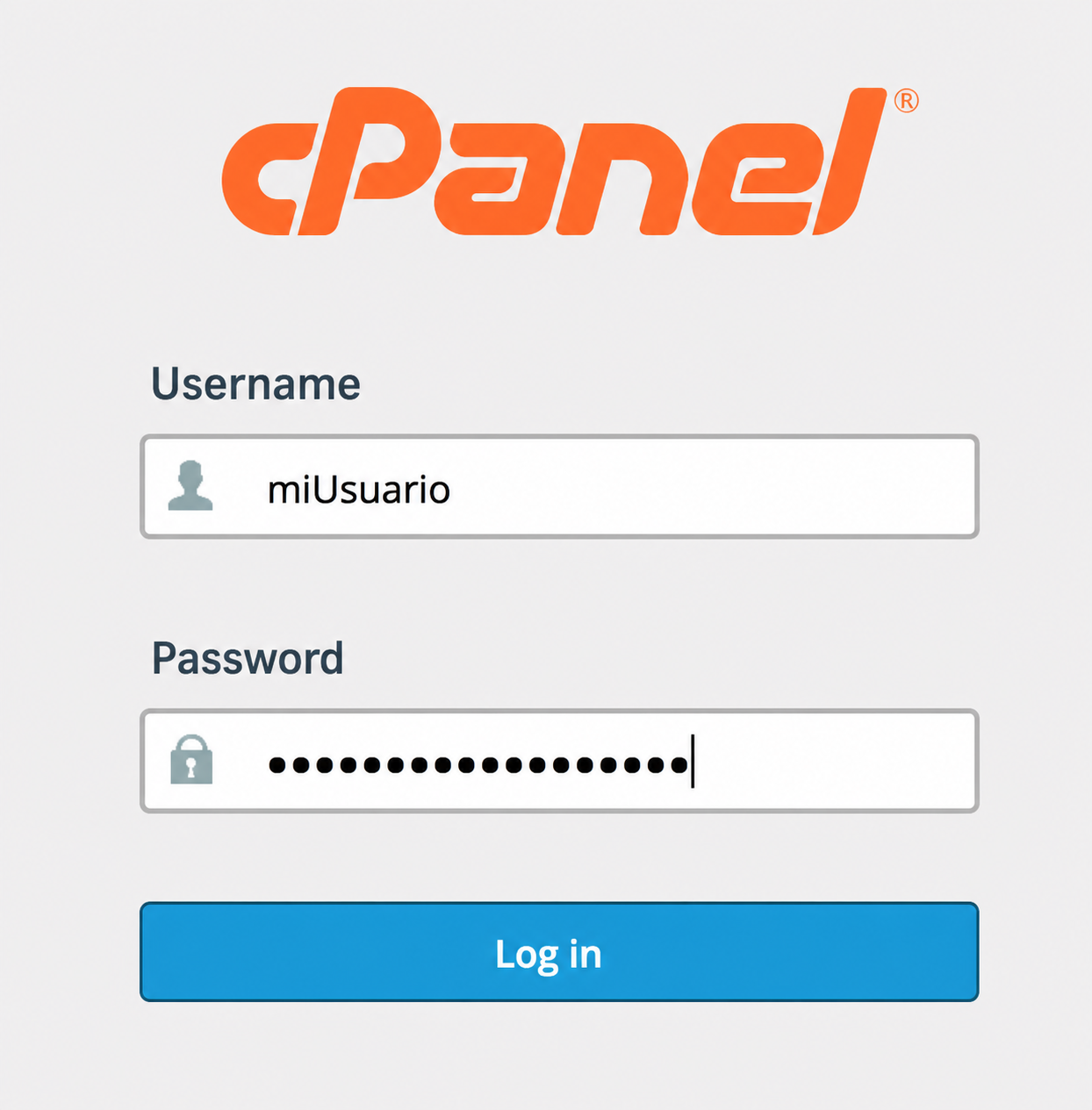
In your browser enter the web address
tudominio.com/cpanelreplacing “tudominio.com” with the domain of your account.It will ask for the username and password. Click Log in to enter.
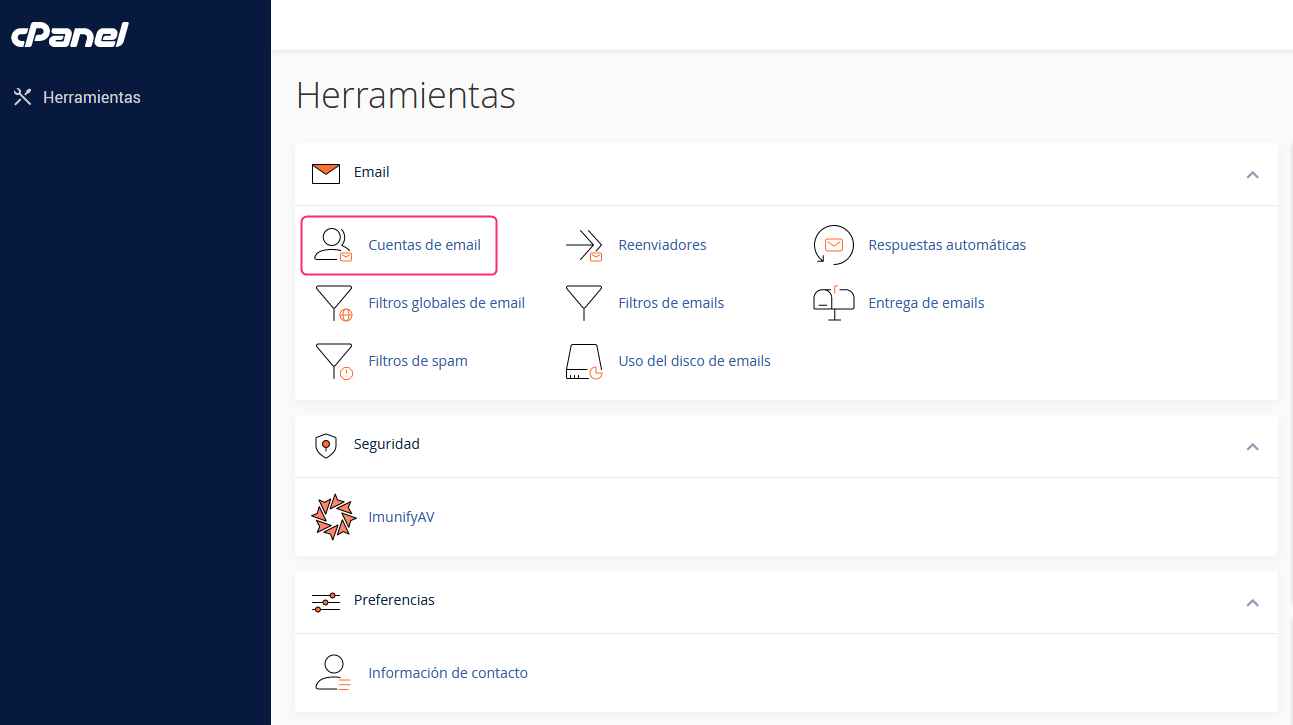
- Once you have logged into your cPanel control panel, you will find the Email box.
Go to Email Accounts inside that box.
- On the new screen you will see the area from where mailboxes are created and managed.
Click the Check Email button to check your mailbox in Webmail.
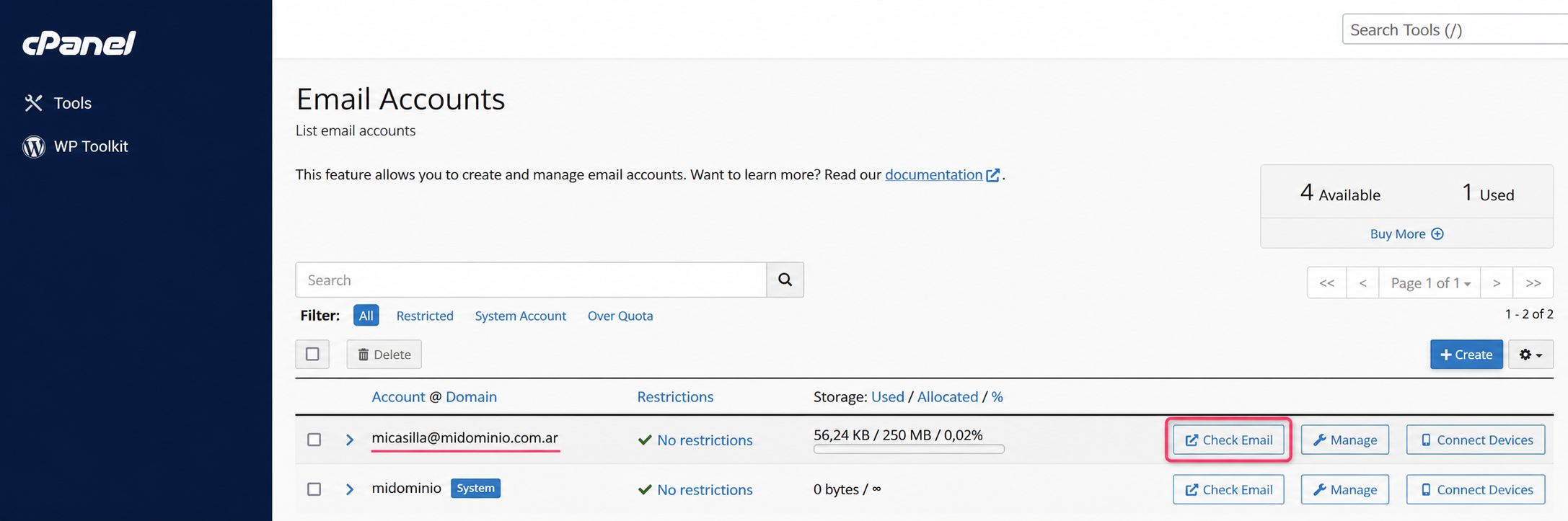
- You will arrive at the screen where you must choose roundcube to access your mailbox.
Access Webmail from the Client Area
- In your Client Area go to Services and then to My Services.
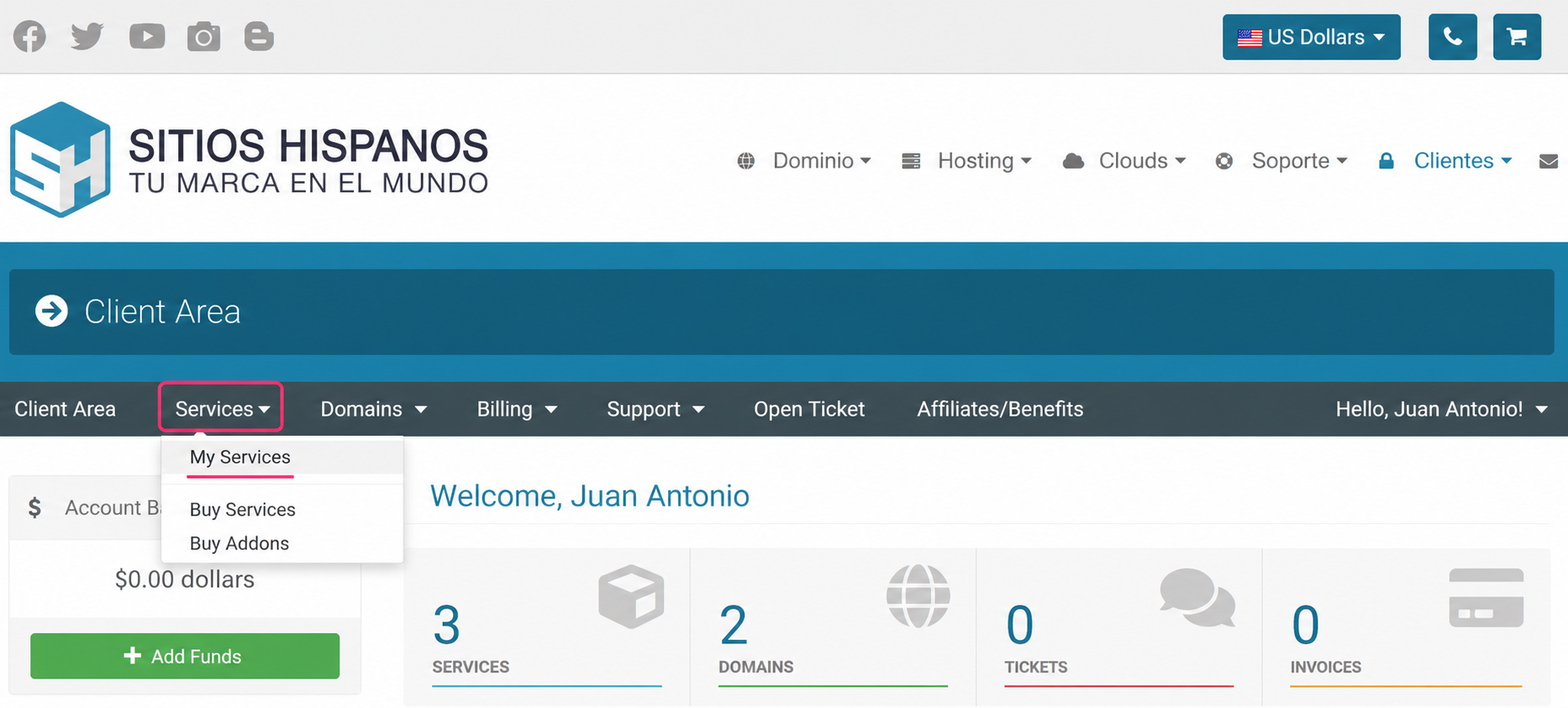
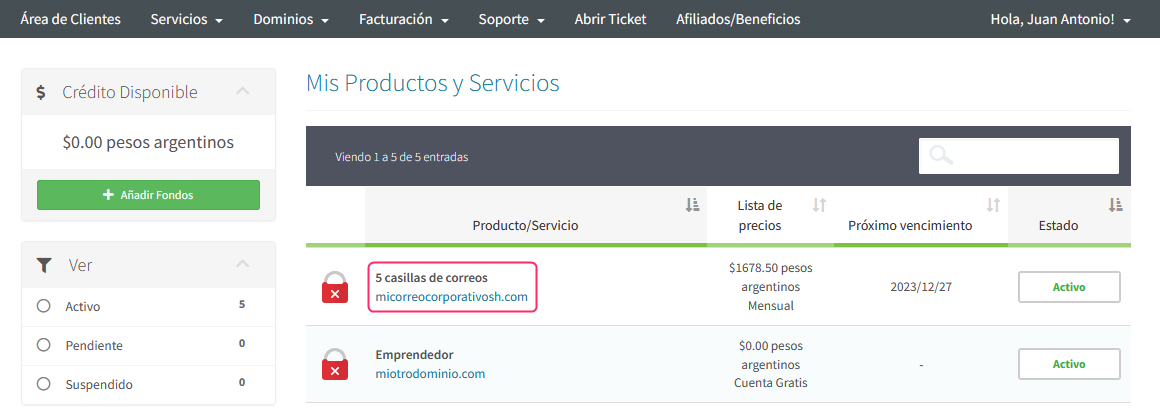
- Search for the Correo Corporativo plan in the list of subscribed plans, and click on the name of your plan.
- On the new screen, at the very bottom, you will find the Quick Shortcuts.
They will take you to the control panel from where you can access your mailboxes via Webmail.
.png)
Follow this link to continue accessing Webmail from the control panel, from point 2: