How do I view my notification history?
From your Client Area, you can see all notifications and notices generated by the system, such as billing notices, service activations and expiration reminders, among others. \ \ To view your notifications and notices history, follow these steps:
- Log in to your Client Area.\ If you don’t remember how to log in follow this link: How to access the Client Area
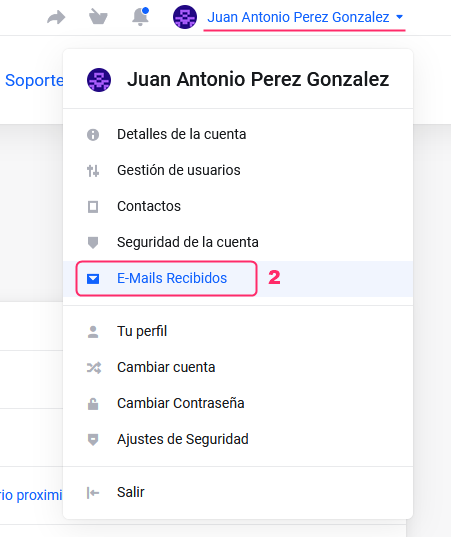
- In your Client Area click on the client name you will see at the top right. \ A menu will open. Go to “Received E-Mails”.
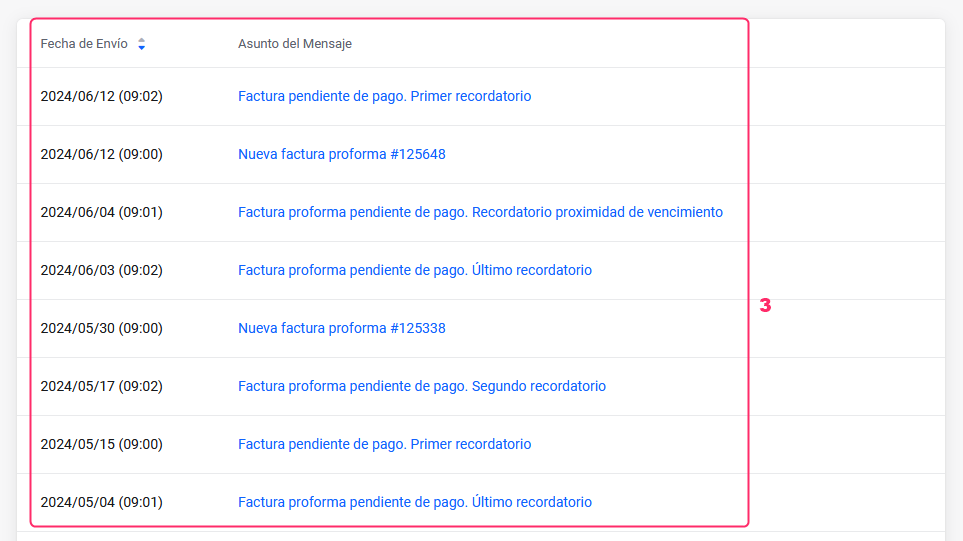
- All notifications and notices generated by the system will appear, including our responses to support tickets.\ You can view the contents of the messages by clicking on them.
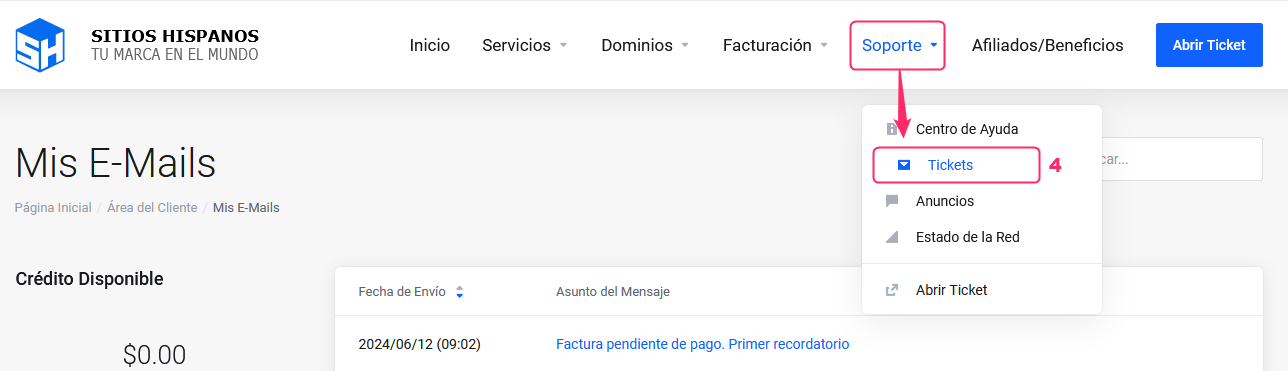
- You can also view your support ticket history by going to “Support” and then selecting the “Tickets” option.