Backups
Backups in the Website Editor are managed by the Backup Manager, which captures the state of your site at a given point in time. While you actively work in the editor, backups are generated automatically every 5 to 10 minutes.
At the end of the day a cleanup process runs that keeps:
- The last copy for each hour for the past 24 hours.
- The last copy for each day for the past 7 days.
- The last copy for each week for the past 52 weeks.
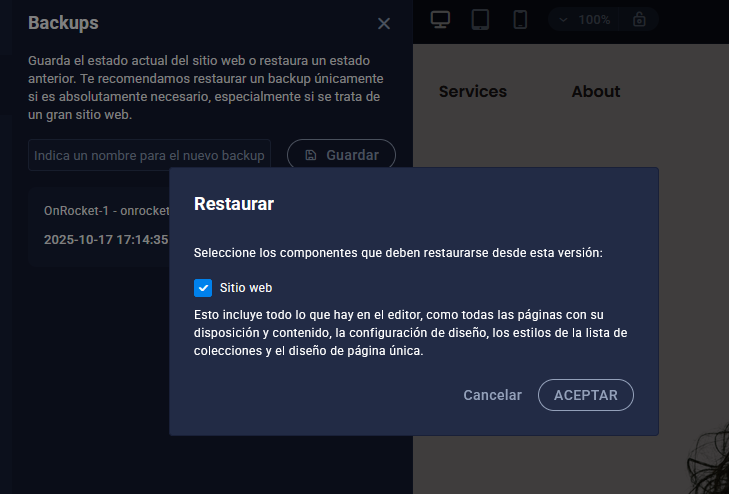
When the limit of 400 copies is reached, the oldest one is deleted. Manually created backups are not deleted by the time intervals, but only if the maximum number of backups is exceeded; in that case the oldest manual backup is deleted first.
It is important to note that a page backup is created only if changes are made to it within the website editor.
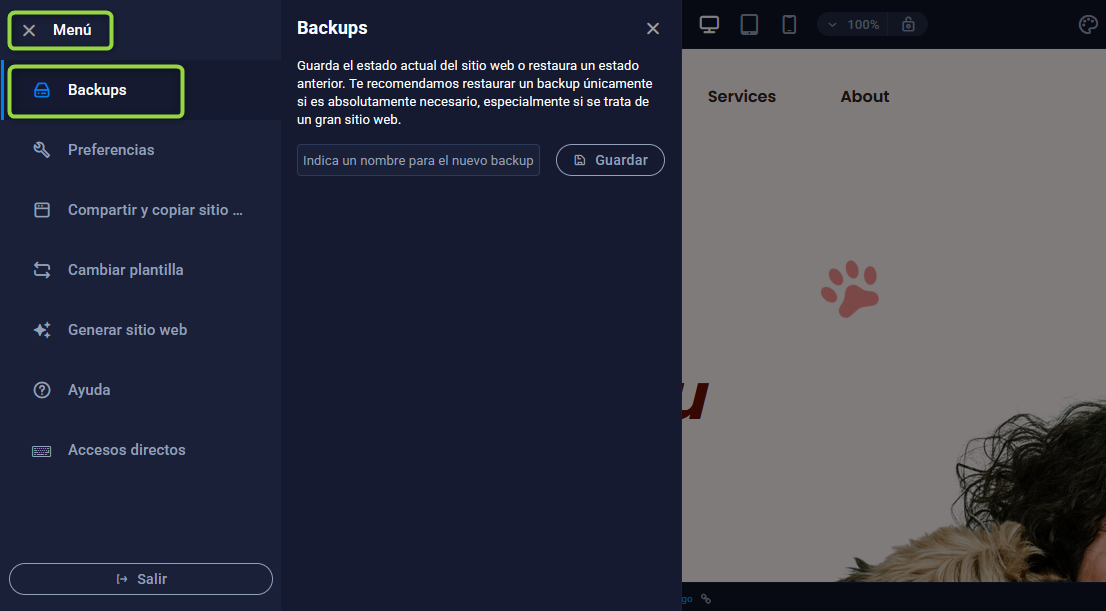
The Backup Manager (Menu ⇒ Backups) is located in the top left of the menu.
Manual backups
If you want to keep a specific version of your website, you can create manual backups and assign them a custom name. To do this, go to the Backup Manager and save the version with the name you prefer.
Restore
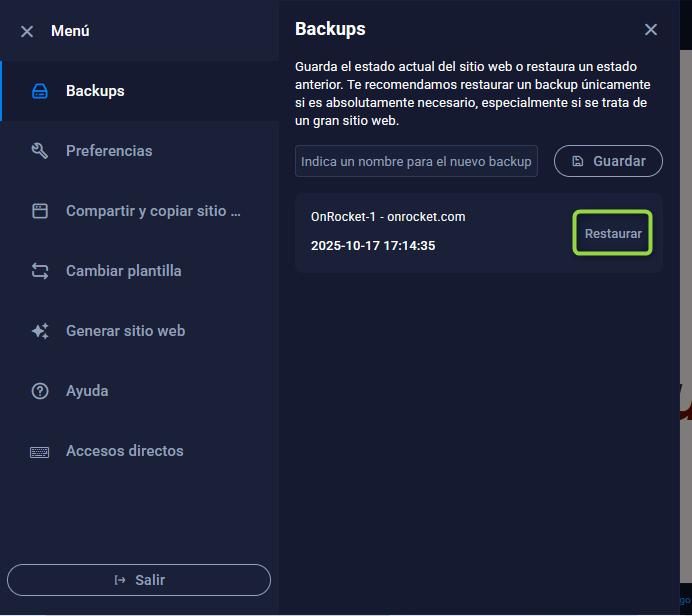
In the same place where the backups are stored, you can restore your site using one of the backups generated there.