How to change password and other options for my mailboxes?
Hashtags: #Email #BusinessEmail #password #key #space #size
The password change, total space and other options for your mailboxes are modified from the control panel.
Change password and other settings from the control panel:
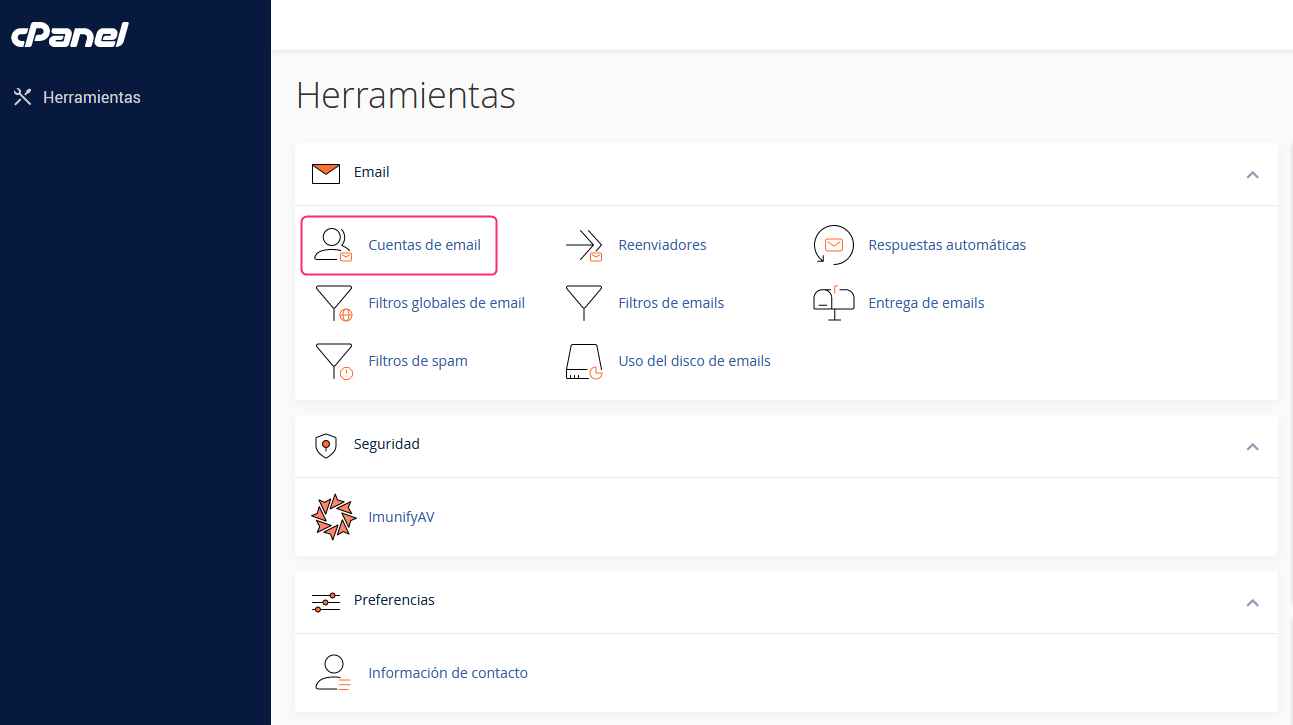
- In the cPanel control panel, go to Email Accounts, in the Email box.
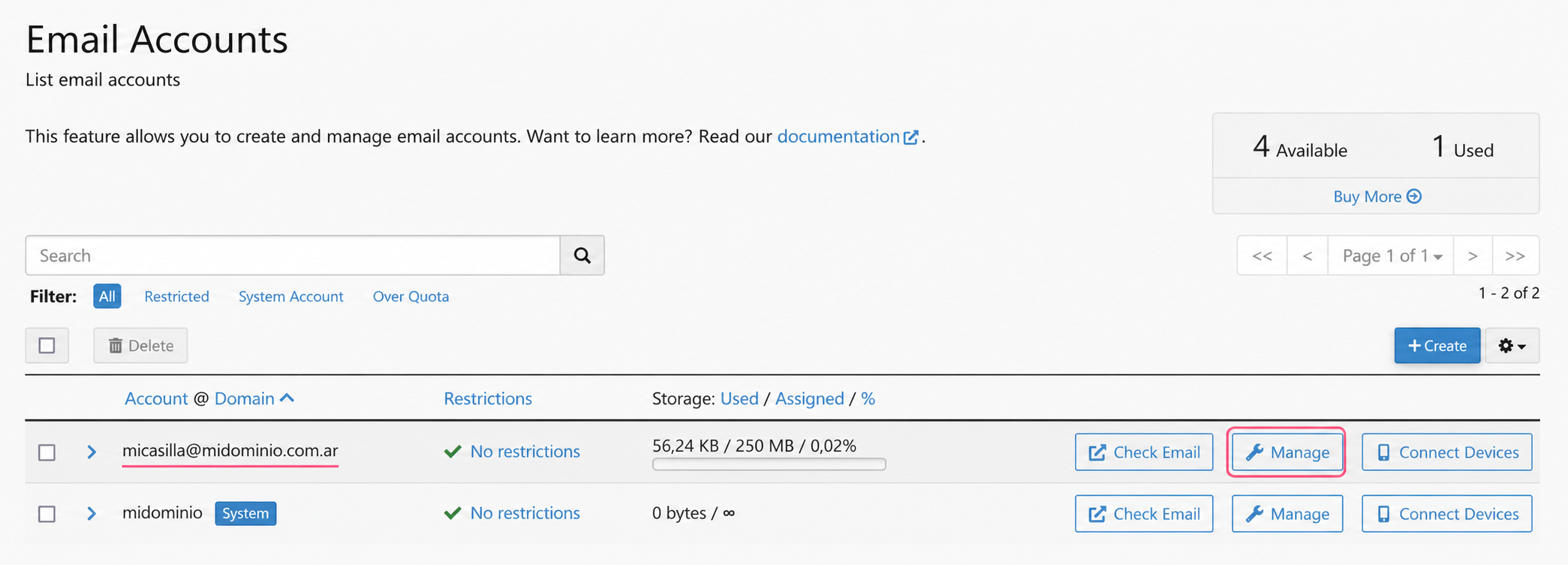
- You will see the list of created email accounts. Press the Manage button on the one you want to modify.
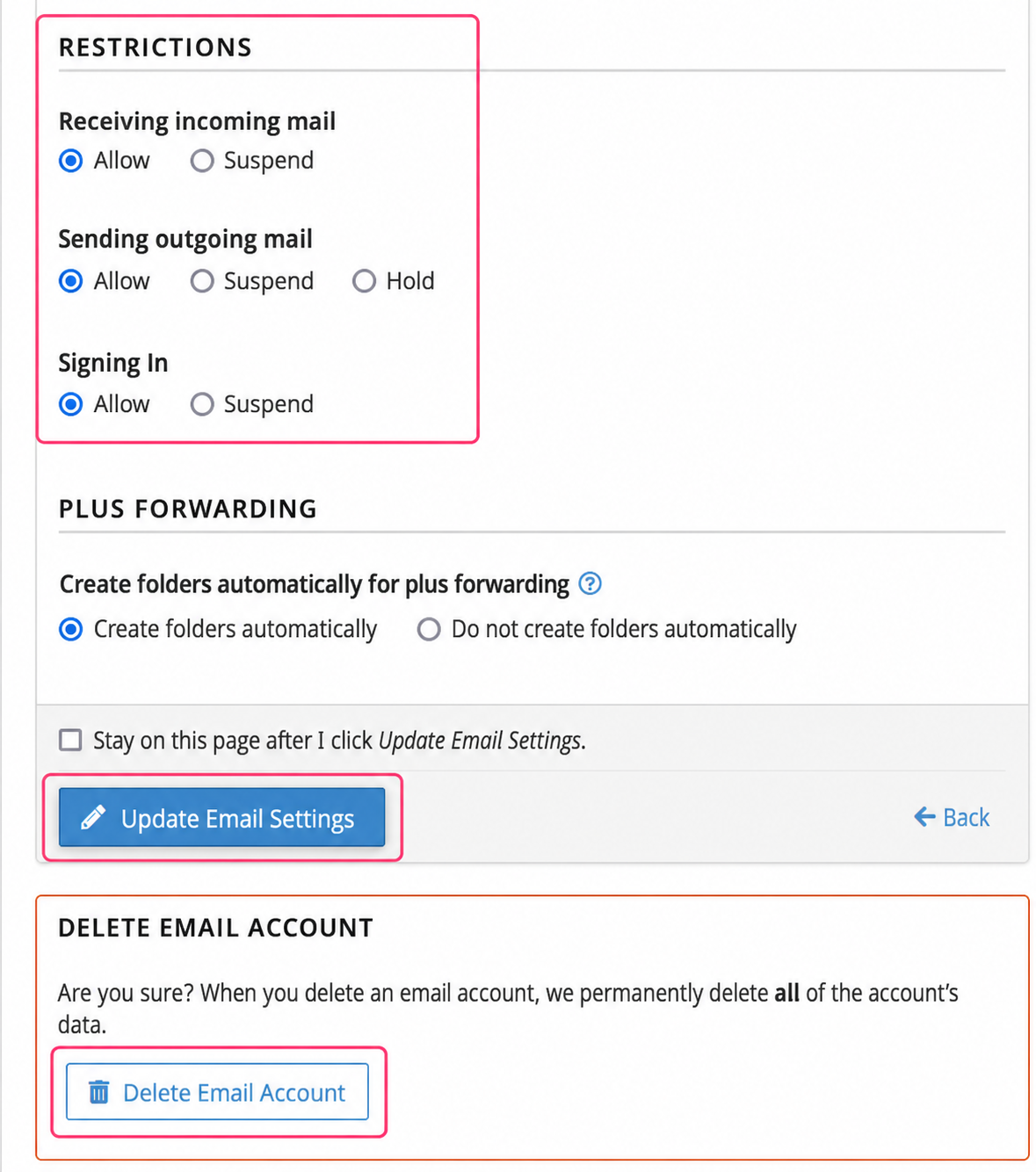
- On the new screen you’ll see several options you can modify:
- The email account’s password
- The maximum space it can use
- Restrictions and permissions
- Delete the email account.
.png)