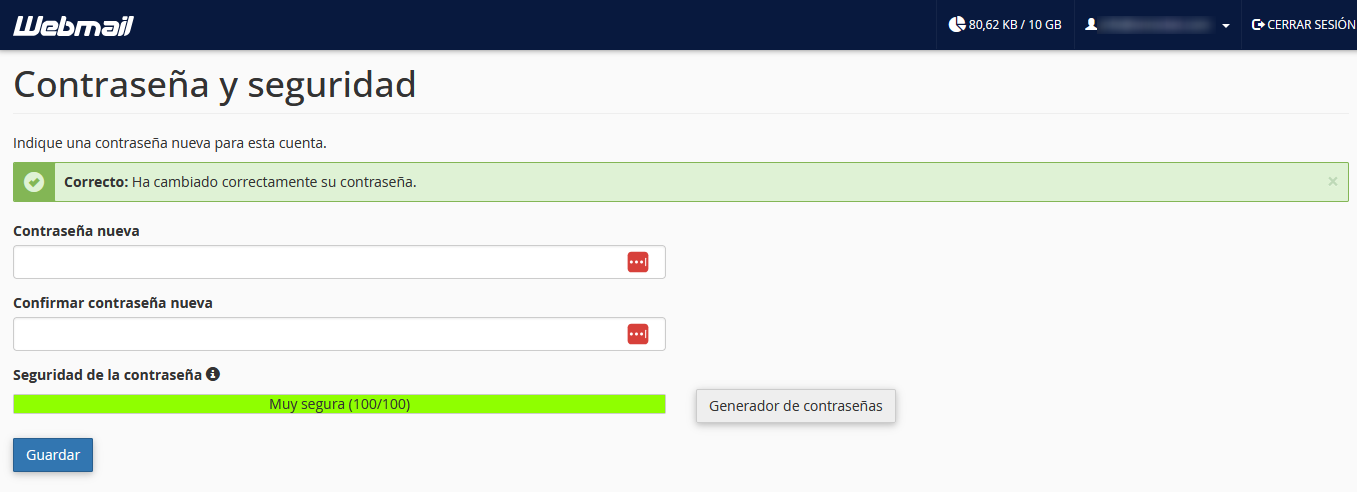
How do I change my email account password from webmail?
Hashtag: #webmail #password #password #email
To change the password of your email account from Webmail you must follow these steps:
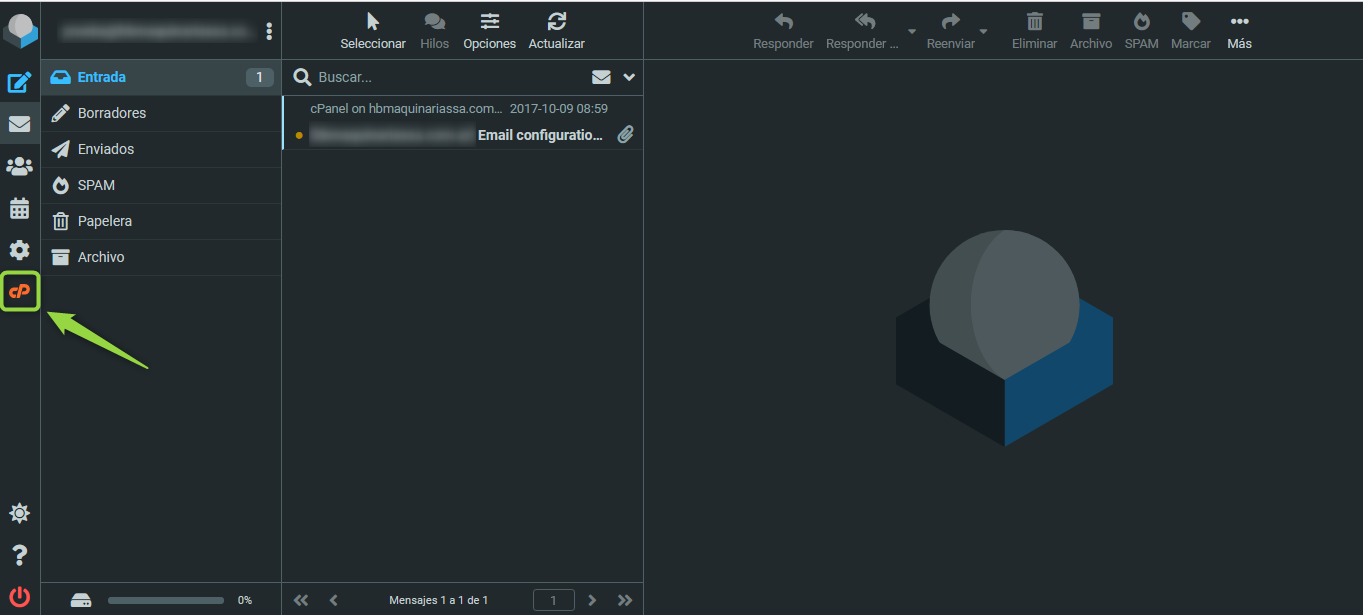
1 - On the webmail screen, click on the cPanel logo in the left column.
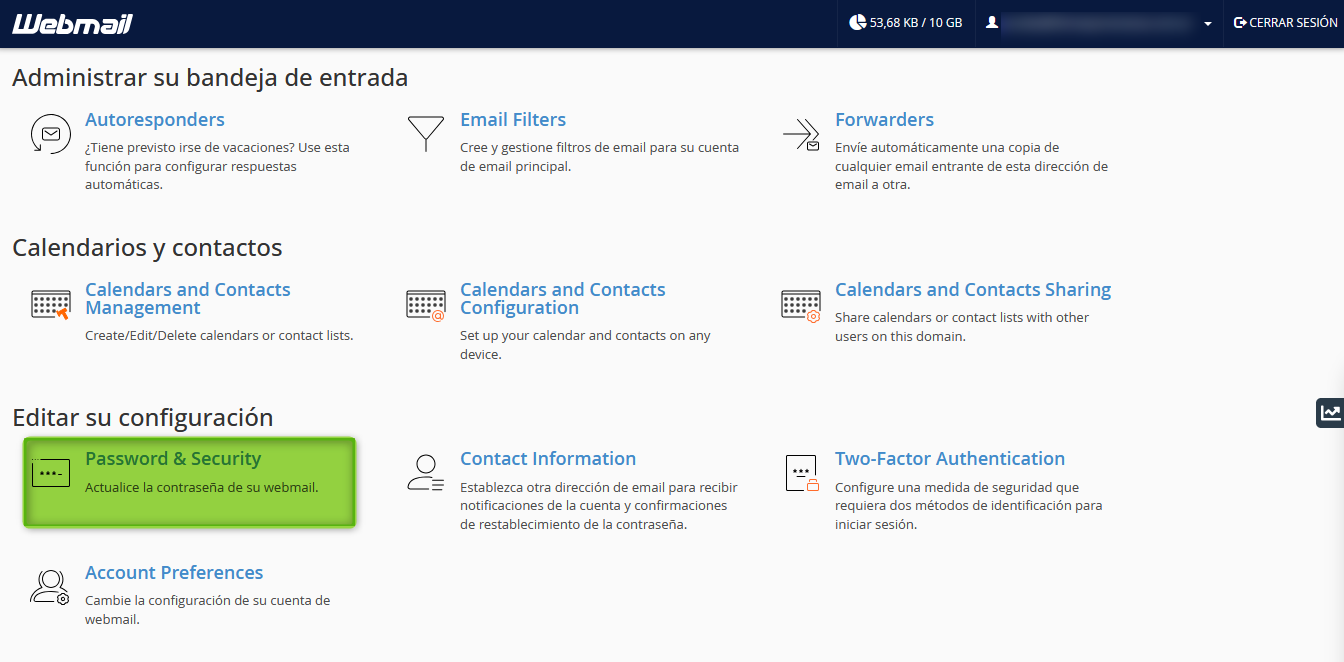
2 - Now, look inside “Edit Your Settings” for the option “Password & Security” and click there.
3 - On the new screen, set the new password for the mailbox and then click “Save” to apply the changes.