SEO Features
From the Website Editor you can easily access the main general SEO tools. Before publishing your site, it’s recommended to review some key settings that will contribute to its success.
Global SEO options
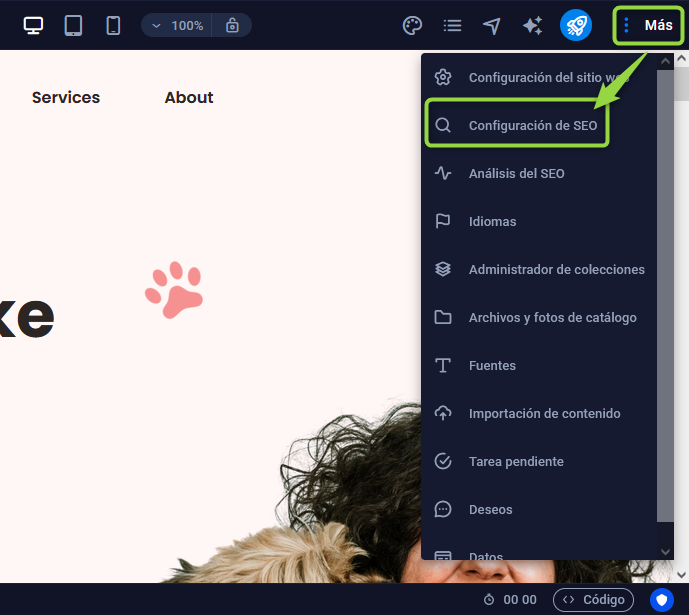
These settings are located within the Website Editor menu, under More → SEO Settings.
Here you can configure the global SEO for your entire website, including page titles, meta tags and keywords. Below are the most important functions.
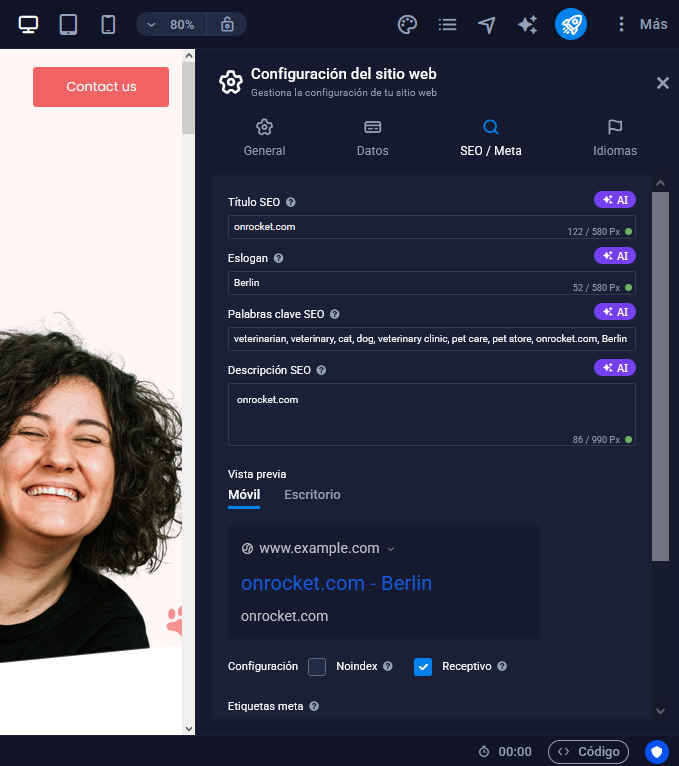
SEO Title
The SEO title is the most prominent in search results: it appears in blue with a larger font size, along with a hyperlink to your website. The URL is shown in green and the meta description in black. This title can also be used by some social networks as a header or anchor text when sharing content. It is recommended to use only HTML special characters that are recognized by search engines, and to keep the title between 50 and 60 characters.
Tagline
The tagline appears below the SEO title and allows you to extend it, separating parts of the title with hyphens to improve its appearance in search results.
SEO Keywords
These are the terms that define your site’s content and that users might type into search engines. They help your site to be properly associated with relevant search queries.
SEO Description
The meta description is a short text that describes your website. It is important not only for search engines but also so users quickly understand what your page is about.
SERP Preview
SERP (Search Engine Results Page) shows how your entries will look in search results. You can preview both the desktop and mobile versions to ensure everything is displayed correctly.
Indexing and responsiveness settings
- Index: if enabled, allows search engines to crawl and include the page in their results.
- Responsive: should always be enabled so the site adapts to devices of different sizes, something essential nowadays.
Meta tags
Allows you to add additional code to the site’s head. This is useful for integrating external tools that require specific code snippets.
Google Analytics ID
This is where the Google Analytics tracking code is inserted. You should place the code provided by your account to enable statistics tracking.
Google Maps API Key
This field allows you to add your Google Maps API key, enabling its functionality on your website.
Per-page SEO features
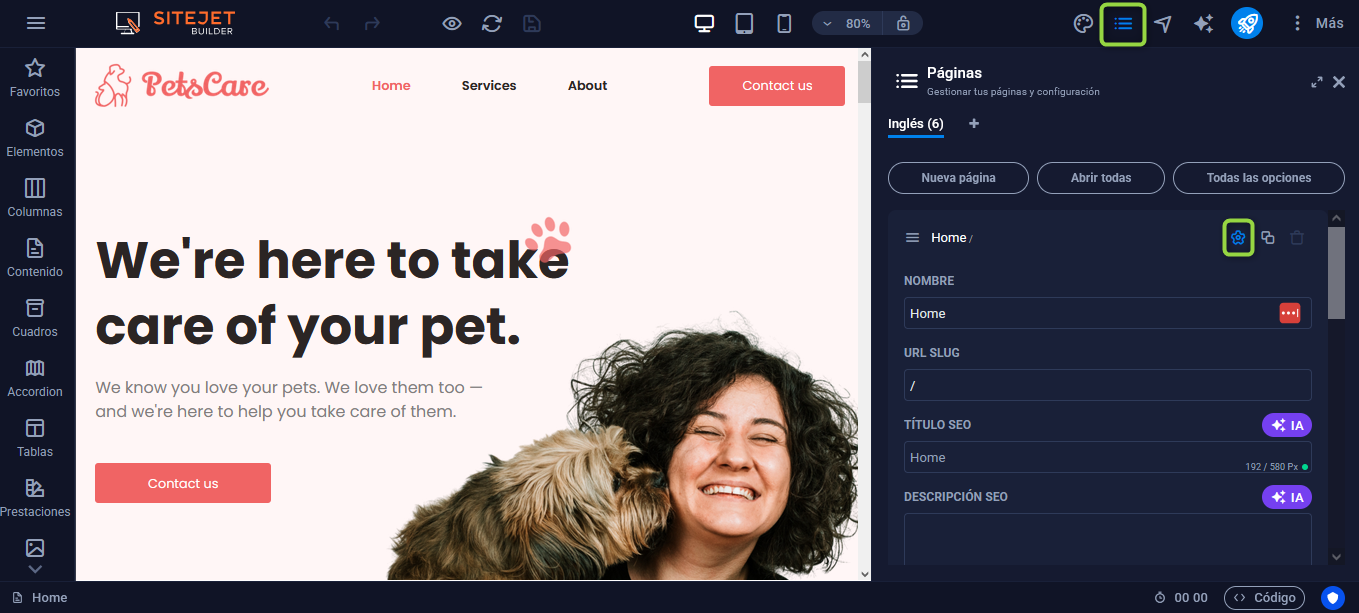
To set SEO information specific to each page, go to Pages from the top bar of the Website Editor. Then click the gear icon of the page you want to edit. There you can modify the SEO title, description and keywords.
If you need more advanced adjustments, such as adding meta tags or defining a preview image for the page, go to More settings.