
How do I purchase an add-on?
If you want to purchase an add-on for a service, follow these steps:
- Log in to your Client Area.
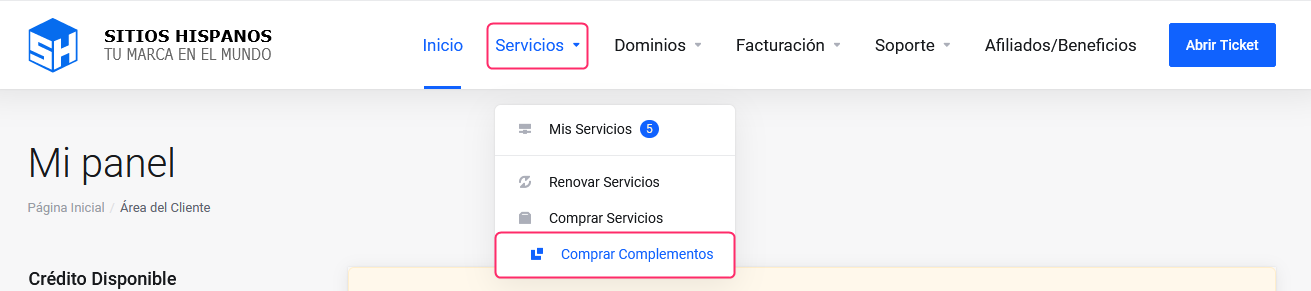
If you don’t remember how to log in, follow this link: How to access the Client Area - In your Client Area click “Services” in the menu and select “Buy Add-ons”.
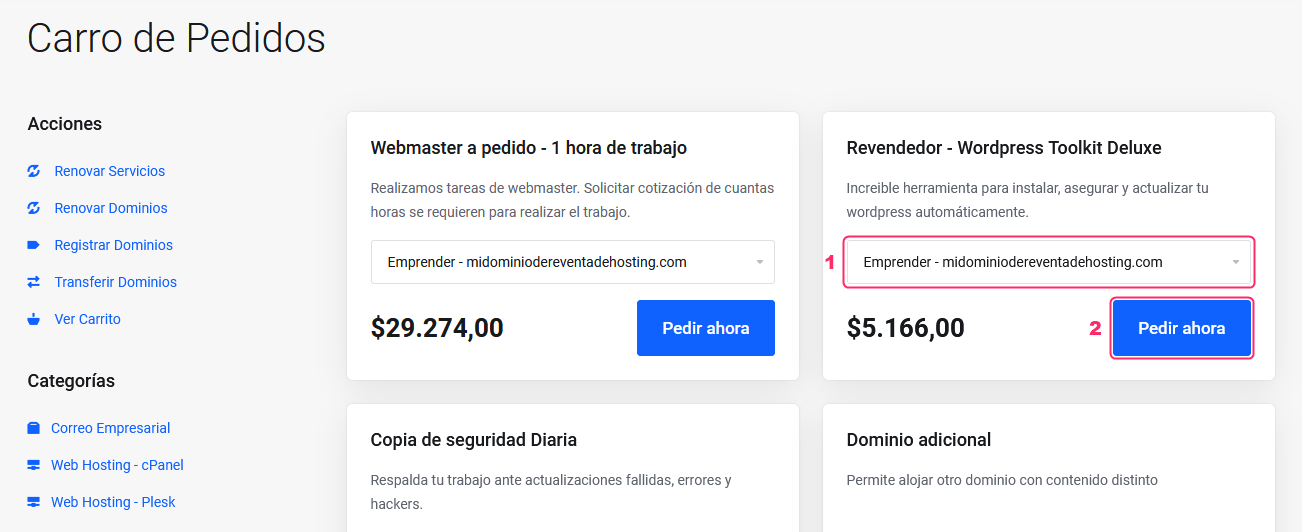
On the new screen you will see the add-ons available for your subscribed service.
- If you have more than one service of the same type you can choose which one to assign the add-on to.
- Press the “Order now” button to add the add-on to your order.
Then, follow the steps to complete the order just like with a regular service.