
How do I link the Client Area with Google, Facebook, or Twitter?
In addition to being able to access your Client Area with your email and password, you can also sign in using a Google, Facebook or Twitter (now X) account. If you want to do this, follow these steps:
- Go to our website: www.sitioshispanos.com
- Press the “Log in” button that you’ll find in the top right corner.

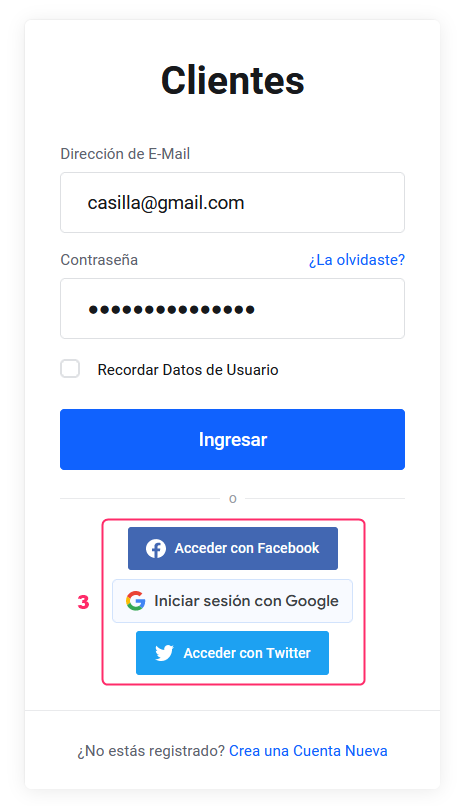
- Beneath the usual login, you will see the Facebook, Google and Twitter (now X) icons.
Click the service with which you want to link your access details.
For example, for a Google account, click “Sign in with Google”.
- A window will appear asking you to confirm the operation, showing the account you are associating.
.png)
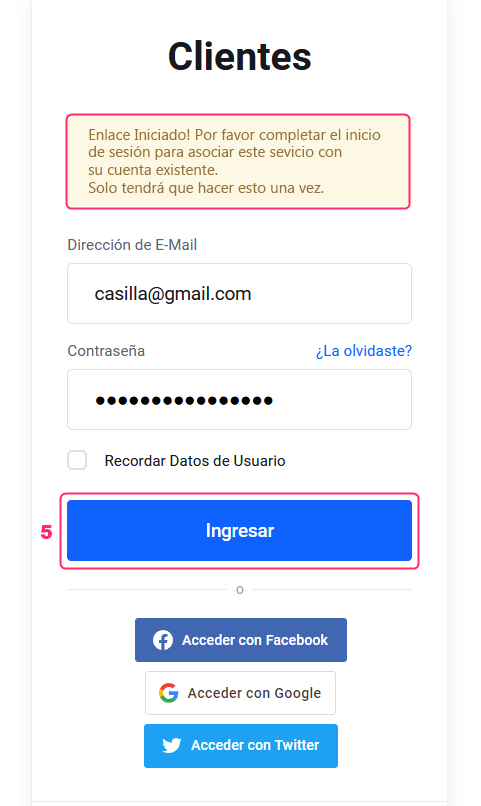
- After confirming, you will receive a message indicating that the link has been initiated. Access your Client Area using your usual credentials to complete the linking.
- Once the initial linking is done, the next time you access your Client Area, you can use the linked service. You only need to click on the corresponding service and provide that service’s login details to enter your Client Area.
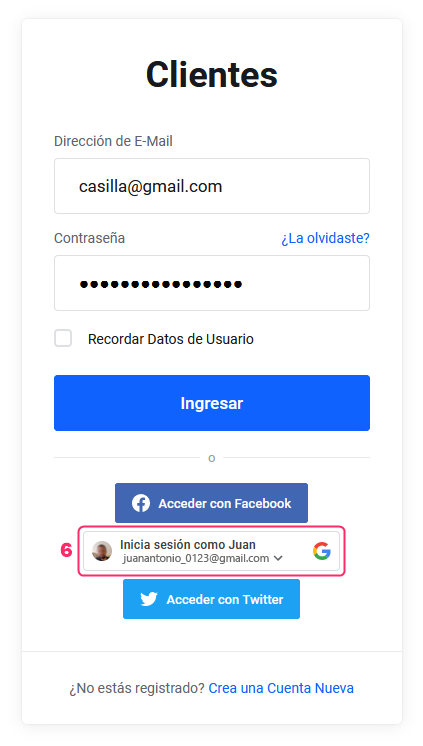
That’s it! You can now use your Google, Facebook or Twitter account to access your Client Area without needing to remember its credentials.