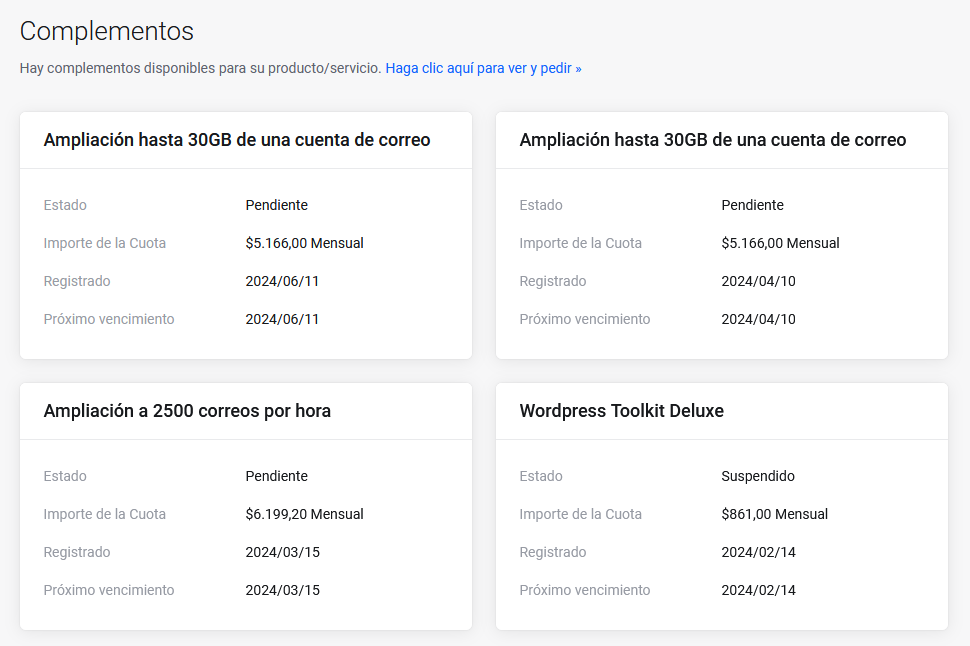
How do I view my purchased add-ons?
If you want to see the add-ons you’ve purchased for a service, follow these steps:
- Log in to your Client Area.
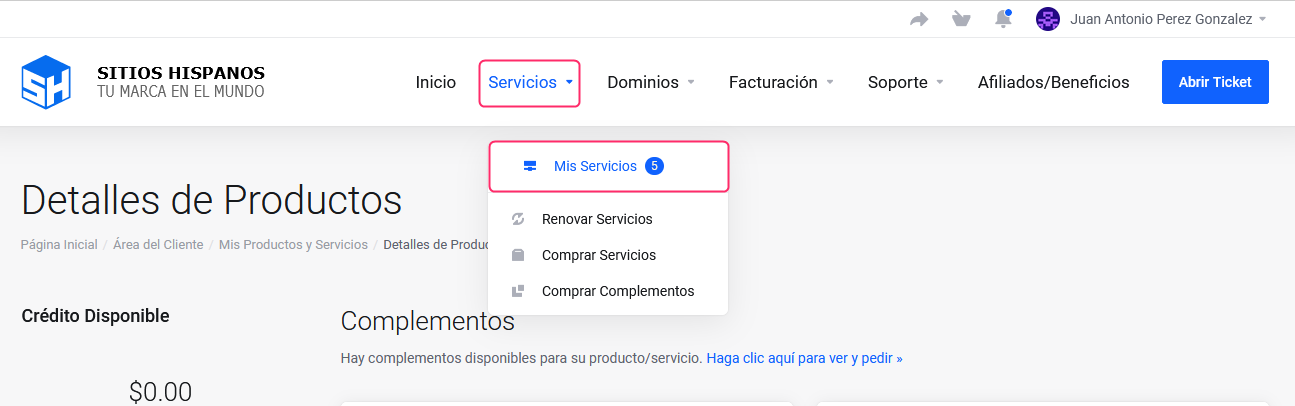
If you don’t remember how to log in, follow this link: How to access the Client Area - In your Client Area, click “Services” in the menu and select “My Services”.
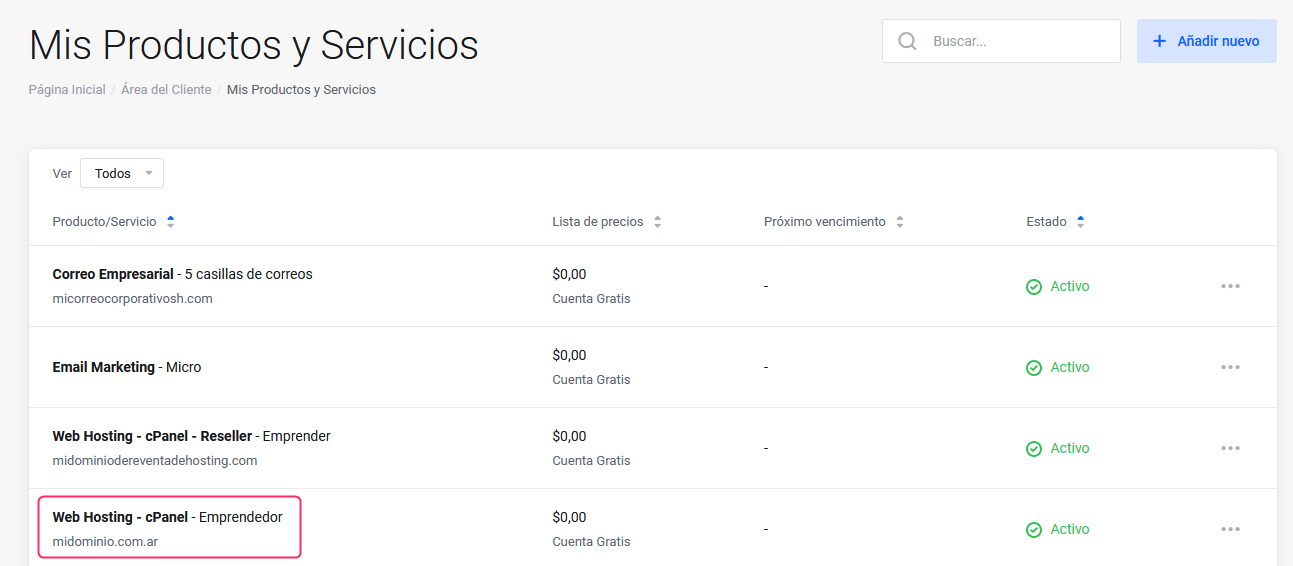
- Click the service for which you want to review its add-ons.
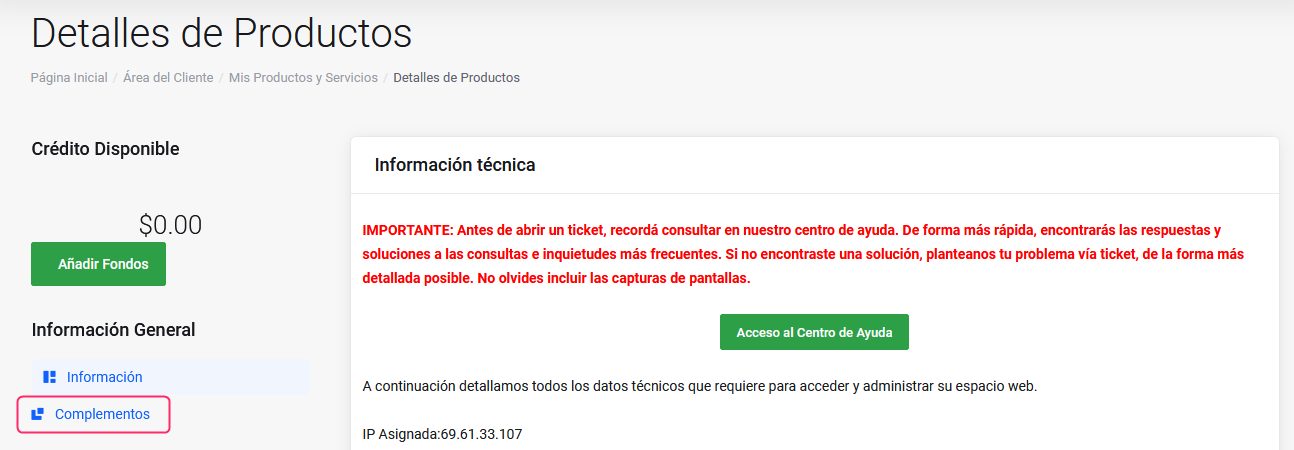
- Select the Add-ons option that you will see in the General Information section of the left-hand menu, on the Product Details screen.
- You will see on the screen the purchased add-ons for the selected service.
Each add-on will display its details, such as price, expiration, and status.