How to update my service?
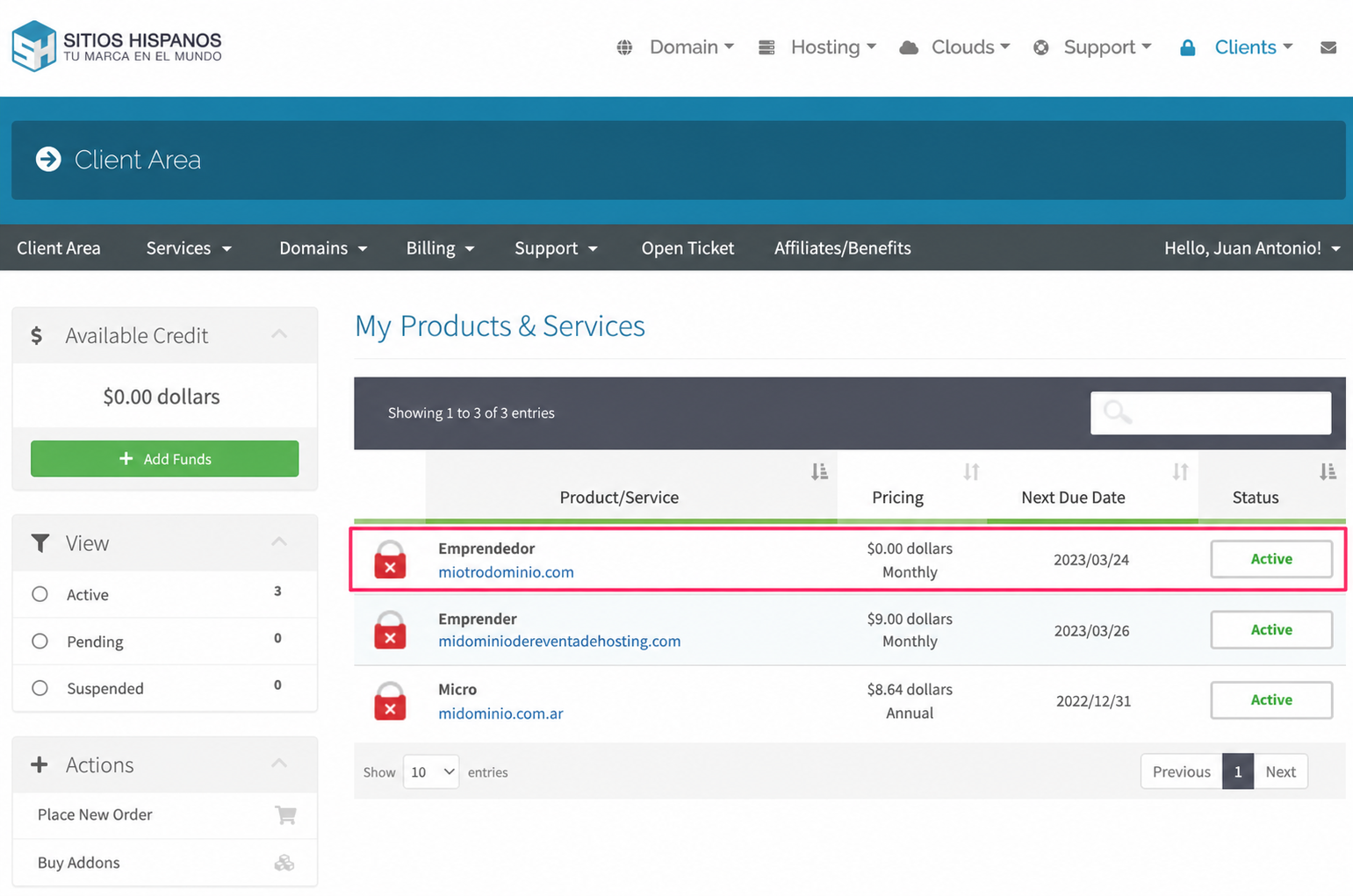
Once inside the Client Area go to the Services option in the gray menu and select the service/product you want to update.
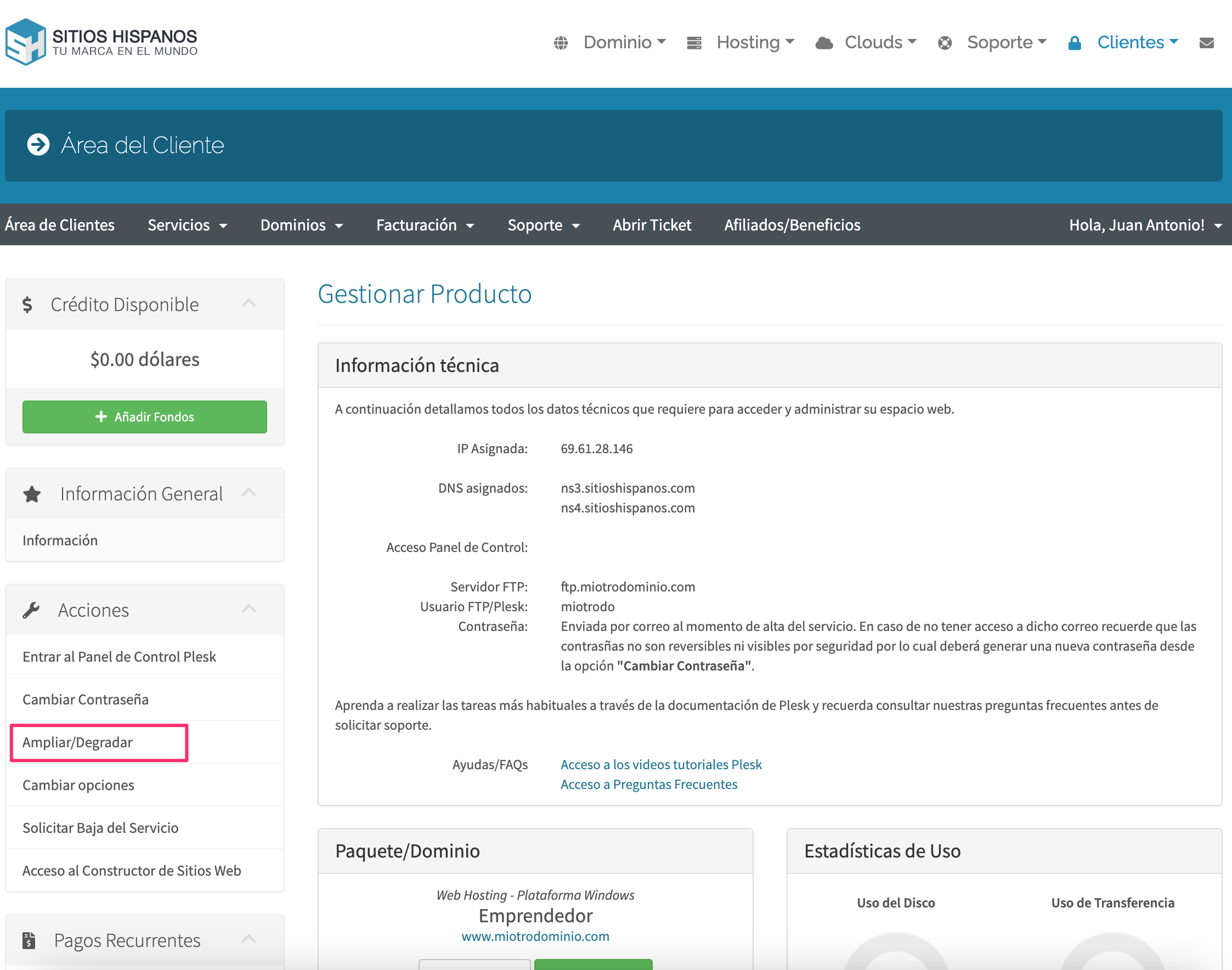
In the menu on the left you will have the option Upgrade/Downgrade
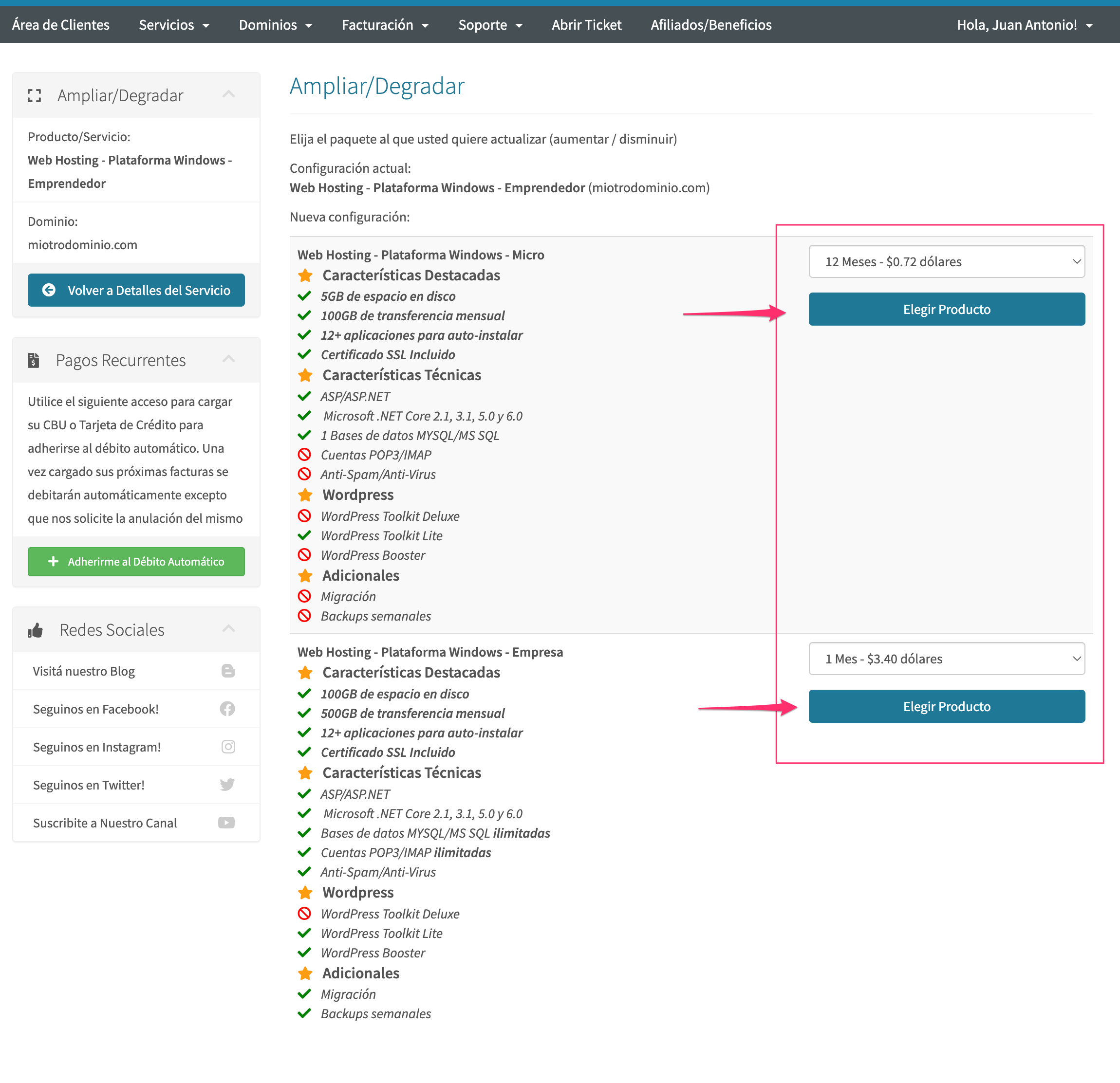
All that’s left is to choose the plan according to the technical specifications you require