How to create mailboxes from my Plesk control panel?
Below we will show you how to create an email mailbox from the Plesk control panel
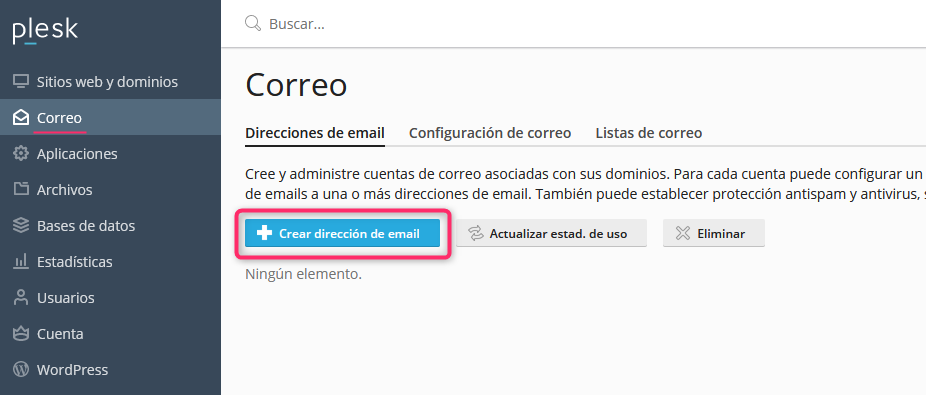
1) Once you have logged into your Plesk control panel you will find the Mail option in the left menu. Click the Create Email Address button to create your mailbox.
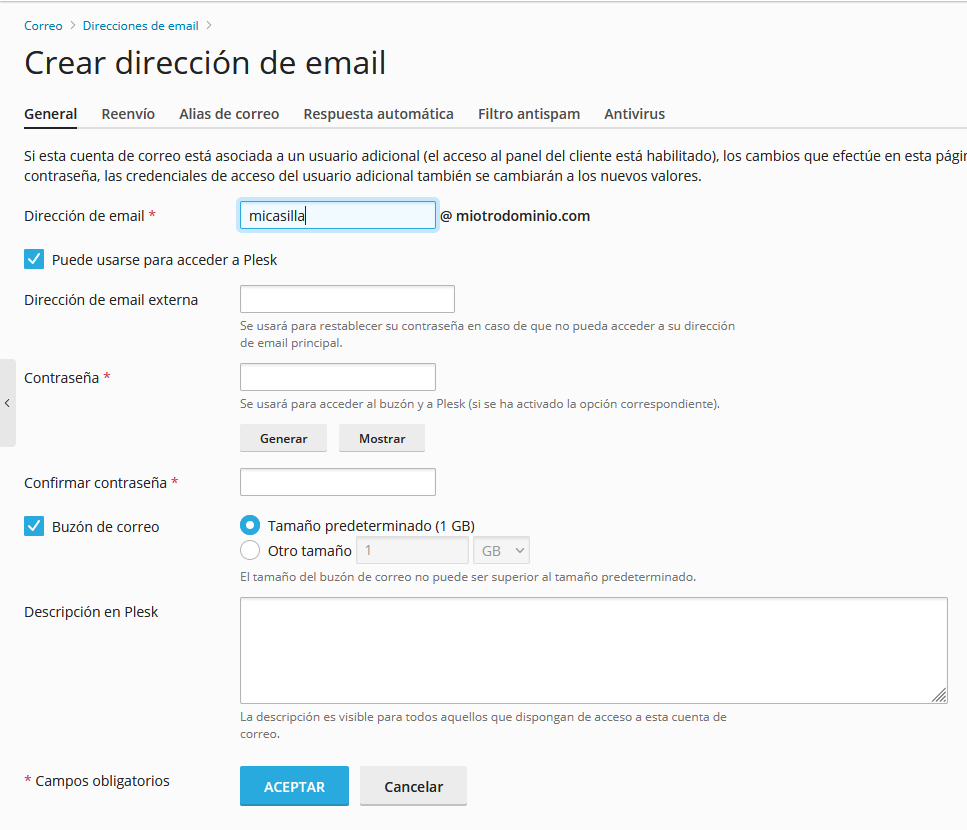
2) The mailbox creation form will ask you for:
The name of your mailbox.
whether the new mailbox can be used to access the control panel.
an alternative email address for password recovery.
a maximum storage limit for the mailbox.
After completing the information, click the OK button to create your new mailbox.
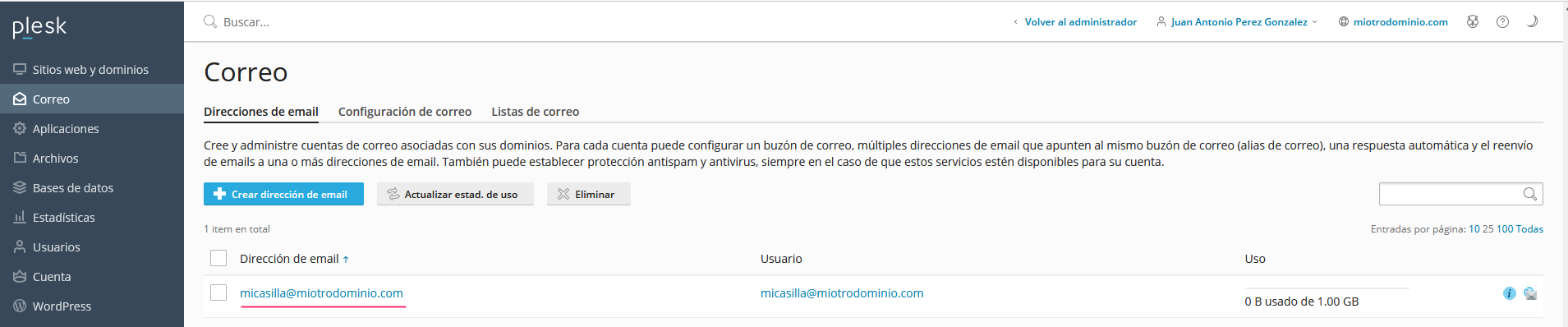
Once your mailbox has been created, you can view it from the Mail option in the left menu.