
How to access the cPanel Control Panel?
Below we’ll show you how to access the cPanel control panel.
Access from your Client Area:
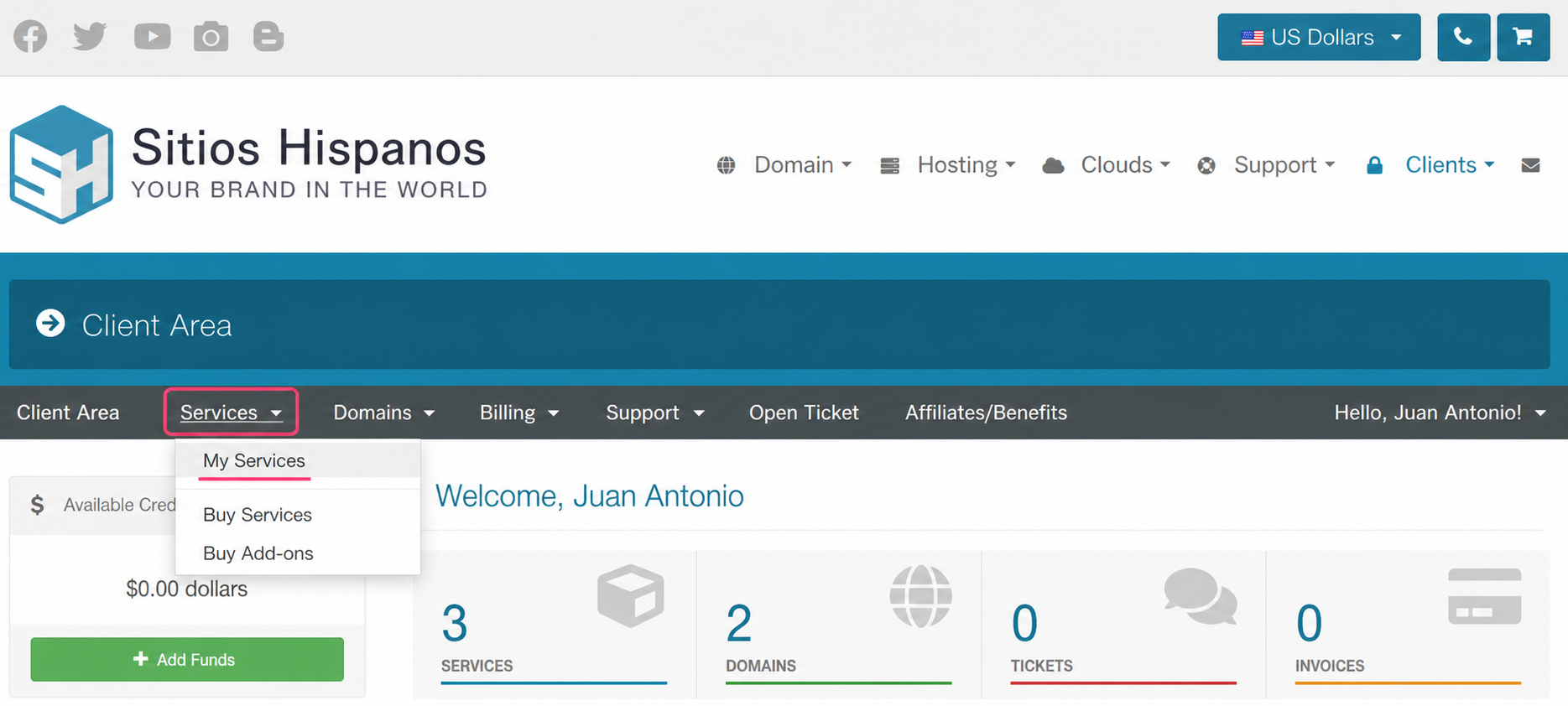
1) Log in to your Client Area and click Services, then My Services.
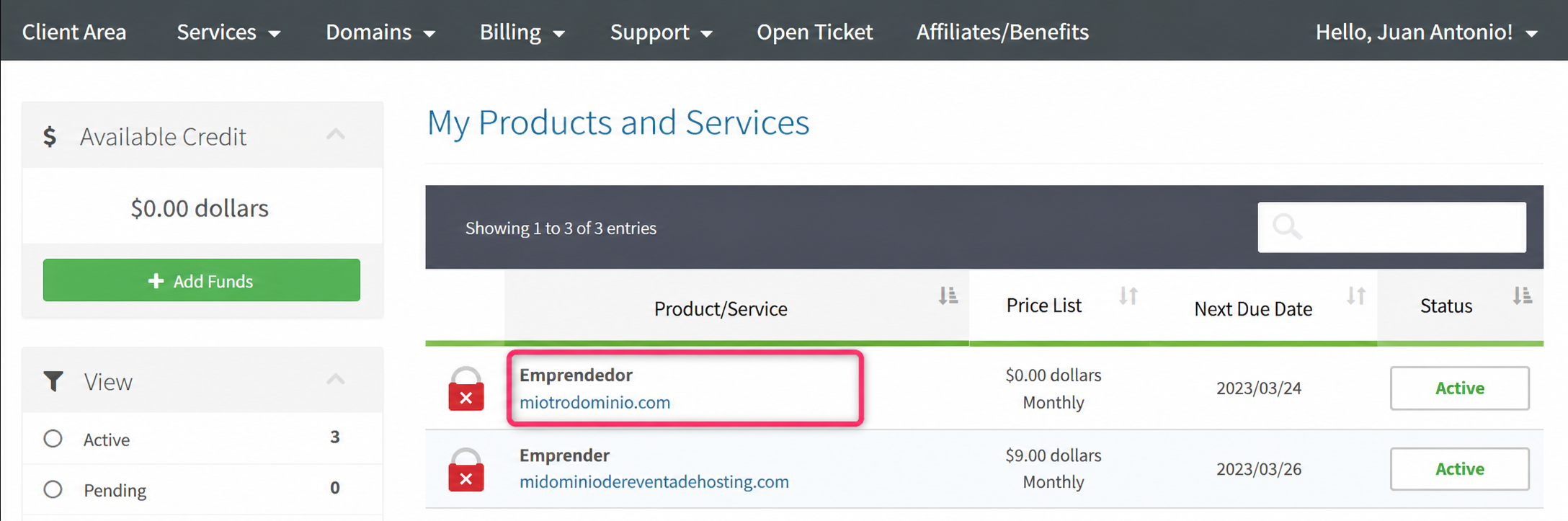
2) From the list of hosting plans you have, click on the plan whose control panel you want to access.
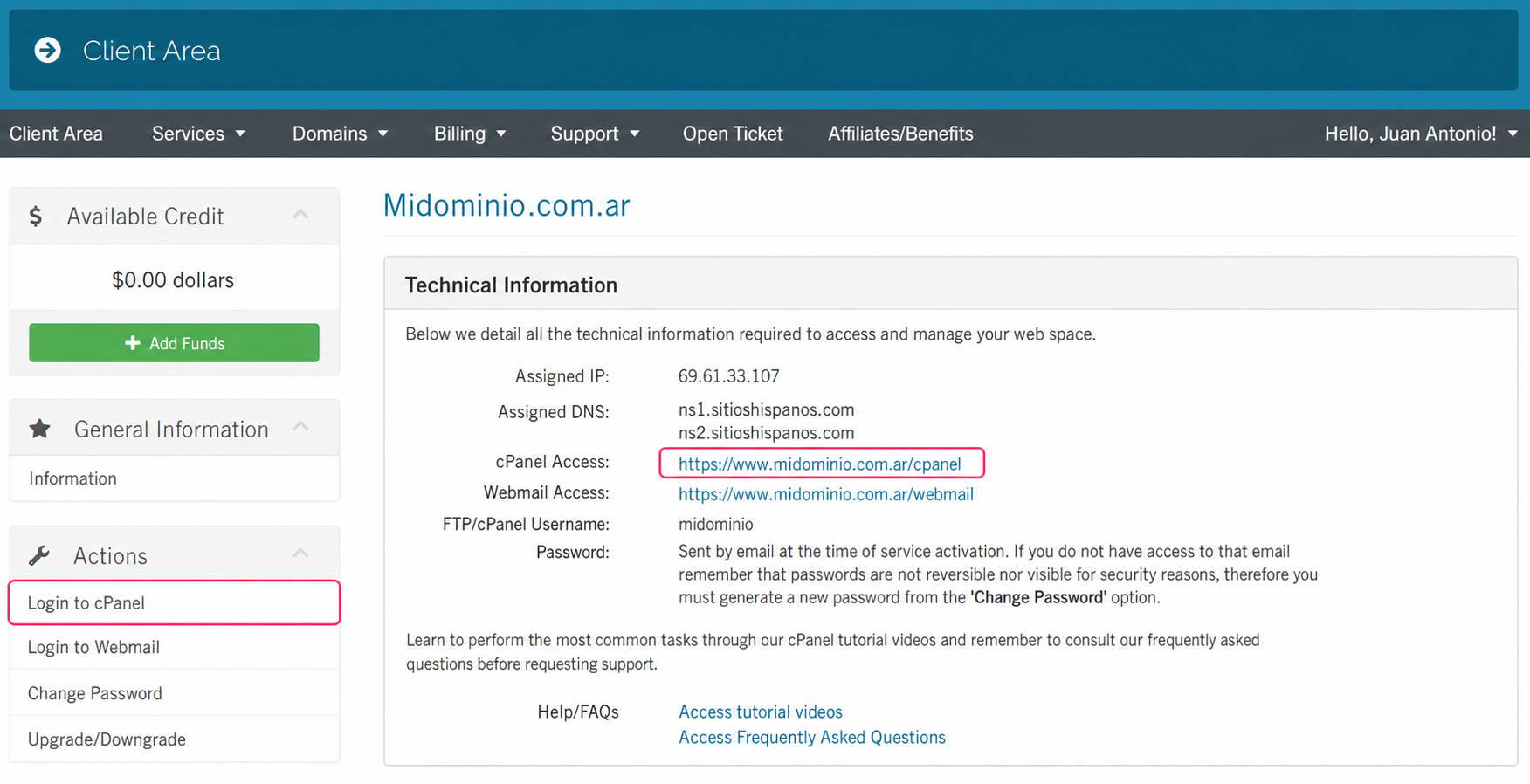
3) On the new screen you will see, in the Actions box on the left, the option to enter the cPanel control panel.
You will also see, in the central Technical Information box, the direct link to the panel from your browser.
This access will ask for your username, which you can see there, and the cPanel password.
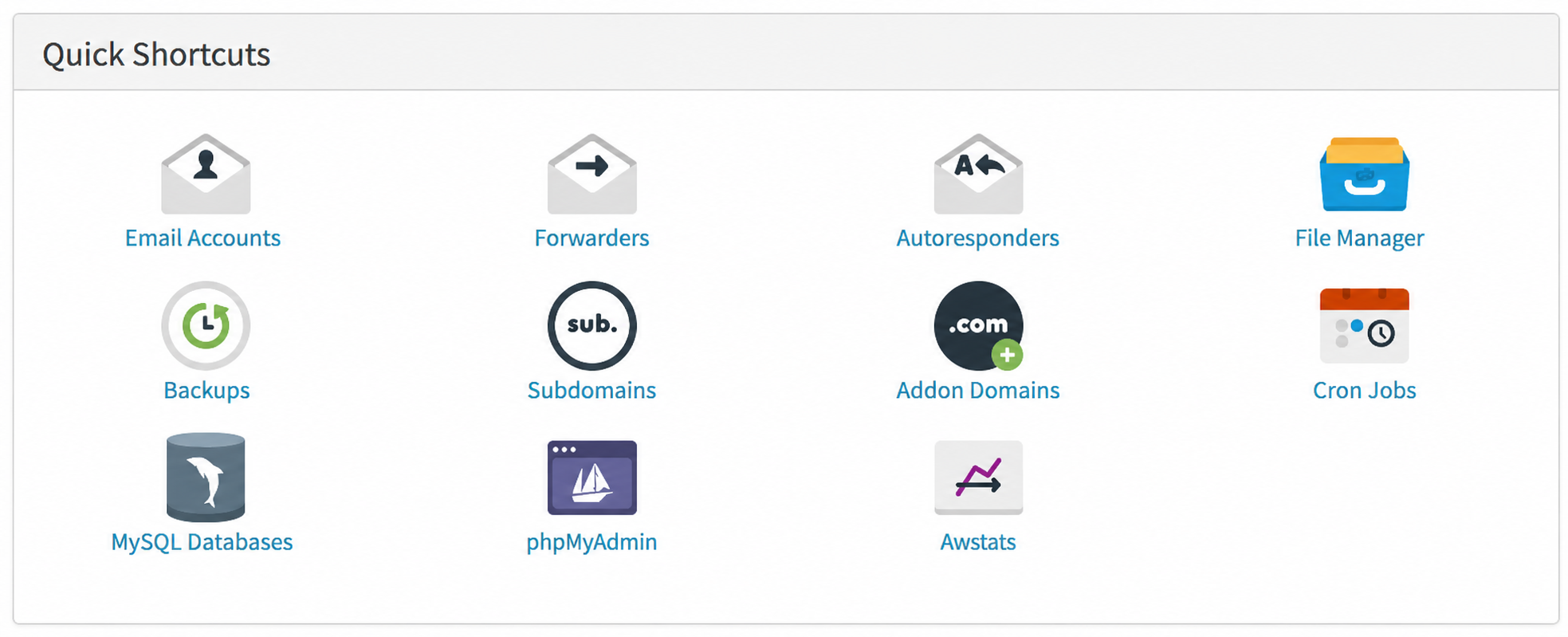
4) On that same screen, at the very bottom, you’ll see the Quick Shortcuts box with direct links to the most used tools in the cPanel control panel.
Access directly from the browser:
If you have the cPanel username and password you can access directly from your browser.
Enter any of these three web addresses: