How to access the Plesk Control Panel?
Below we will show you how to access the Plesk control panel.
Access from your Client Area:
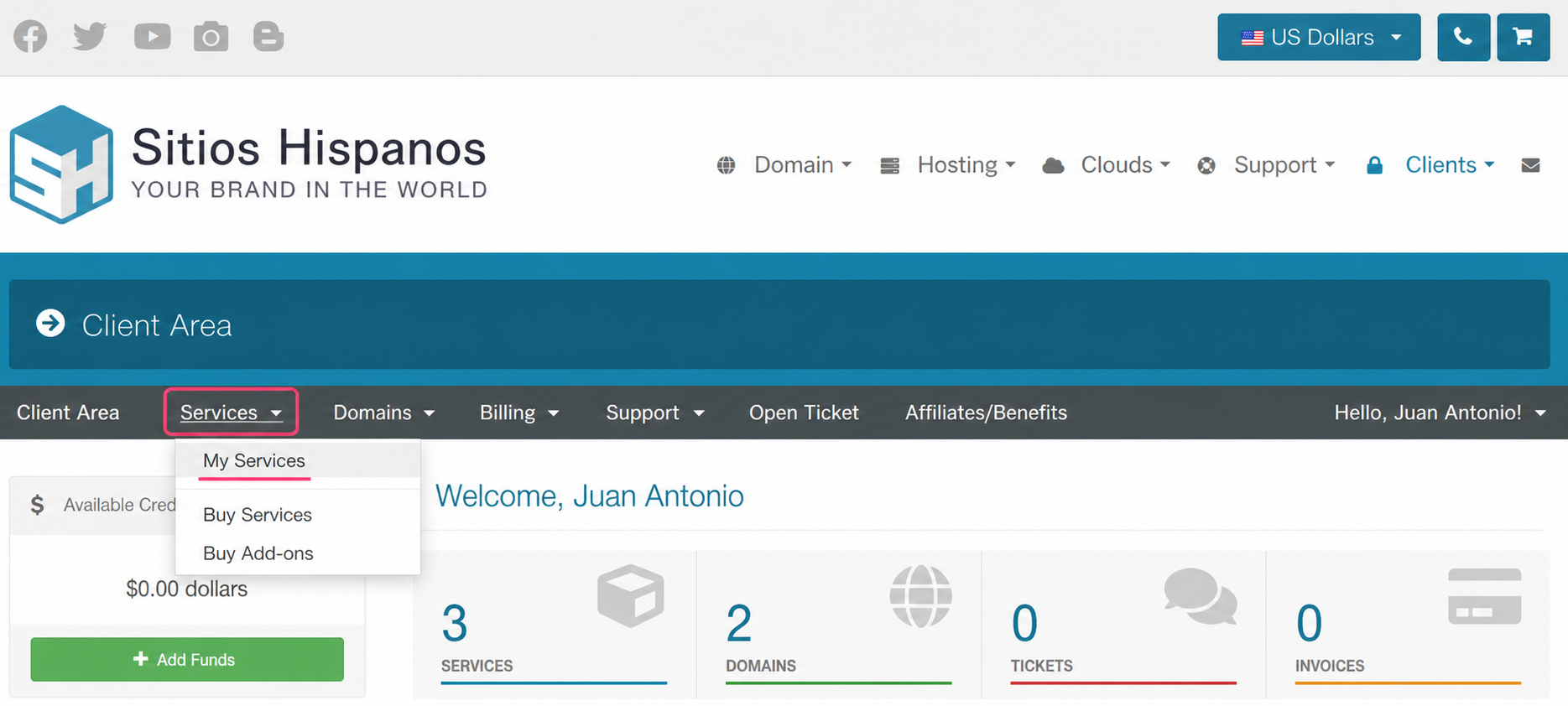
1) Log in to your Client Area and click on Services, then My Services.
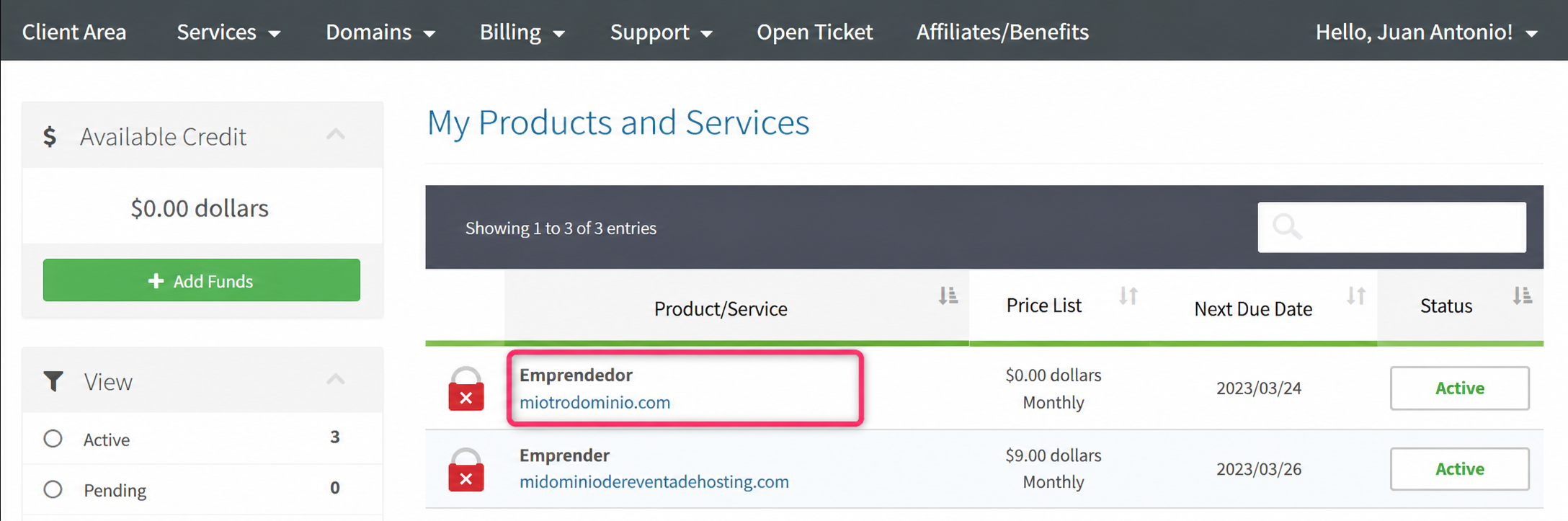
2) From the list of hosting plans you have, click on the plan whose control panel you want to access.
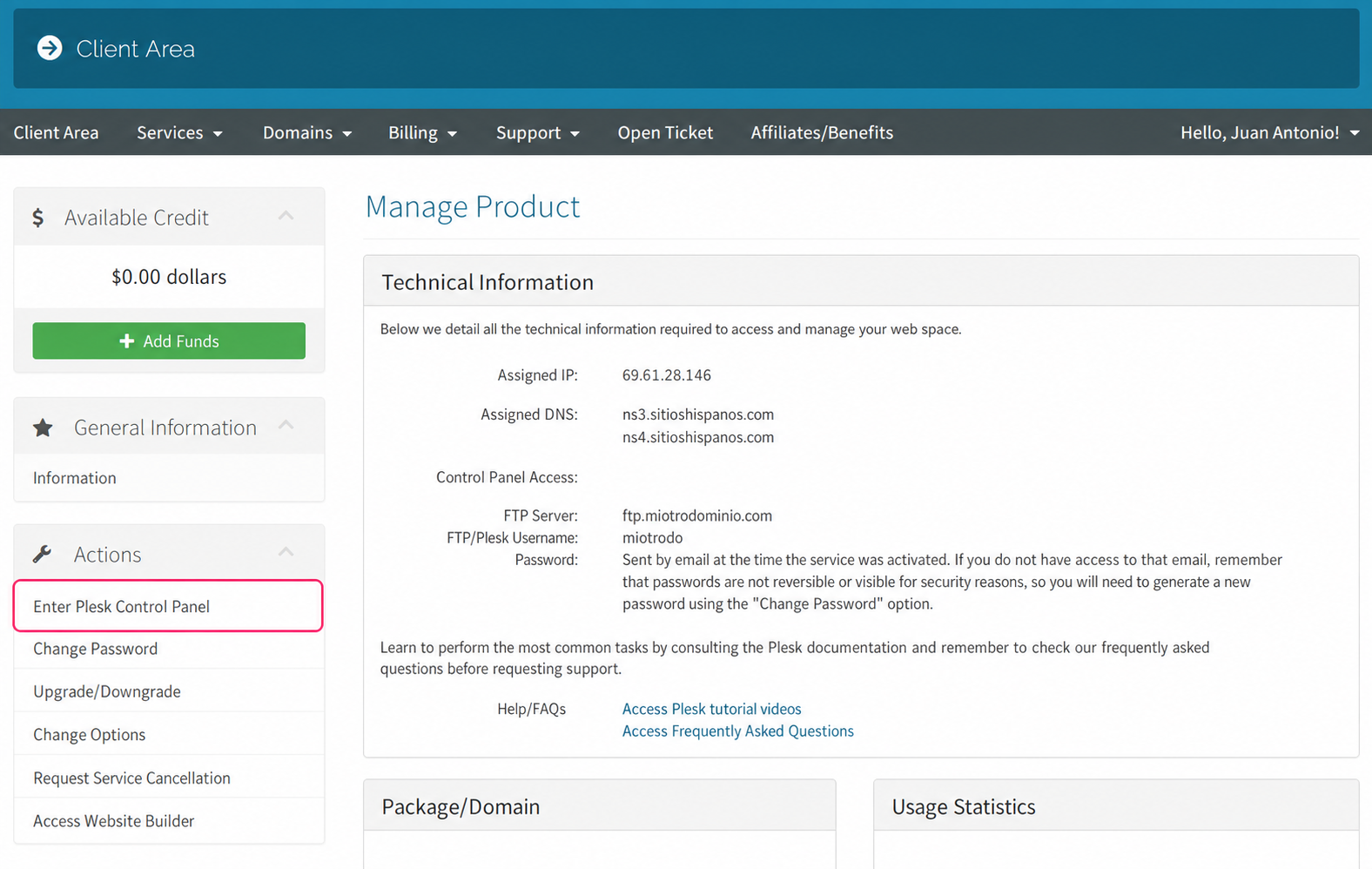
3) On the new screen you will see, in the Actions box on the left, the option to enter the Plesk control panel.
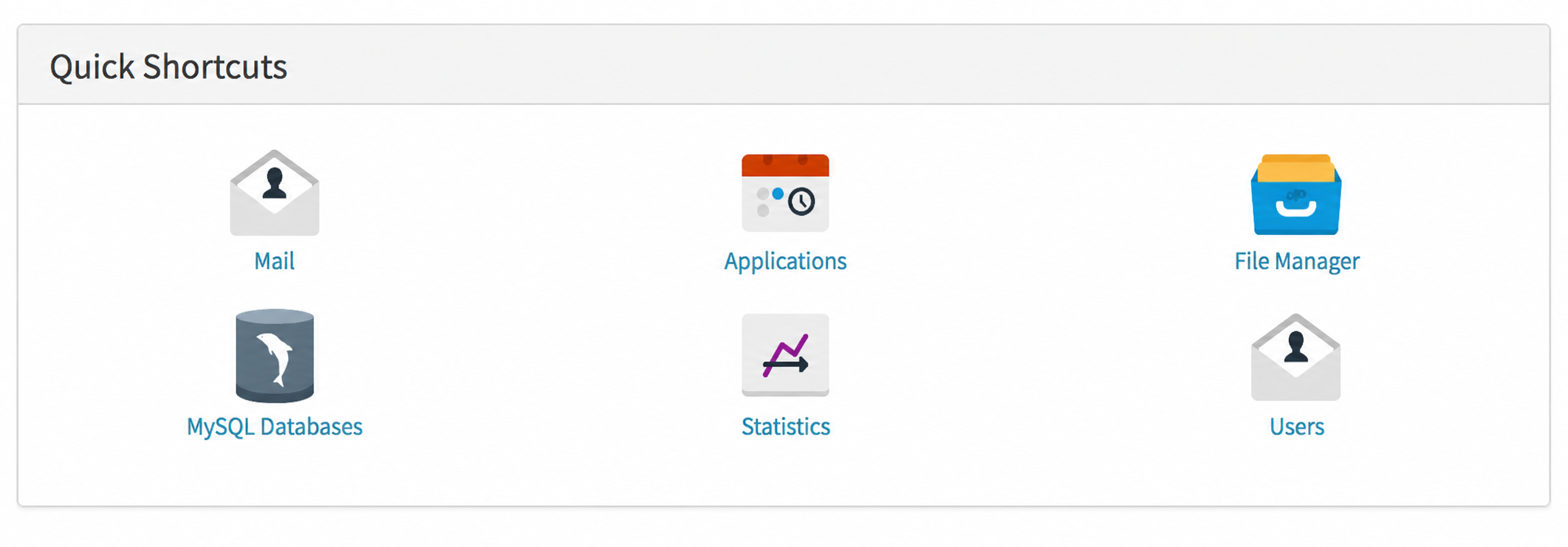
4) On this same screen you will see, at the very bottom, the Quick Shortcuts box with direct links to the most used tools in the Plesk control panel.