How to request support
From our website and from your Client Area you can contact us through different ways:
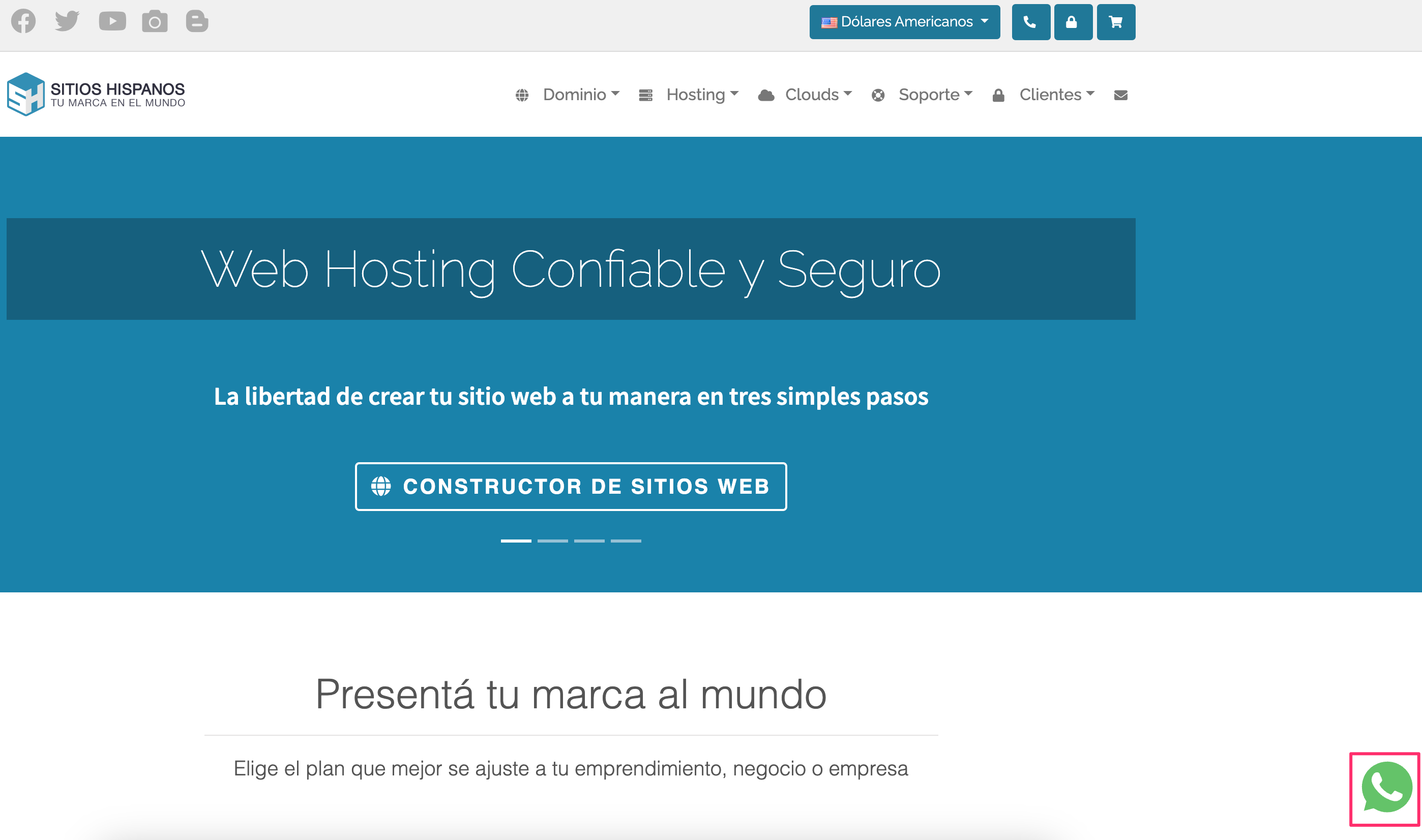
- For commercial advice or administrative inquiries: via WhatsApp, click the icon in the bottom right corner on our website.
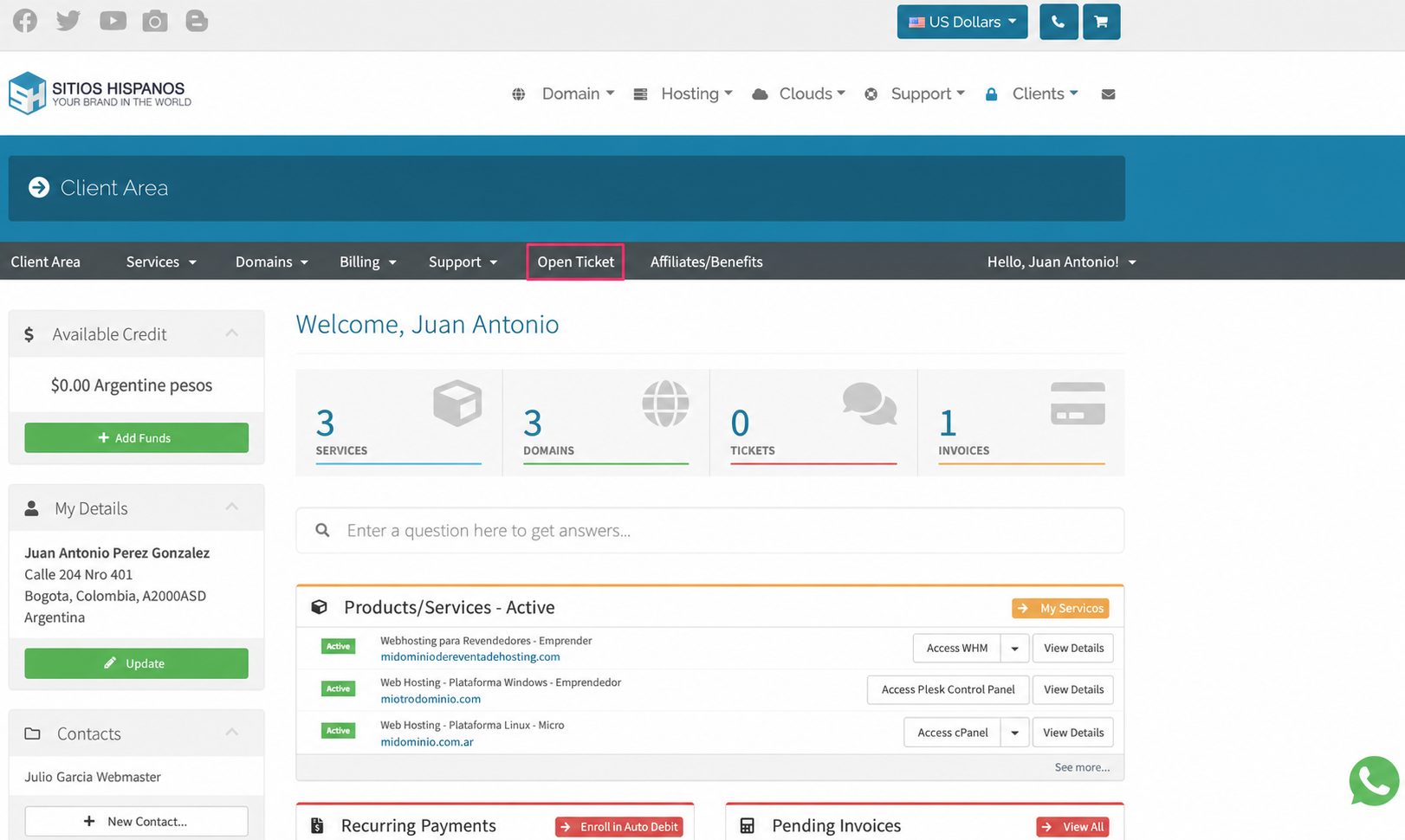
- To request support from the different departments go to Open Ticket in the central grey menu.
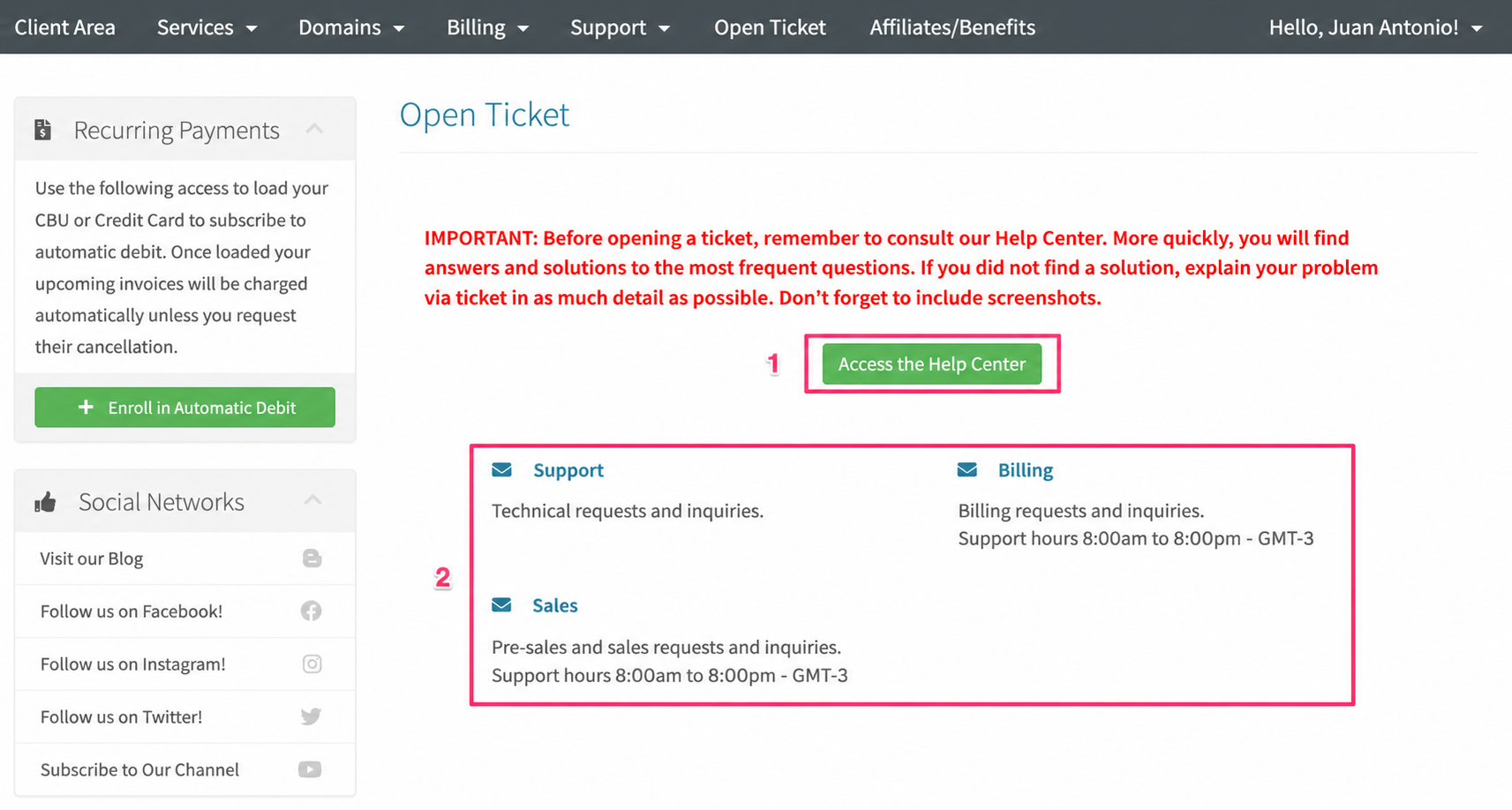
If you open a ticket, you’ll see a button to access our Help Center and, below, you’ll be able to choose which support area to address your inquiry.
Follow the recommendation in red before opening a ticket. The solution to your problem might be in the Help Center.
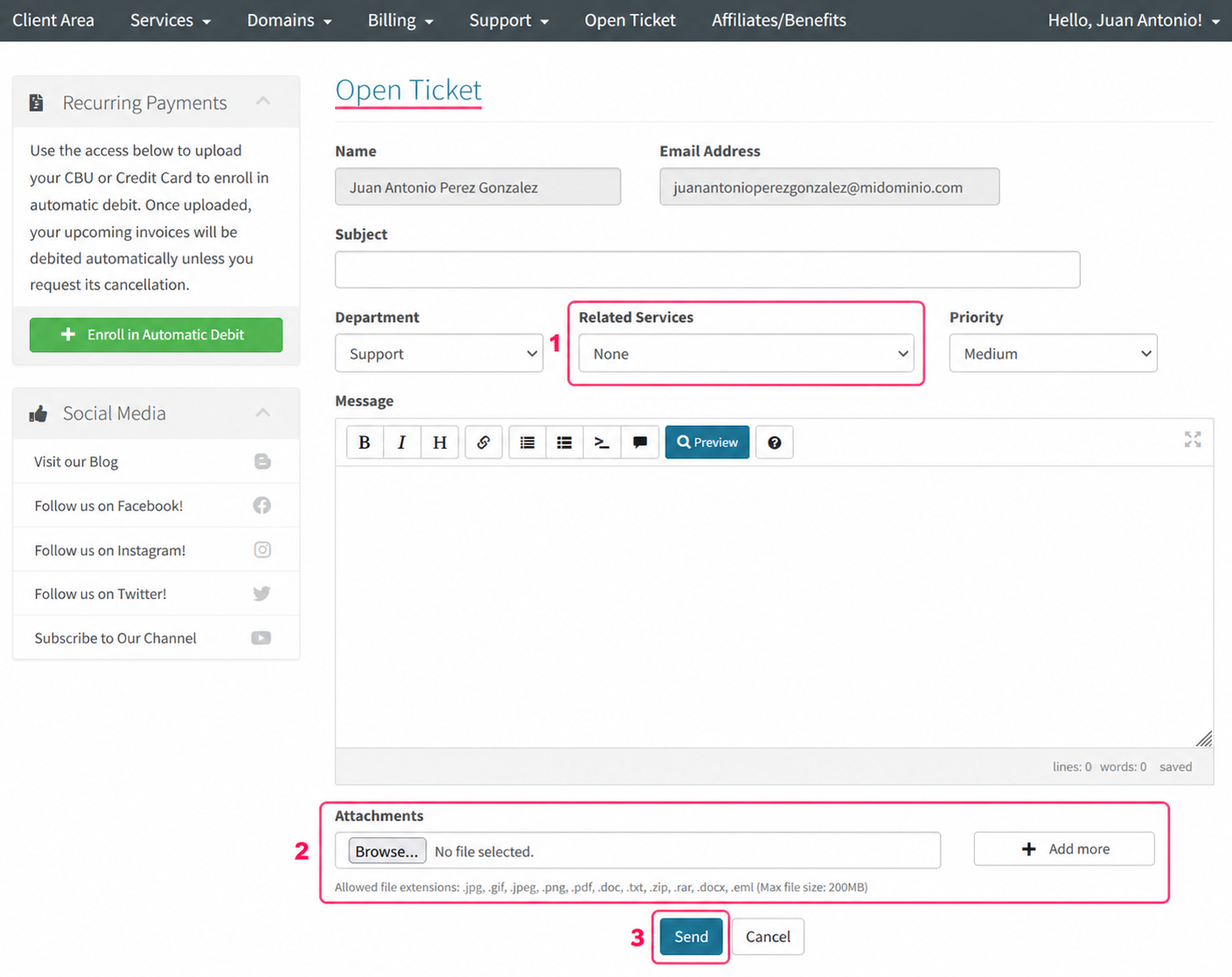
When you choose the support area you will find the text editor.
- This editor will allow you to choose the service to which your inquiry refers. You can choose the hosting plan, a domain, etc.
- You can attach files to your inquiry. It’s recommended to attach images of configurations or error screens to facilitate the solution.
- Finally, when your inquiry is ready, press the Send button. Your inquiry will be recorded as a support ticket. You will receive the responses in your email inbox.
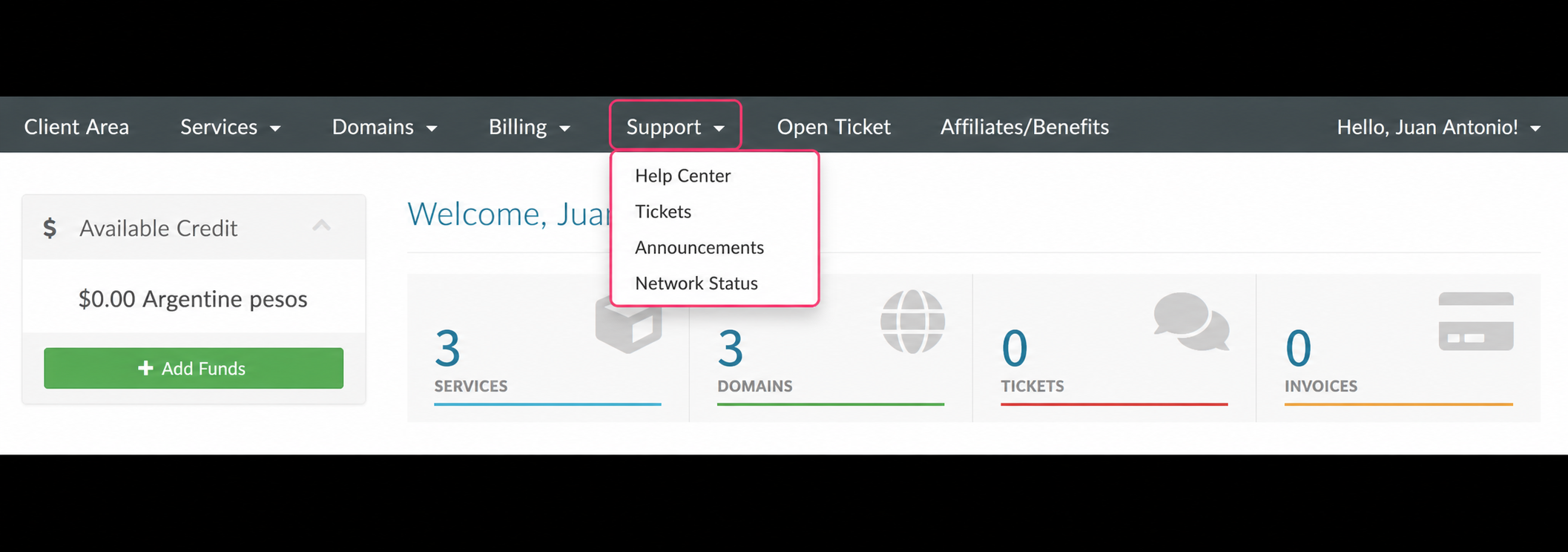
If you want to find a previous ticket or go to the Help Center, you can do so from the Support option in the central grey menu of your Client Area.