

How to access my Business Email account via Webmail?
There are three ways to access Webmail:
- From its web address
- From the control panel
- From the Client Area
We will detail each access method below.
Access to Webmail from its web address:
The web address that gives access to webmail is: tudominio.com/webmail
Replace “tudominio.com” with the domain of your account to access.
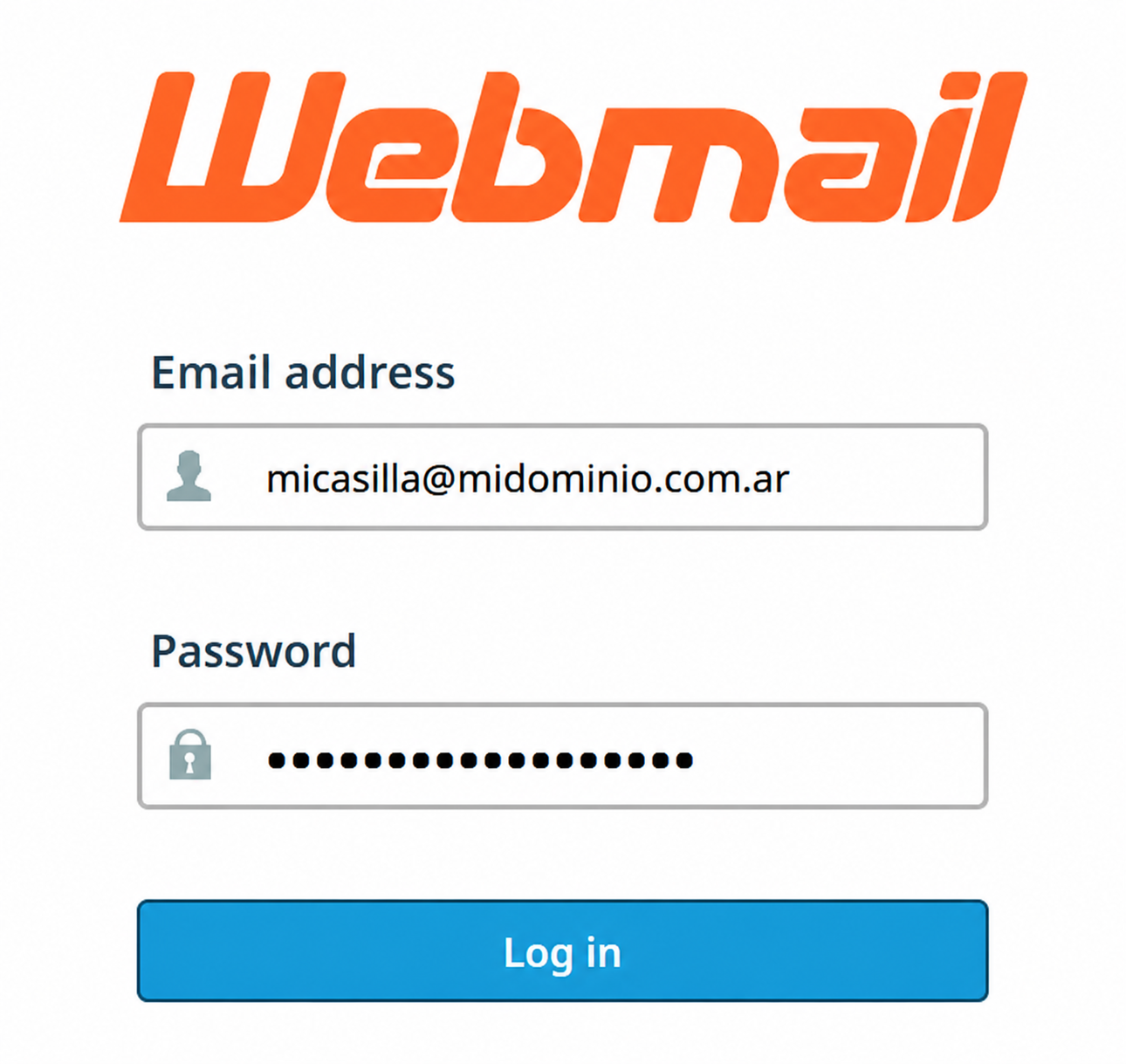
A screen will appear where you must enter your mailbox and password.
Press Log In to access.
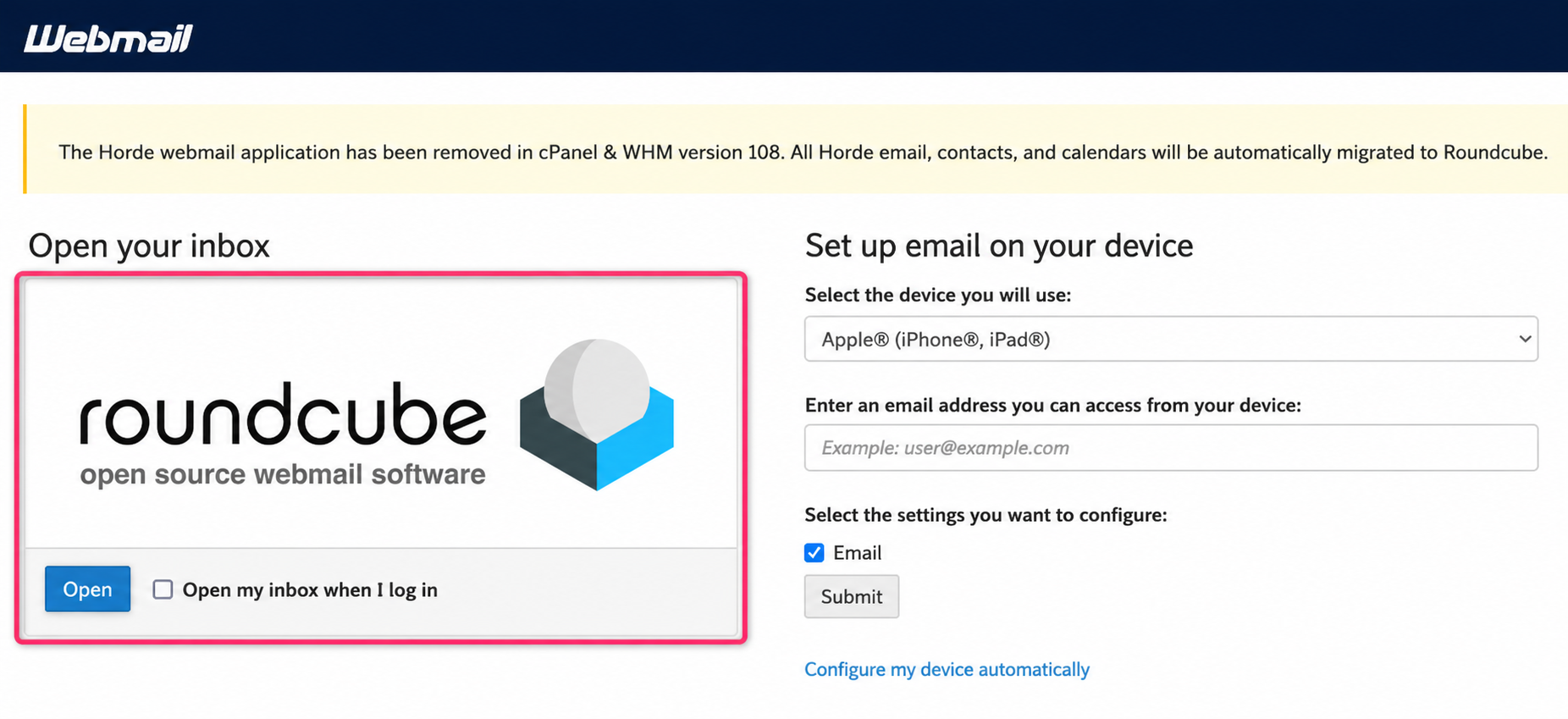
You will arrive at the screen where you will have to choose roundcube to access your mailbox.
Access to Webmail from the control panel
-
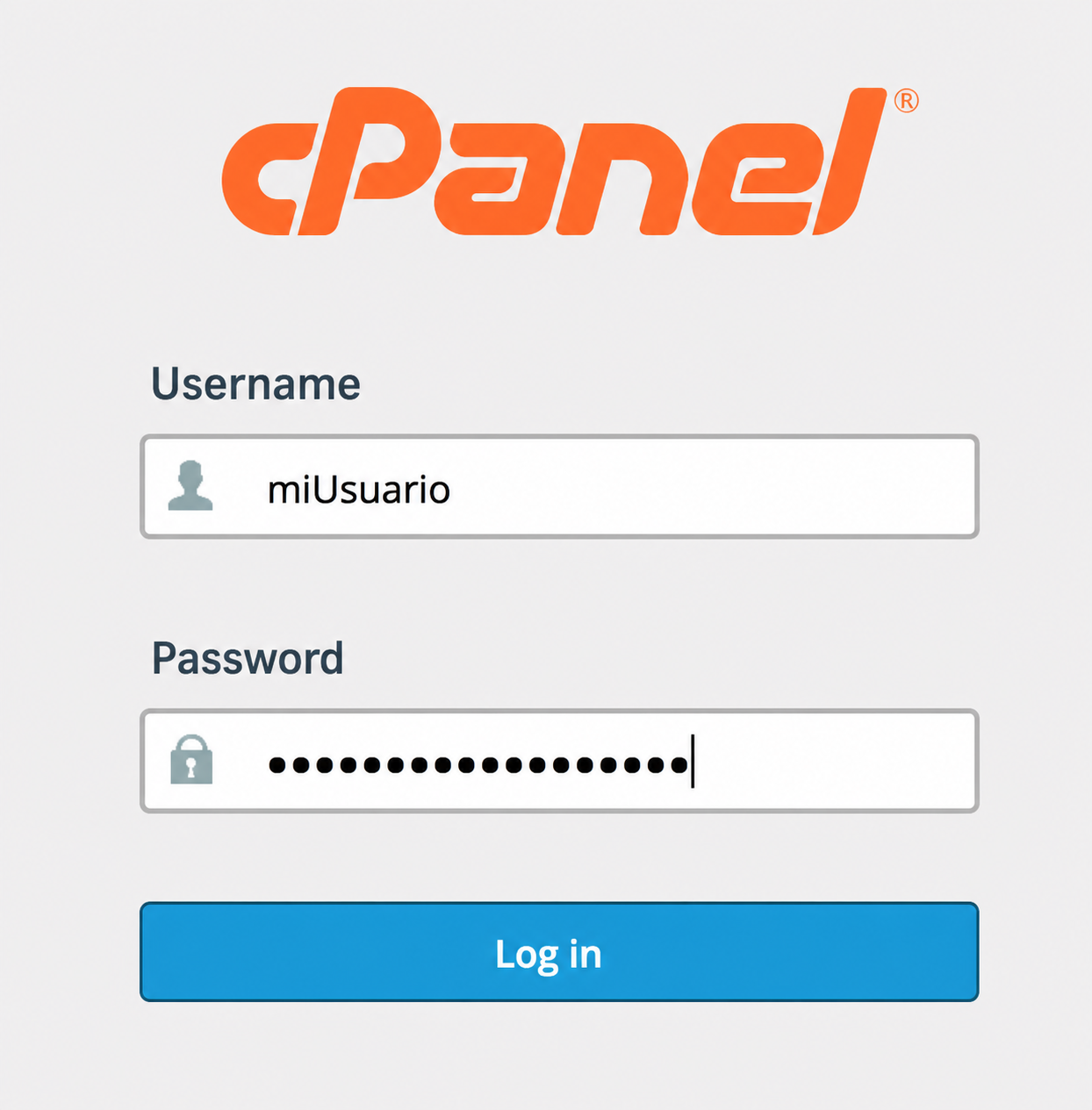
In your browser enter the web address
tudominio.com/cpanelreplacing “tudominio.com” with the domain of your account.It will ask for the username and password. Press Log In to enter.
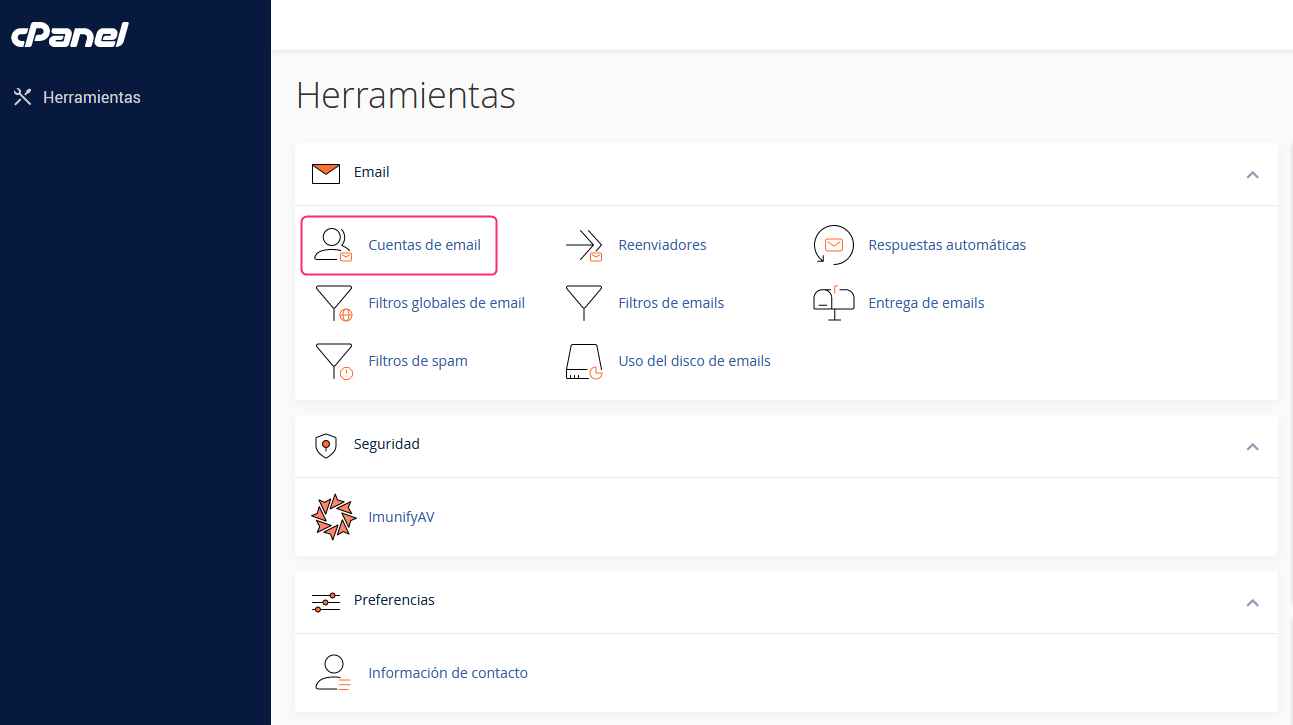
- Once you have logged into your cPanel control panel, you will find the Email box.
Enter Email Accounts inside that box.
- On the new screen you will see the area where email accounts are created and managed.
Press the Check Email button to check your mailbox in Webmail.
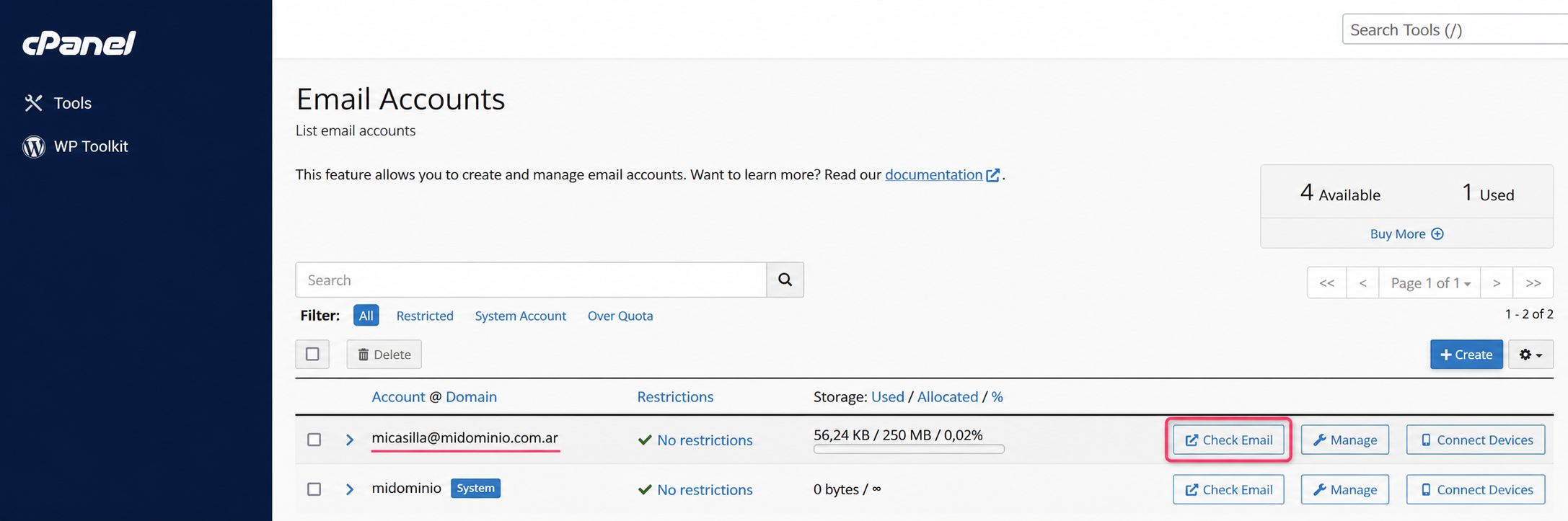
- You will arrive at the screen where you will have to choose roundcube to access your mailbox.
Access to Webmail from the Client Area
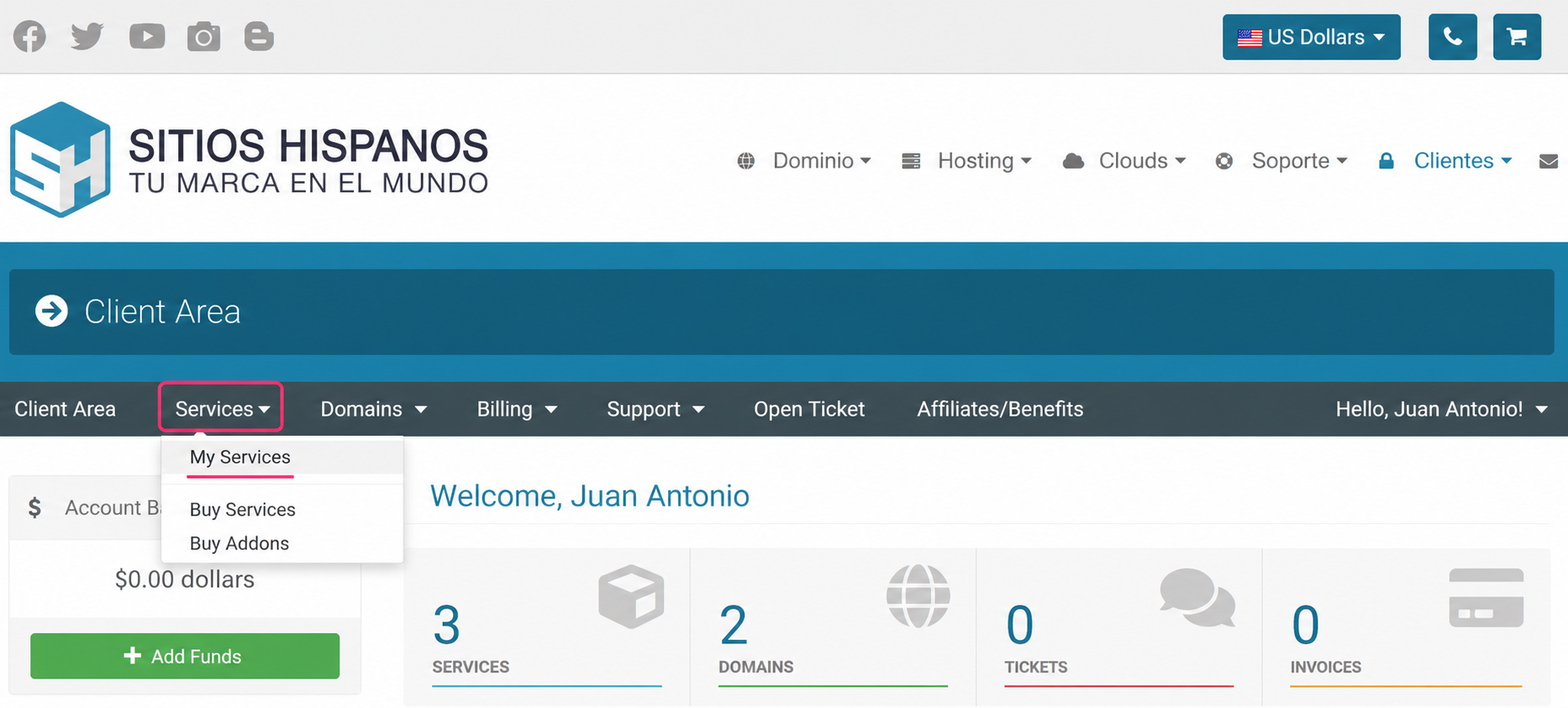
- In your Client Area go to Services and then to My Services.
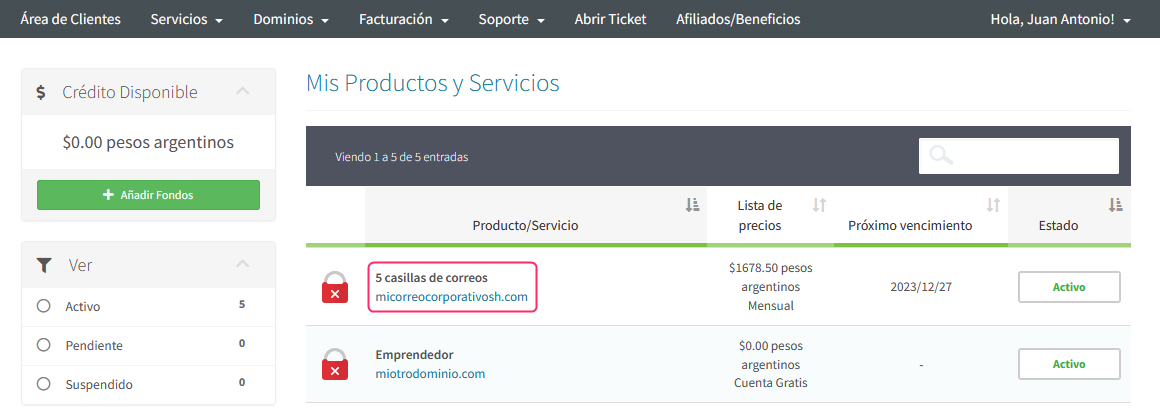
- Look for the Business Email plan in the list of contracted plans, click on the name of your plan.
- On the new screen, at the very bottom, you will find Quick Shortcuts.
They will take you to the control panel from where you can access your mailboxes via Webmail.
.png)
Follow this link to continue access to Webmail from the control panel, from step 2: