

How do I purchase a service without being registered?
You can create your account during your first purchase; you don’t need to register beforehand.
- Go to www.sitioshispanos.com.
- Choose the language and currency.
- Select the service and the plan you want to purchase.
- If the service uses a domain, choose whether you want to register it, transfer it, or use one you already own.
- Configure the billing cycle and add-ons, then review the cart.
Create the account at checkout
- At checkout, choose Create a new account.
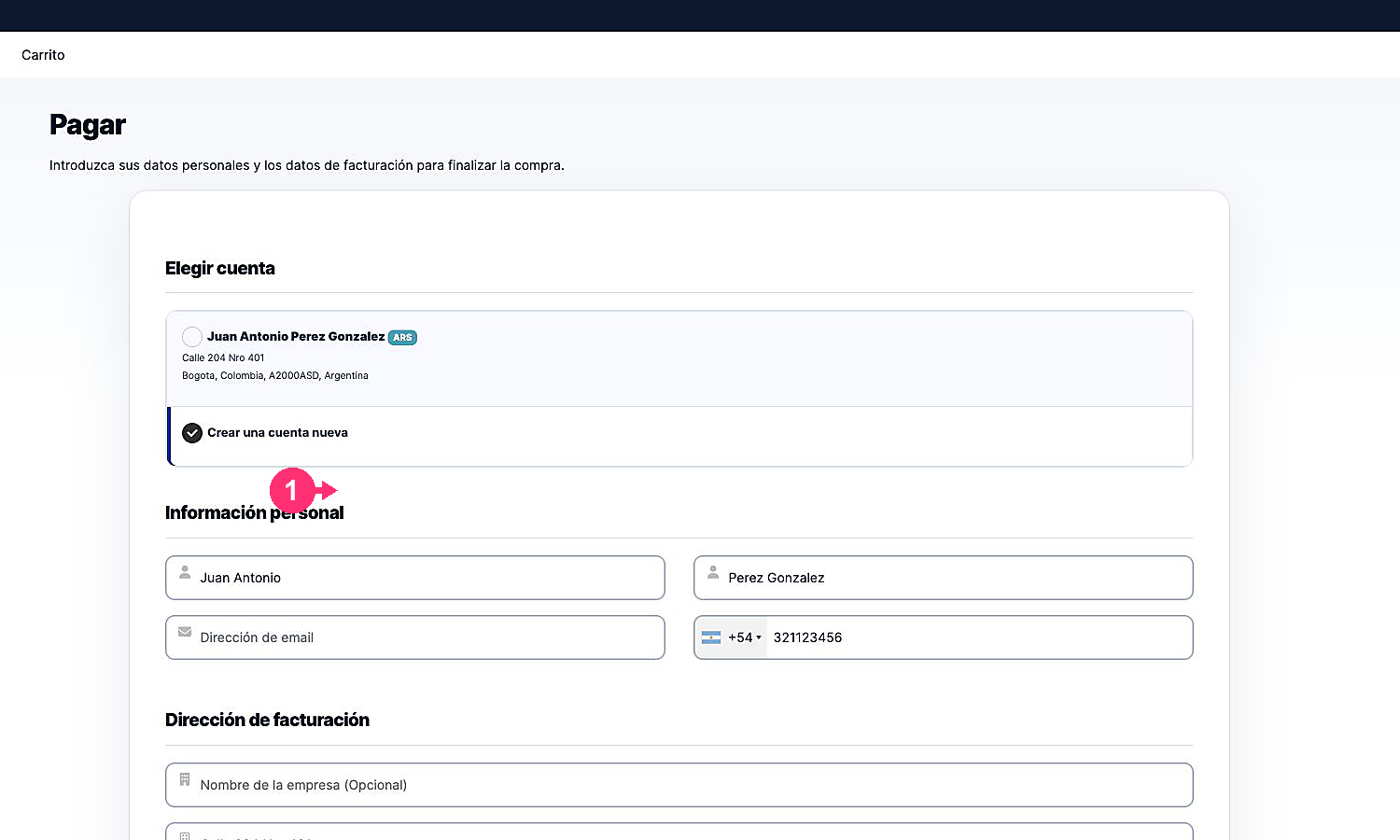
- Fill in your personal and billing details with accurate and up-to-date information.
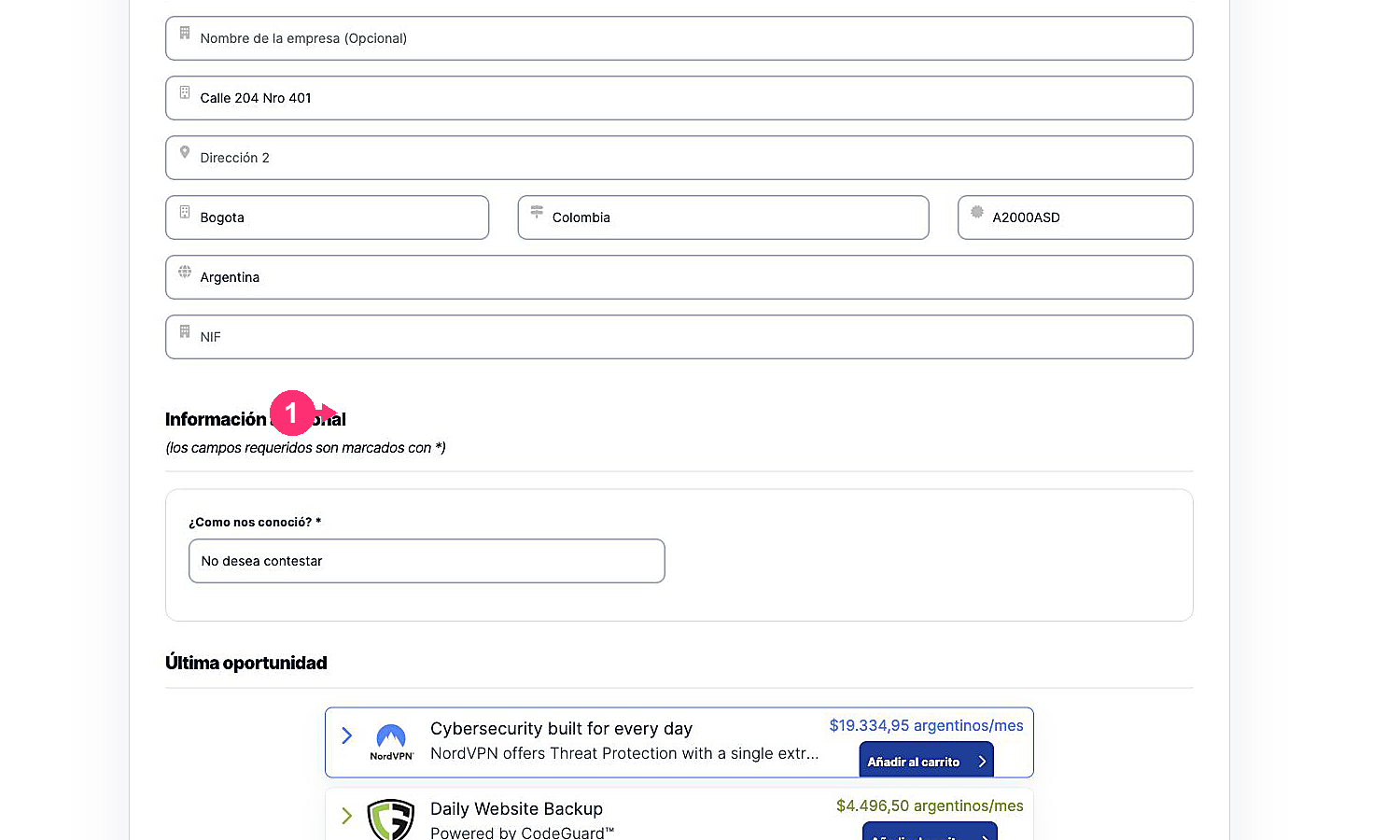
- Set a secure password to access your new Client Area.
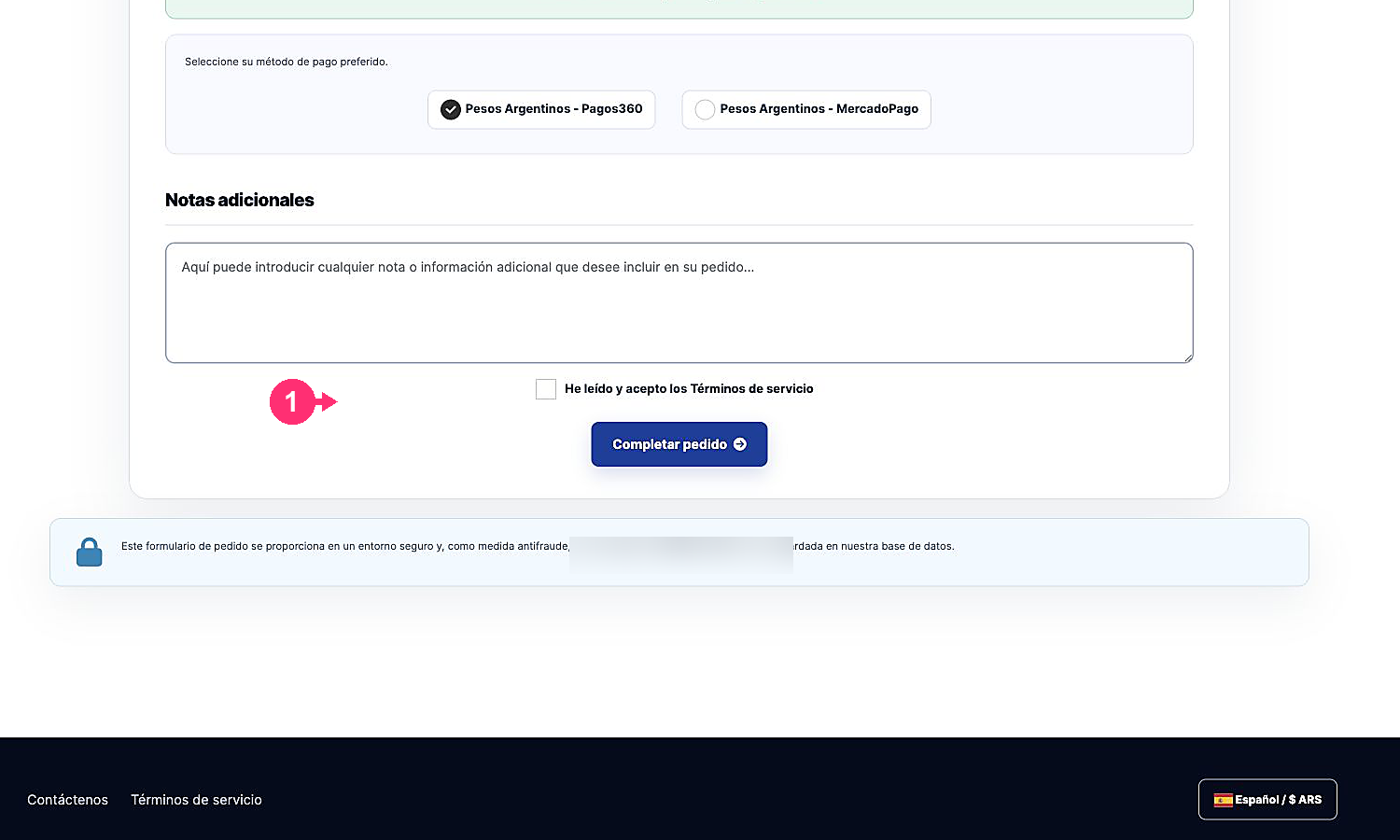
- Choose the payment method and, if needed, add an order note.
- Read and accept the terms of service. Press Complete Order to create the account and generate the order.
After completing registration, you will be able to review your services, invoices and tickets from the Client Area.