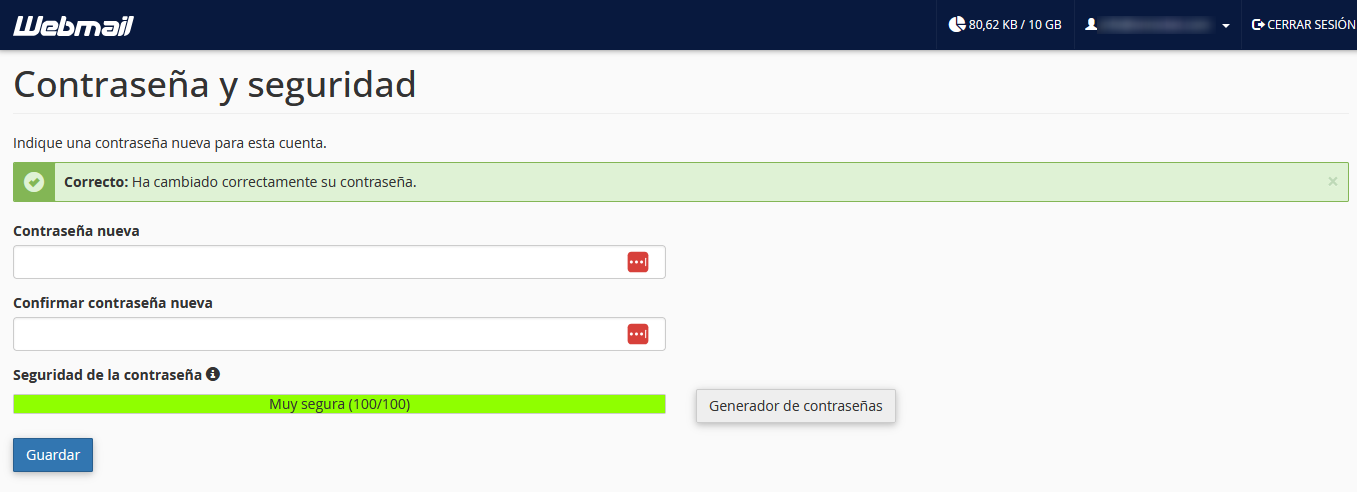
How do I change my email account password from webmail?
To modify the password of your email account from webmail you must follow these steps:
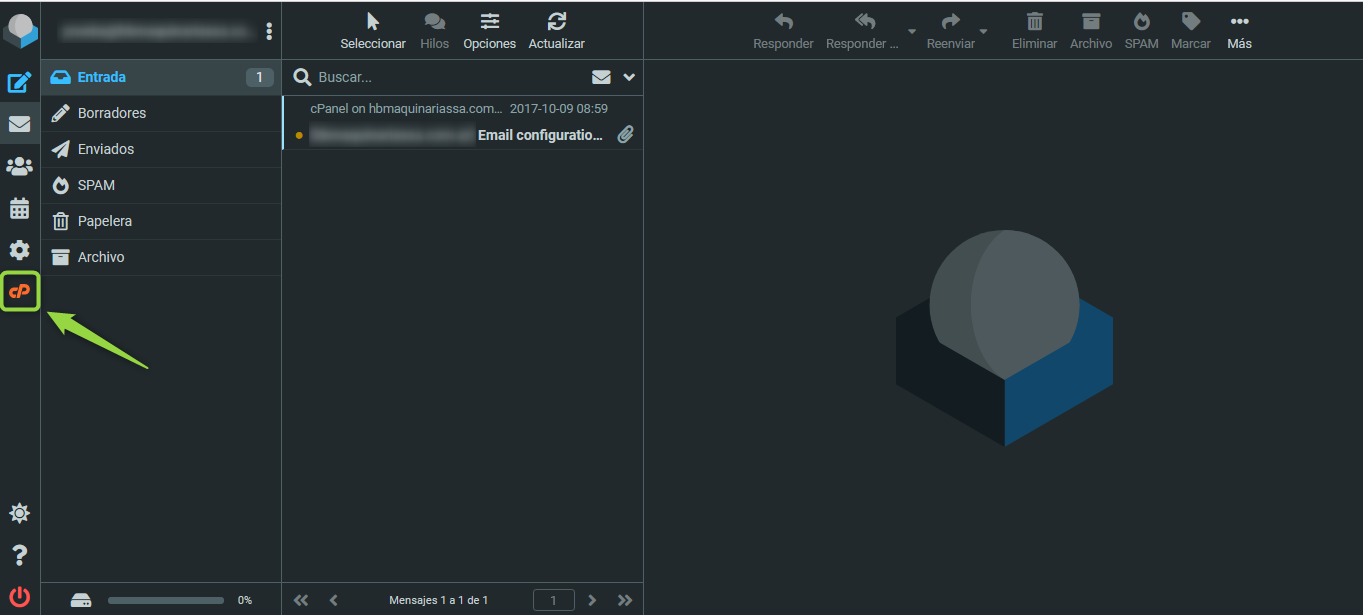
1 - On the webmail screen, click on the cPanel logo in the left column.
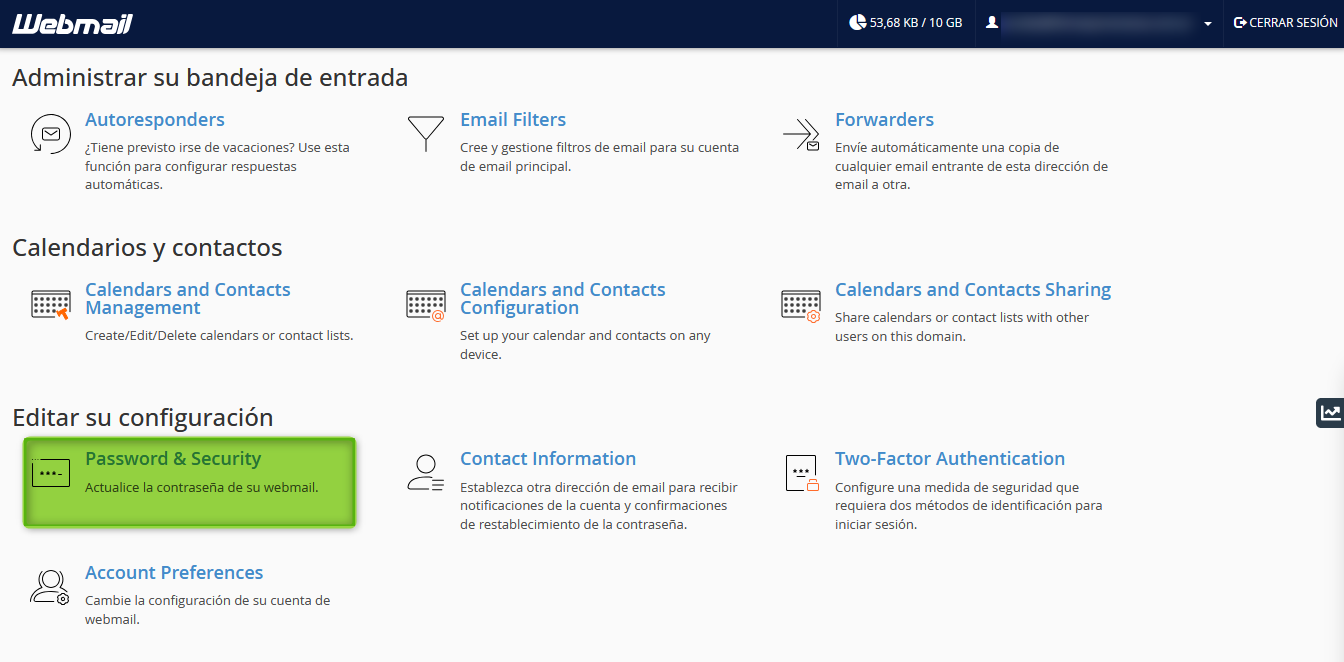
2 - Now, look within “Edit your settings” for the option “Password & Security” and click there.
3 - In the new screen, set the new password for the account and then click “Save” to apply the changes.