

How to modify WHOIS data?
- Log in to your Client Area.
- Open Domains > My domains.
- Select the domain you want to manage.
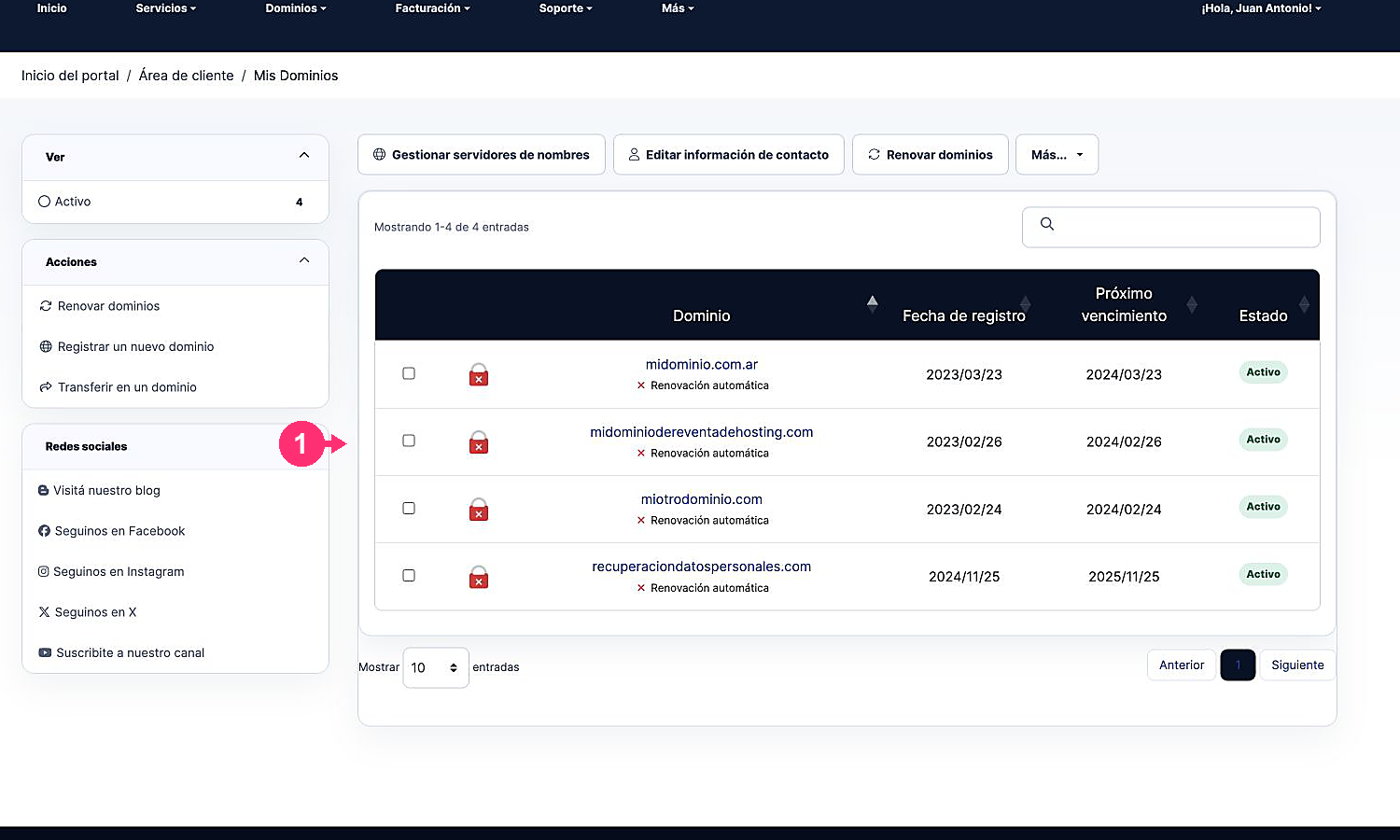
- Open the contact information option available for that domain.
- Update the registrant, administrative, technical, or billing data and save the changes.