

How do I request support?
You can contact SitiosHispanos.Com through the appropriate channel for each query.
Tickets from the Client Area
Tickets are the recommended channel for technical, administrative or commercial queries that require follow-up.
- Log in to your Client Area.
- Open Support in the main menu and select Open ticket.
- Choose the department that corresponds to your query.
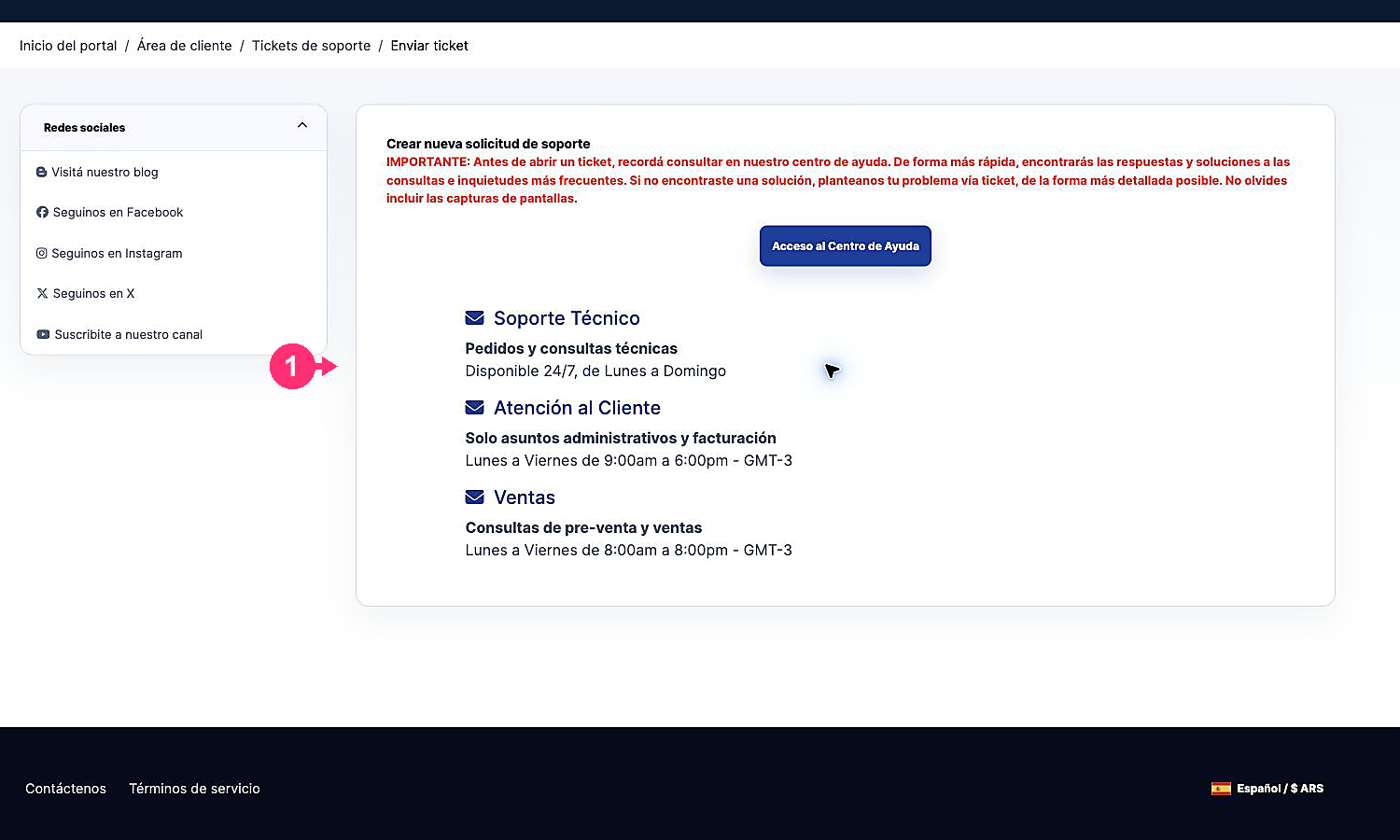
- Select the related service, write the subject and describe the query.
- Attach screenshots or files if they help explain the problem.
- Review the details and press Send.
View previous tickets
Open Support > Tickets to view the history, status and responses of each conversation.
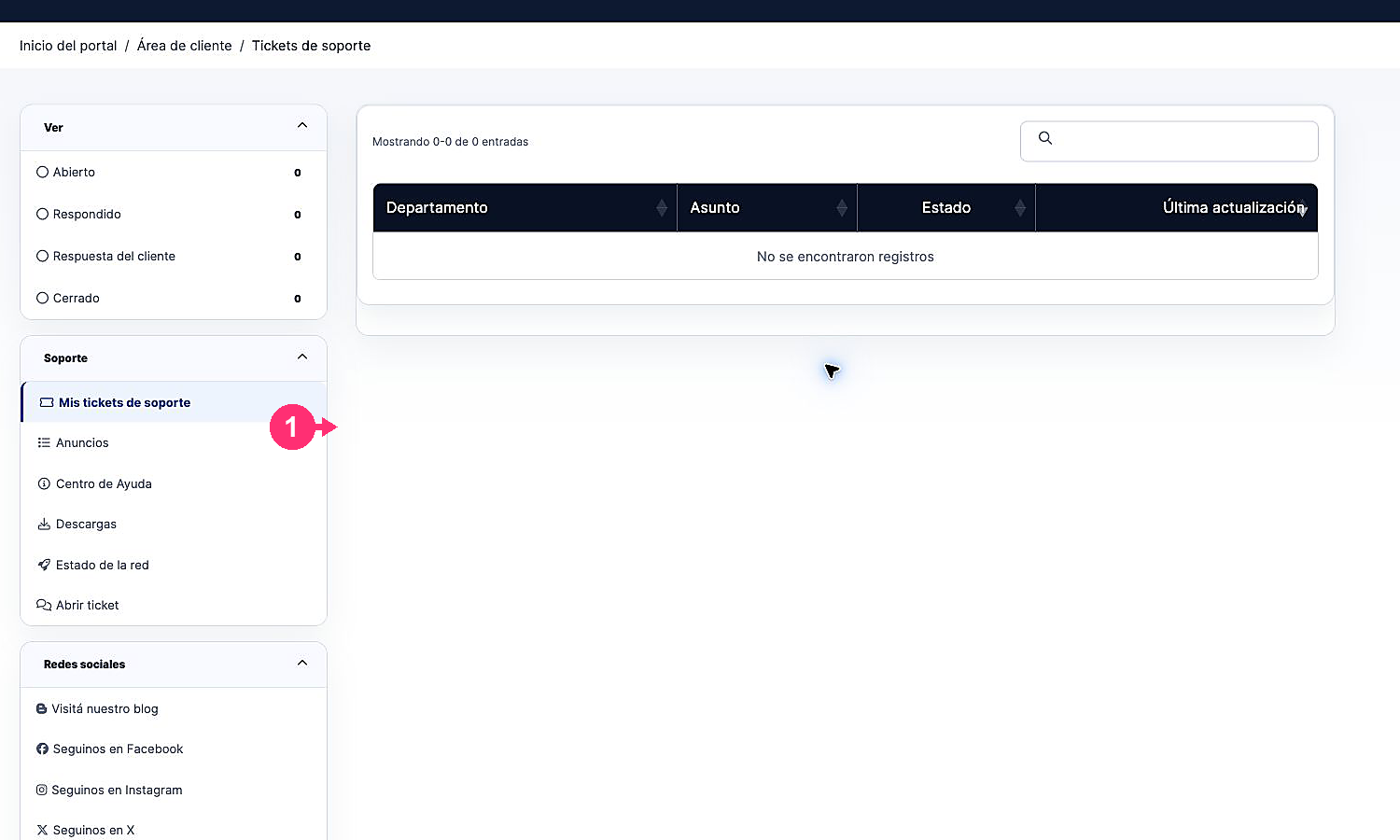
Responses are also sent to the email associated with your account.
Commercial assistance via WhatsApp
For commercial inquiries, use the access to WhatsApp Business - Commercial Assistance that appears in the lower right corner of the site.
Help Center
Before opening a query, search for a solution in the Help Center. There you will find guides on administration, billing, domains, email and services.