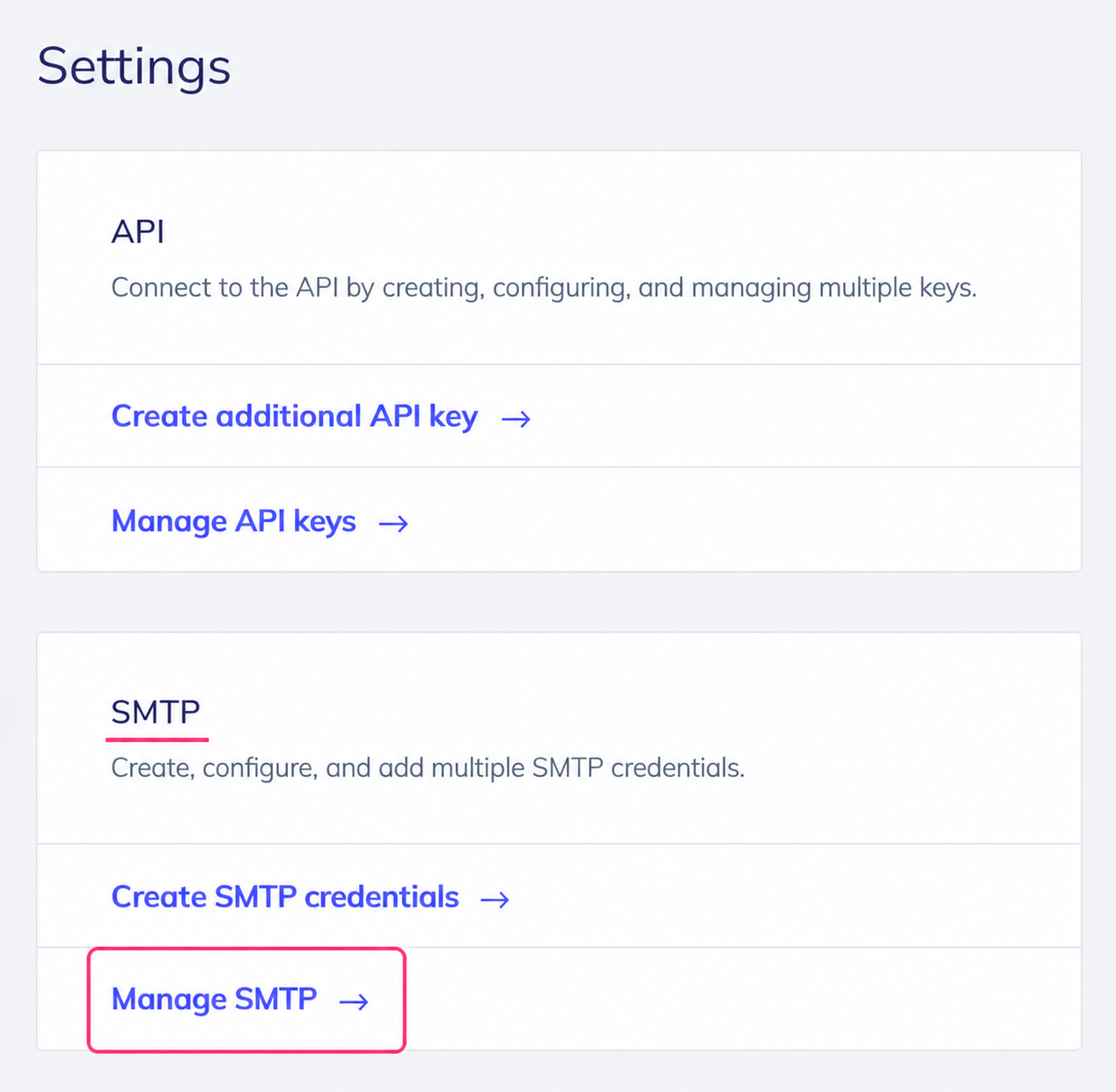
How do I configure an SMTP account?
Our Email Marketing platform will allow you to send mail campaigns using any external mail client (Outlook, Thunderbird, Apple Mail, etc.).
When you add contacts as recipients of your sends, they will be added automatically to the contacts list in our platform.
To make this kind of sending from an external mail client follow the steps below:
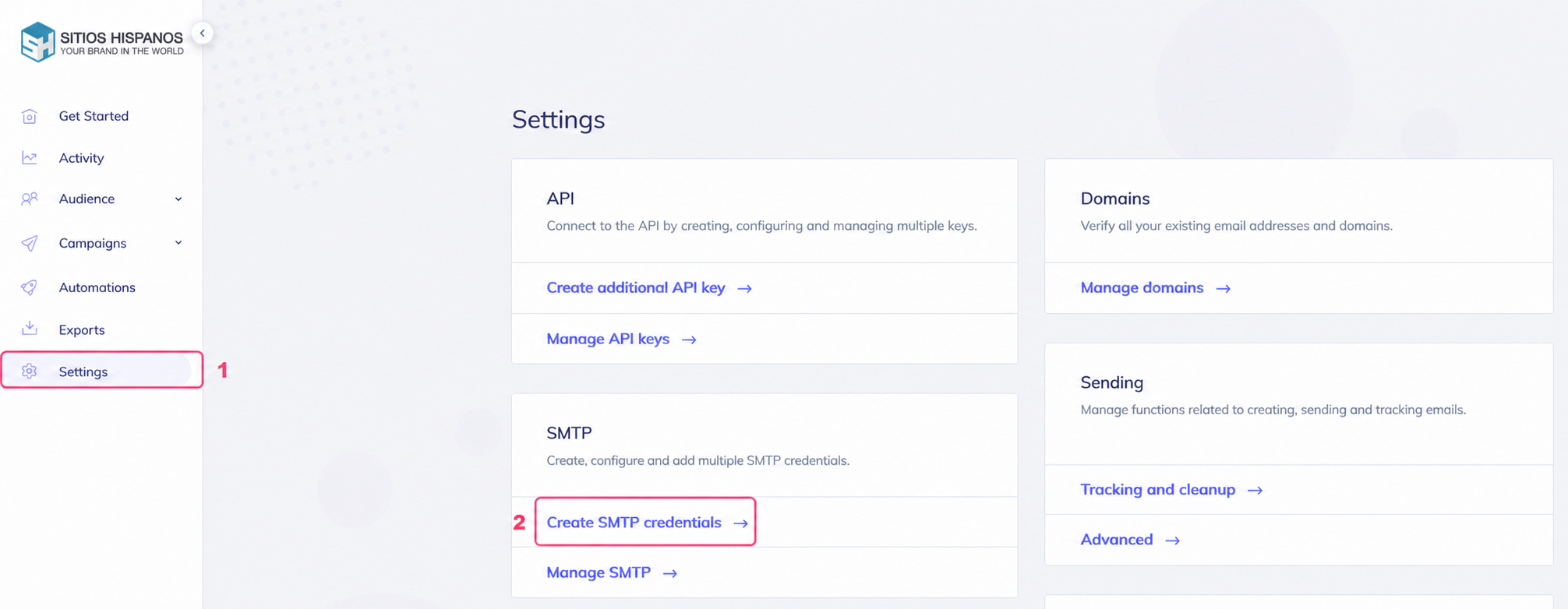
- Go to Settings.
- Then, to Create SMTP credentials, in the SMTP box.
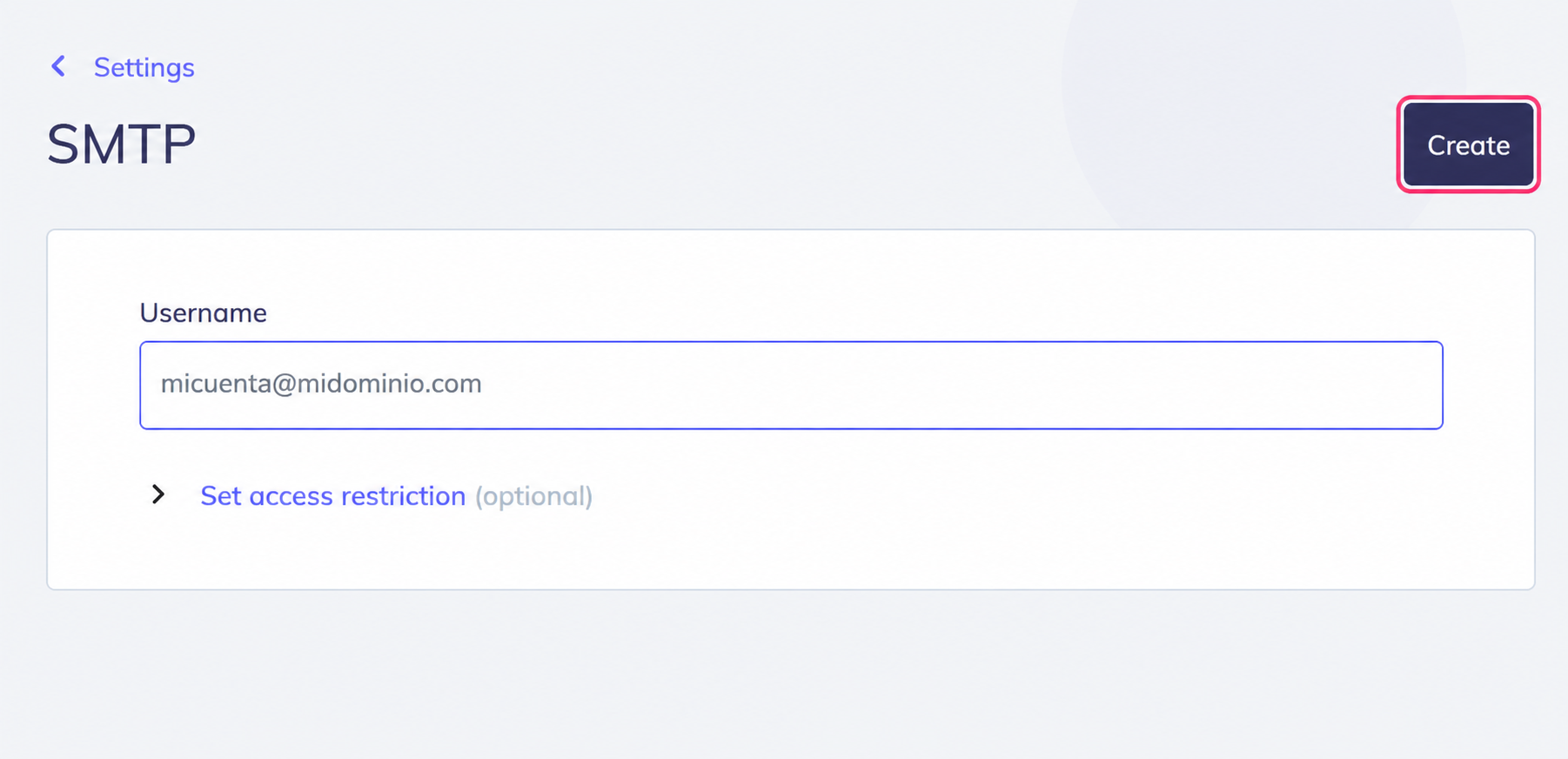
The system will ask for a mailbox that will perform the sends. This mailbox, or its domain, must be verified by following these steps: what-do-i-need-to-configure-to-use-email-marketing.md
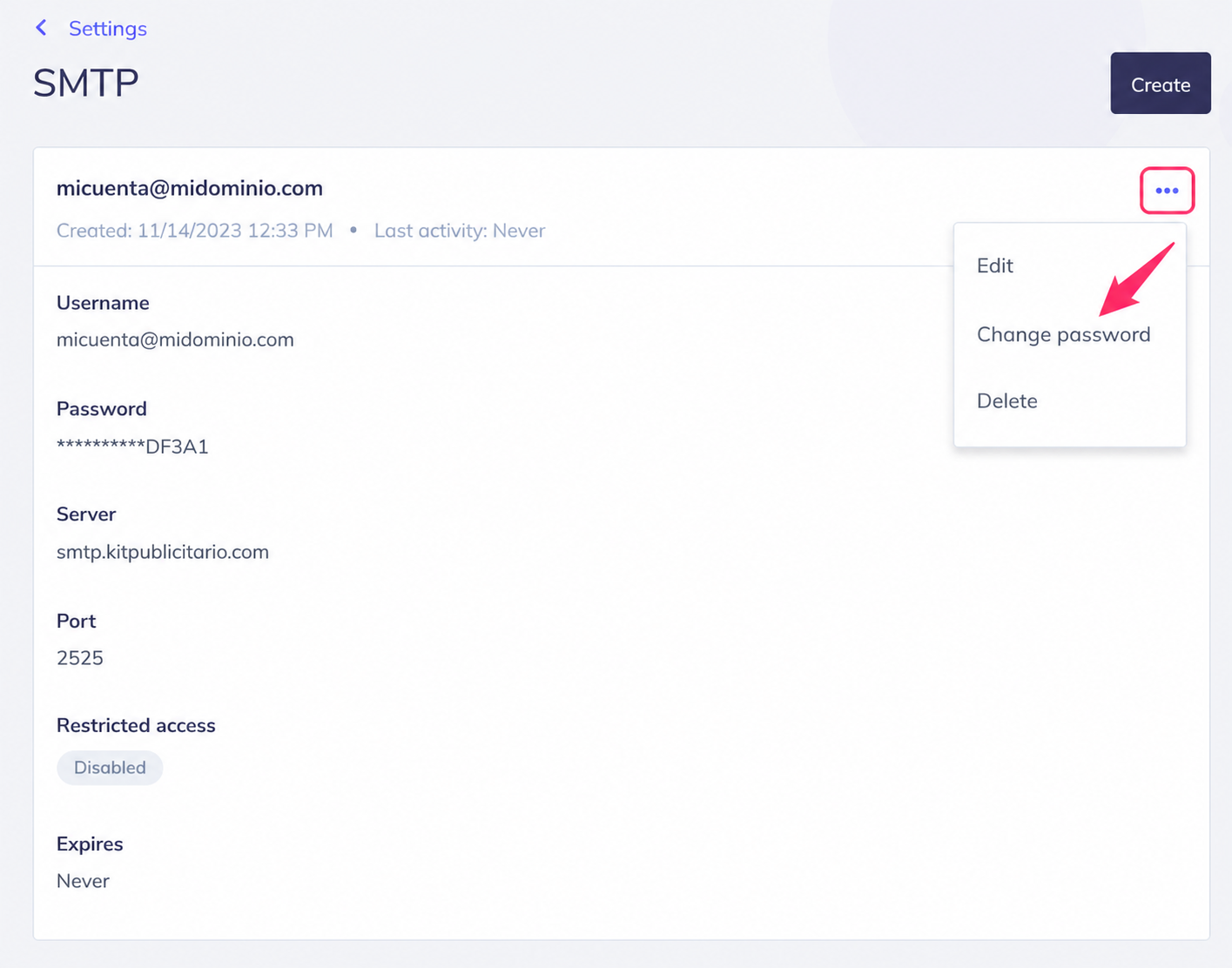
You will see the selected mailbox, the password, and the SMTP server and port details.
You’ll need to configure these details in your external mail client as if it were a normal mailbox.
.png)
When you close the dialog you will see your mailbox information and its SMTP connection details.
If you click the three dots at the top right, you will be able to change the password, edit the mailbox details, or delete it.
Finally, if you go to Settings again and then to Manage SMTP, you’ll reach the same screen shown above, where you’ll see your created mailboxes.