How do I acquire a new service?
You can purchase a new service from your Client Area without registering again.
- Log in to your Client Area.
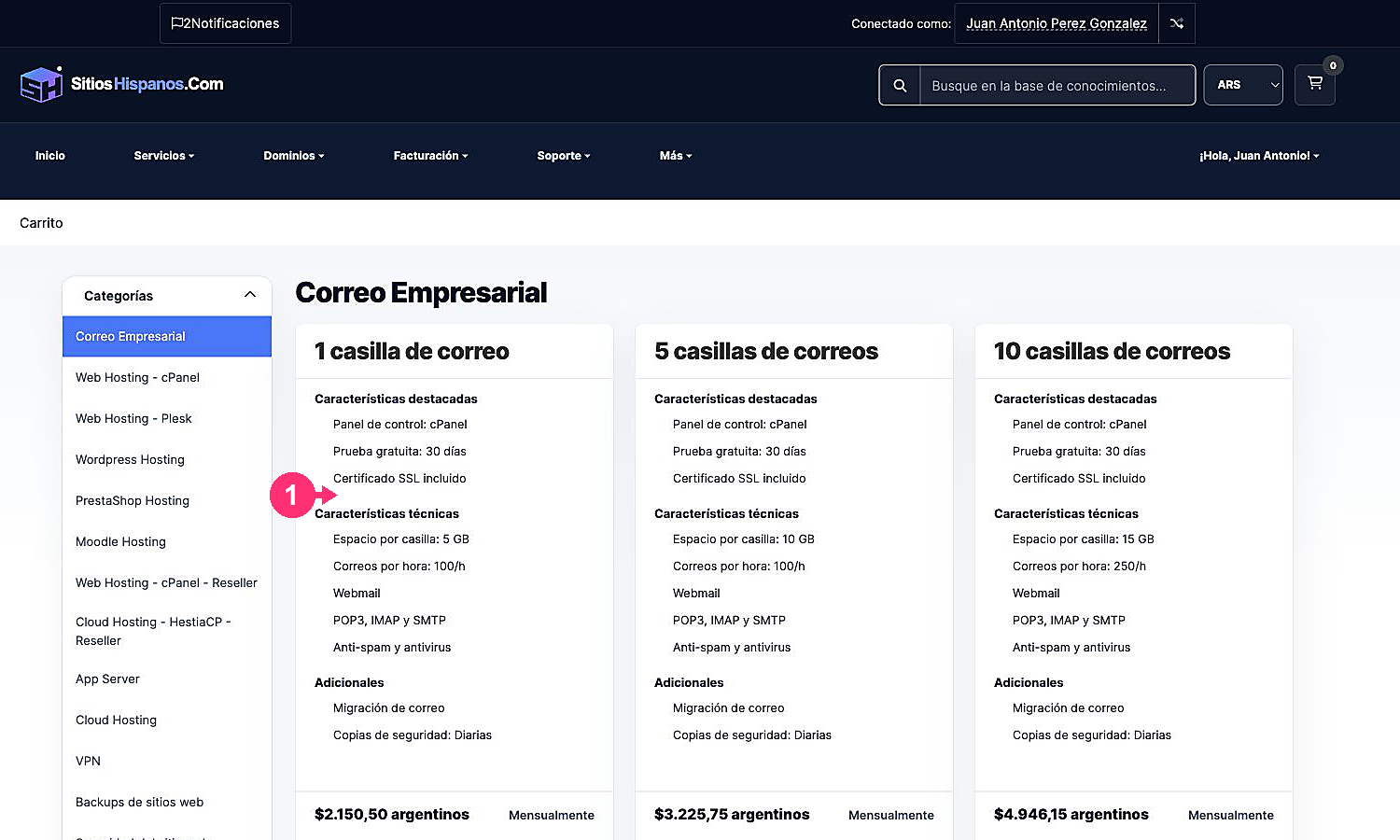
- Open Services in the main menu and select Buy Services.
- Choose the category and the plan you want to purchase.
Choose how to use the domain
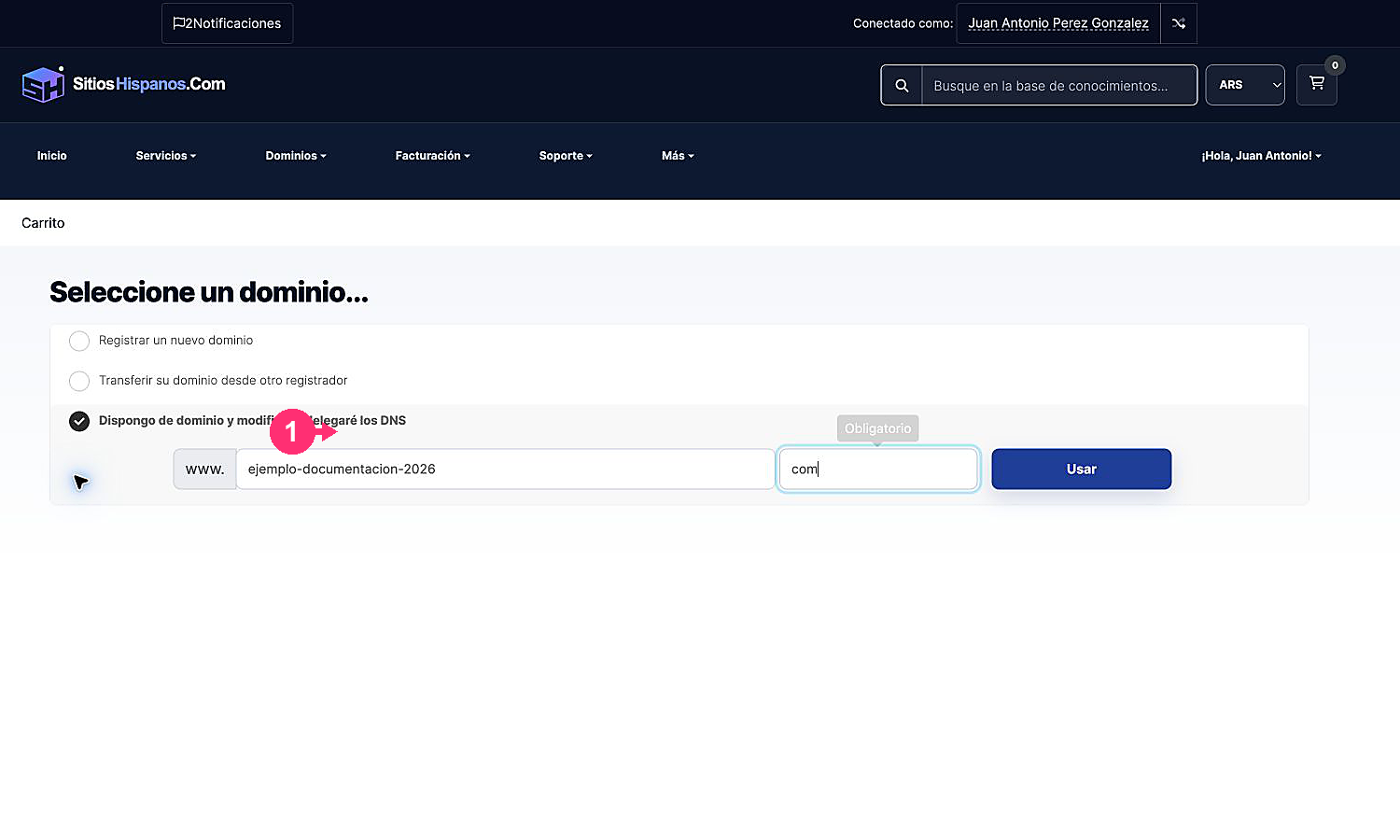
If the service requires a domain, the cart will offer you three options:
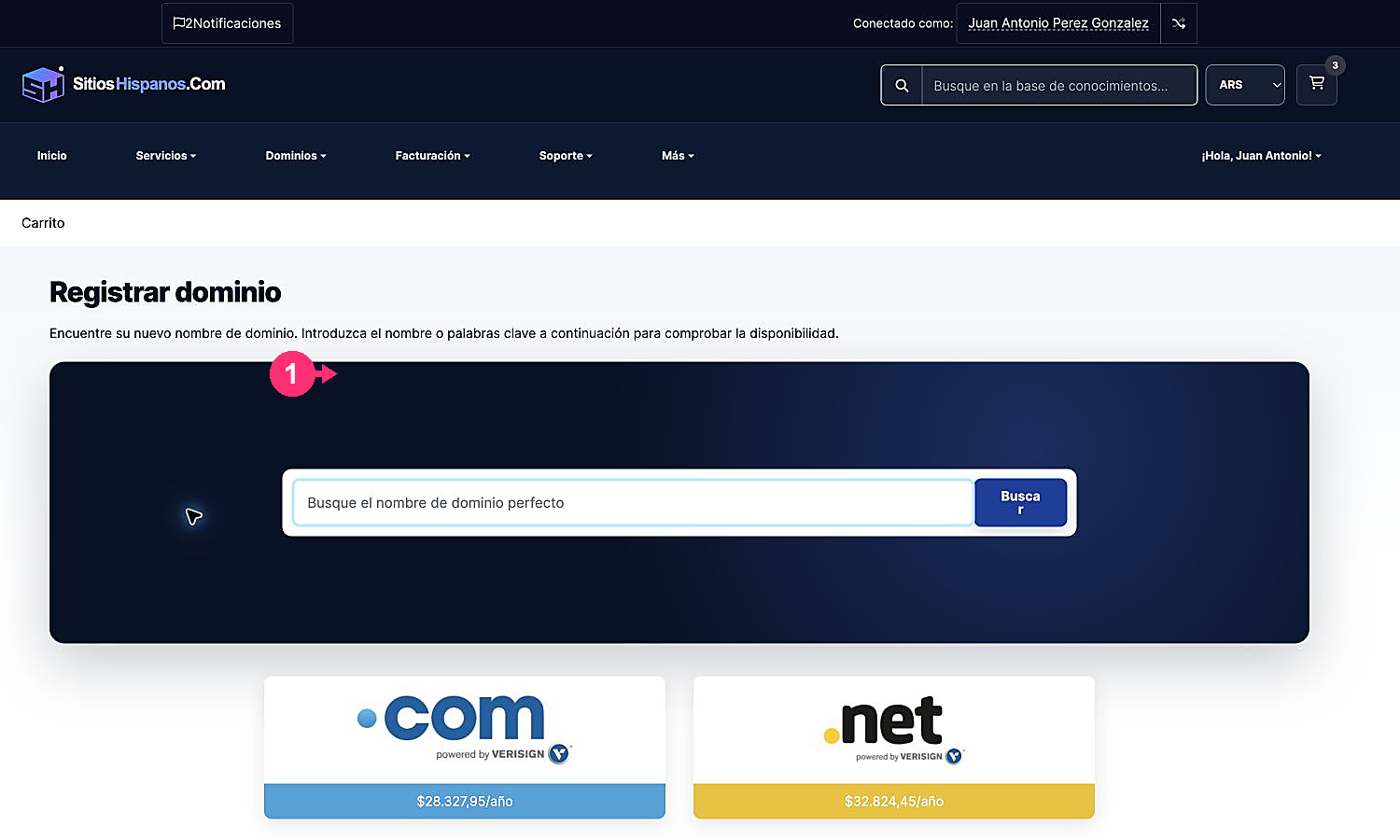
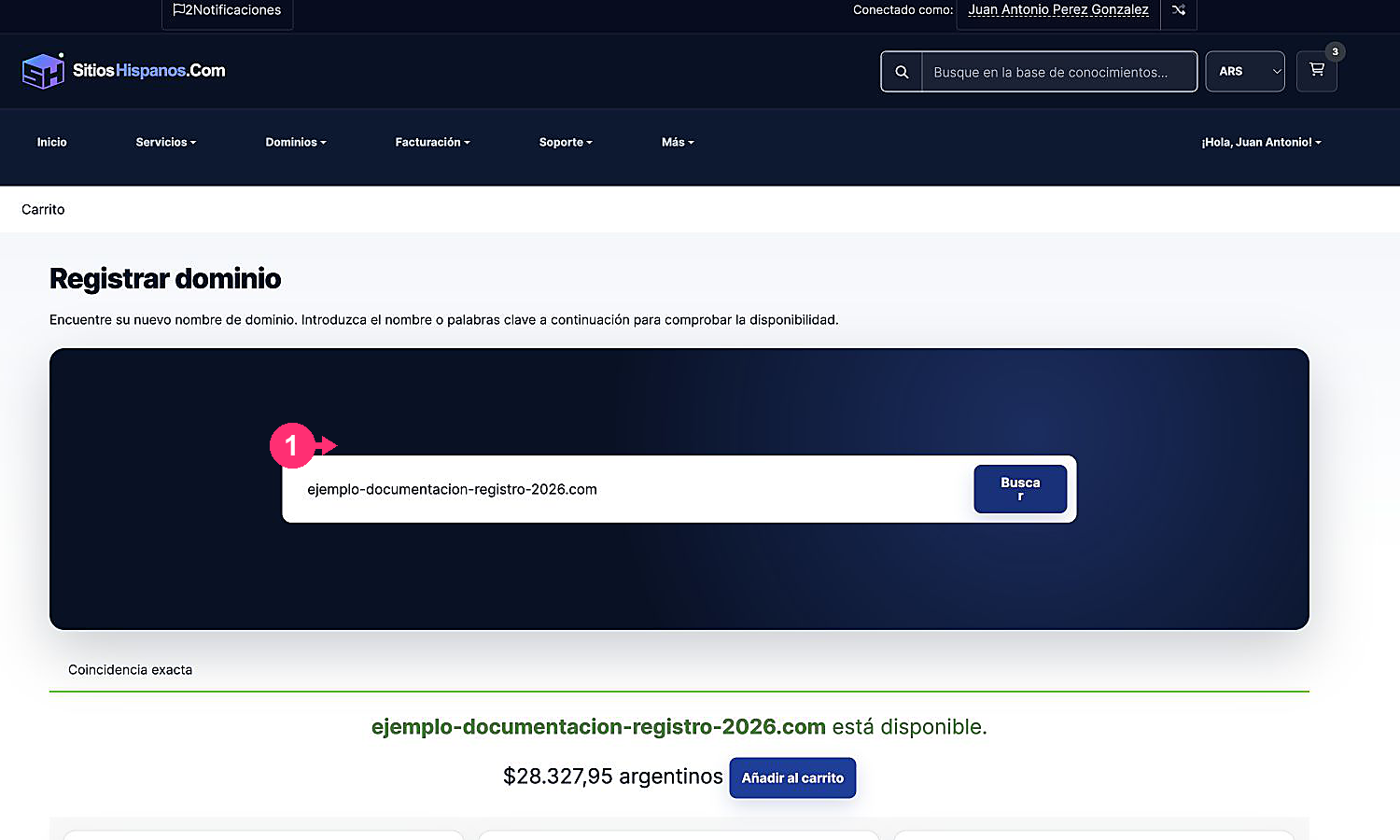
- Register a new domain: check availability and add the registration to the order.
- Transfer a domain: start the transfer from another provider.
- Use an existing domain: keep the current registration and allow delegating its DNS to SitiosHispanos.Com.
Type the full domain and click Use or Search, depending on the chosen option.
Configure and review the order
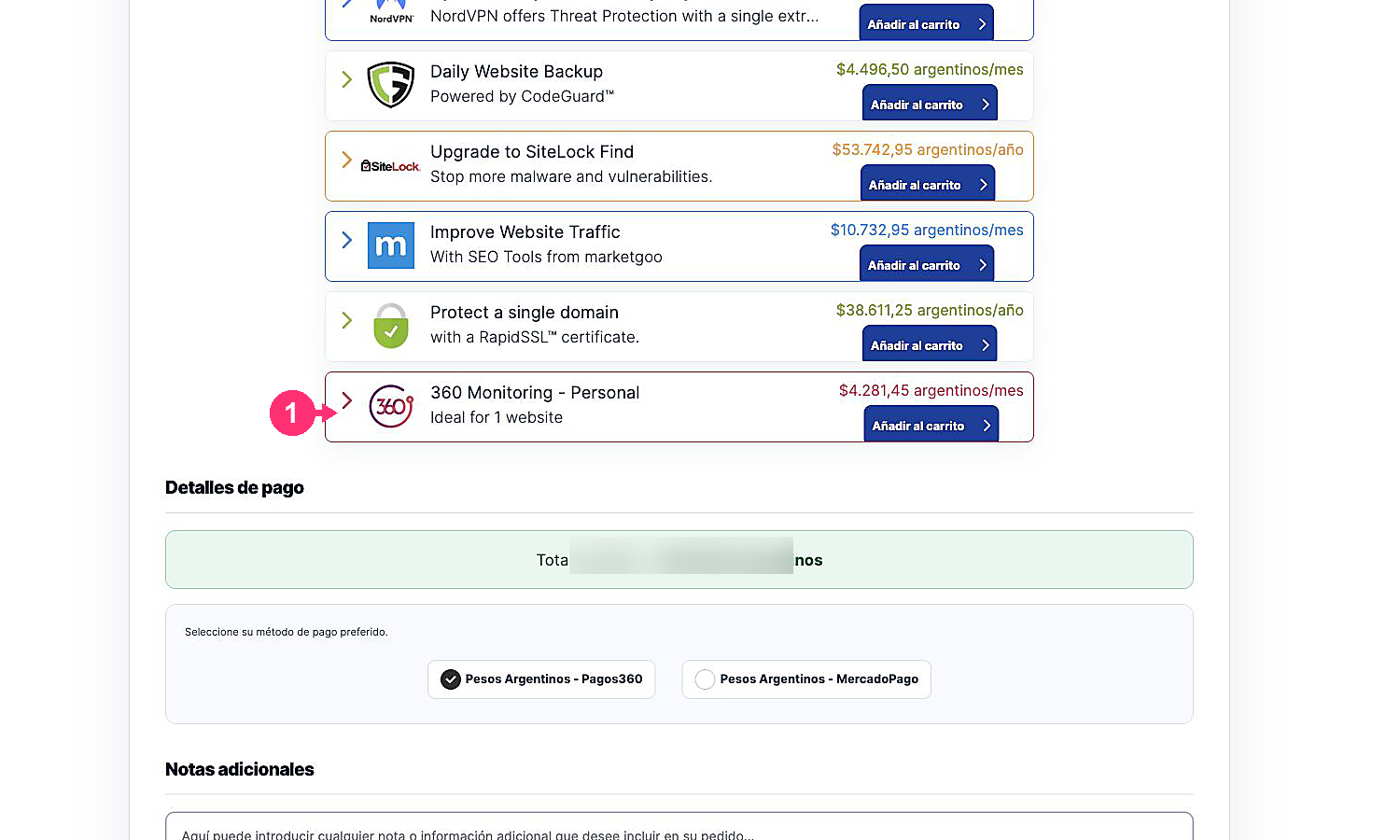
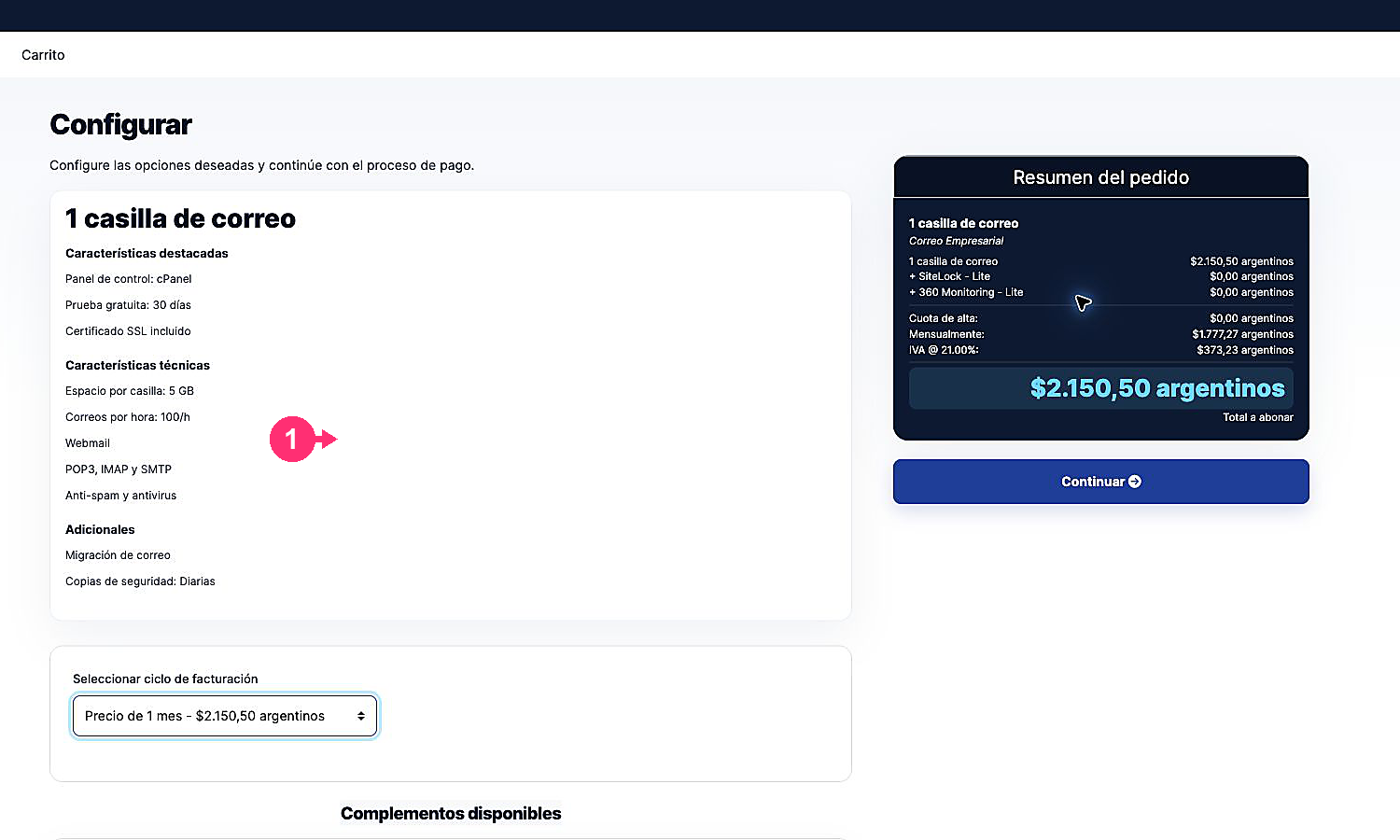
- Select the billing cycle and review available add-ons.
- Click Continue when the configuration is correct.
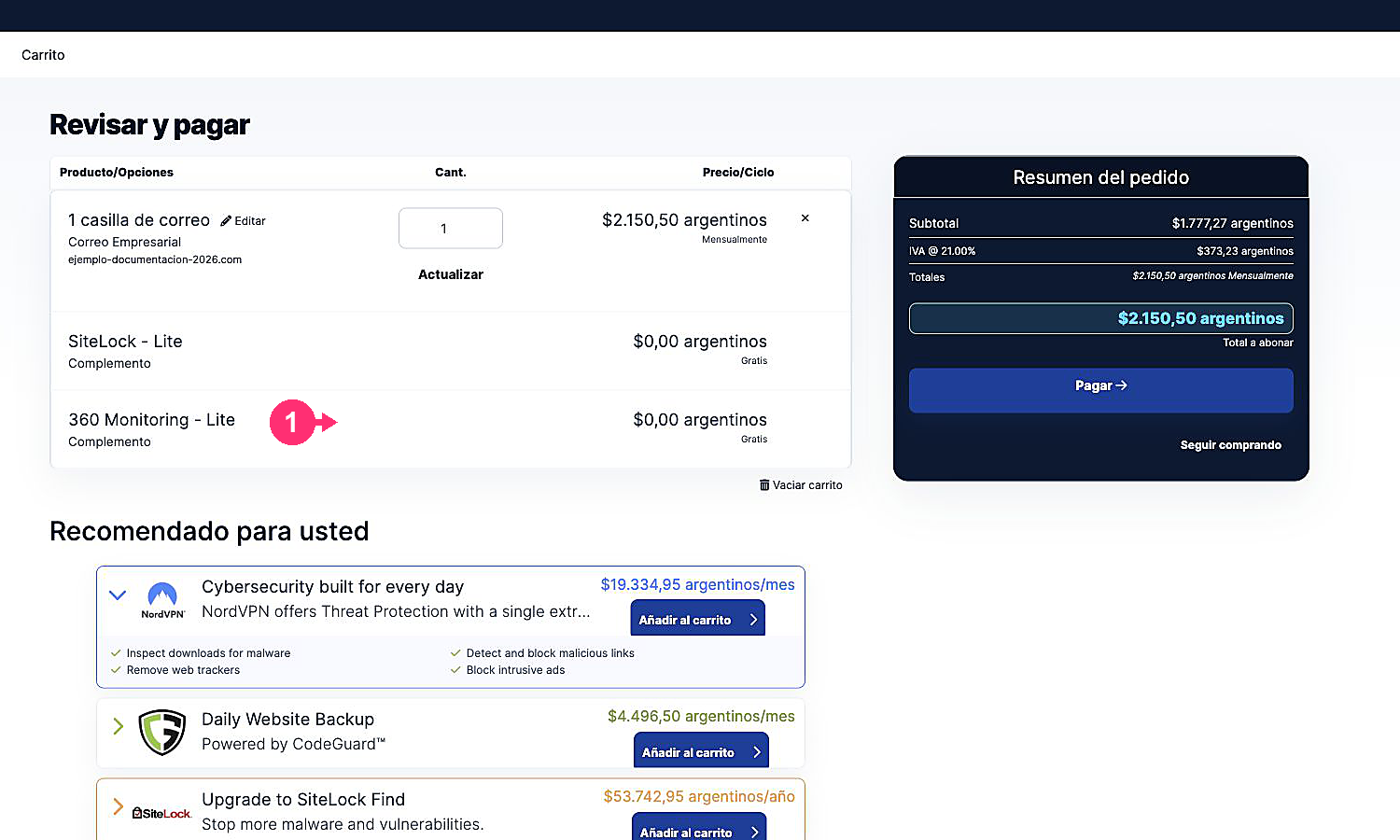
- Review the products, periods and prices in the cart. You can edit a product, remove it or continue shopping.
- Click Pay to proceed to checkout.
- Verify your billing information and choose the payment method.
- If applicable, add a note to the order.
- Read and accept the Terms of Service. Finally, click Complete Order.