

How do I recover my access to the client area?
- Open the login screen.
- Select Forgot your password?.
- Enter the email address associated with your account.
- Press Send.
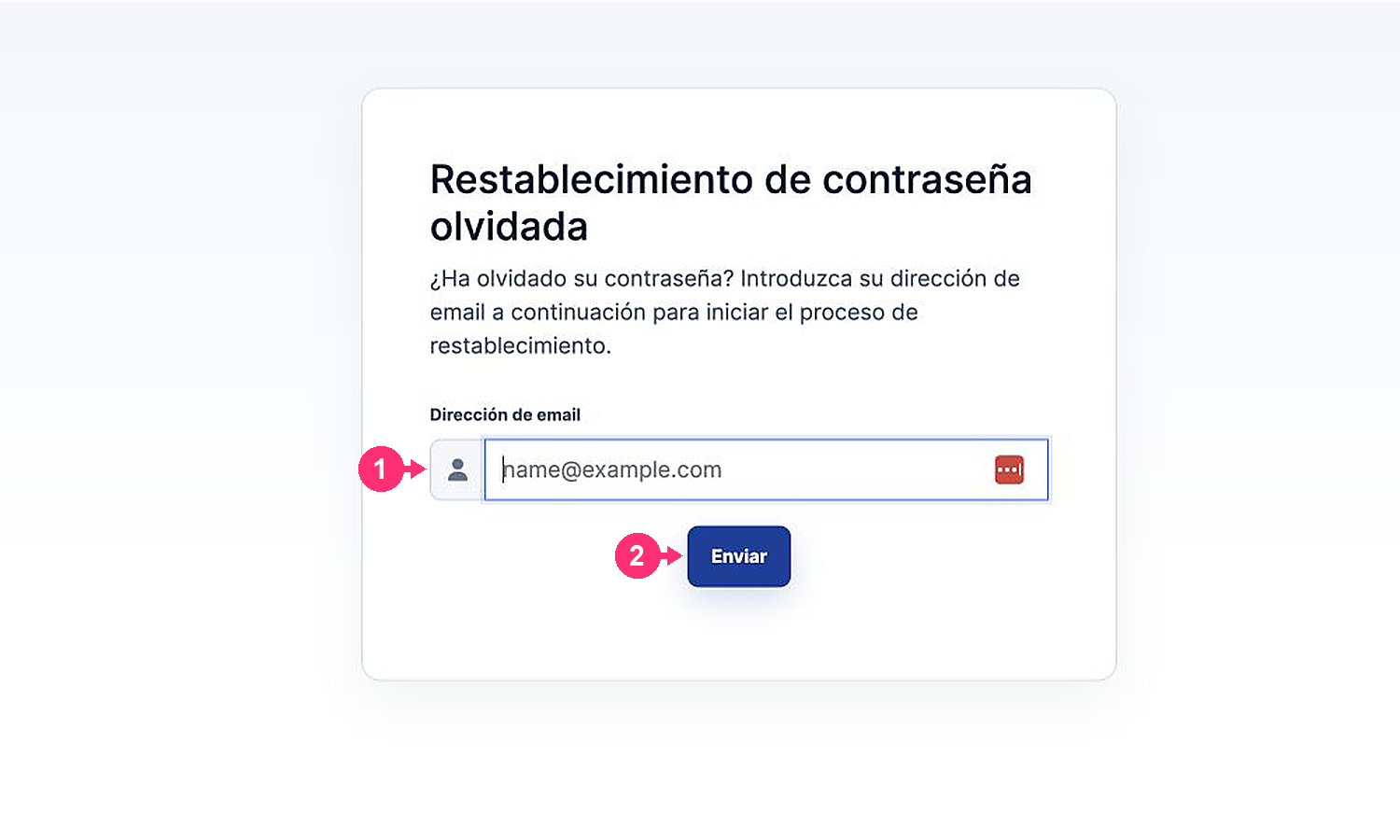
You will receive a message with a link to set a new password. Also check your spam and promotions folders.