How do I view my notification history?
From your Client Area, you can view all notifications and notices generated by the system, such as billing notices, service activations, and payment due reminders, among others.
To view your notification and notice history, follow these steps:
- Log in to your Client Area.
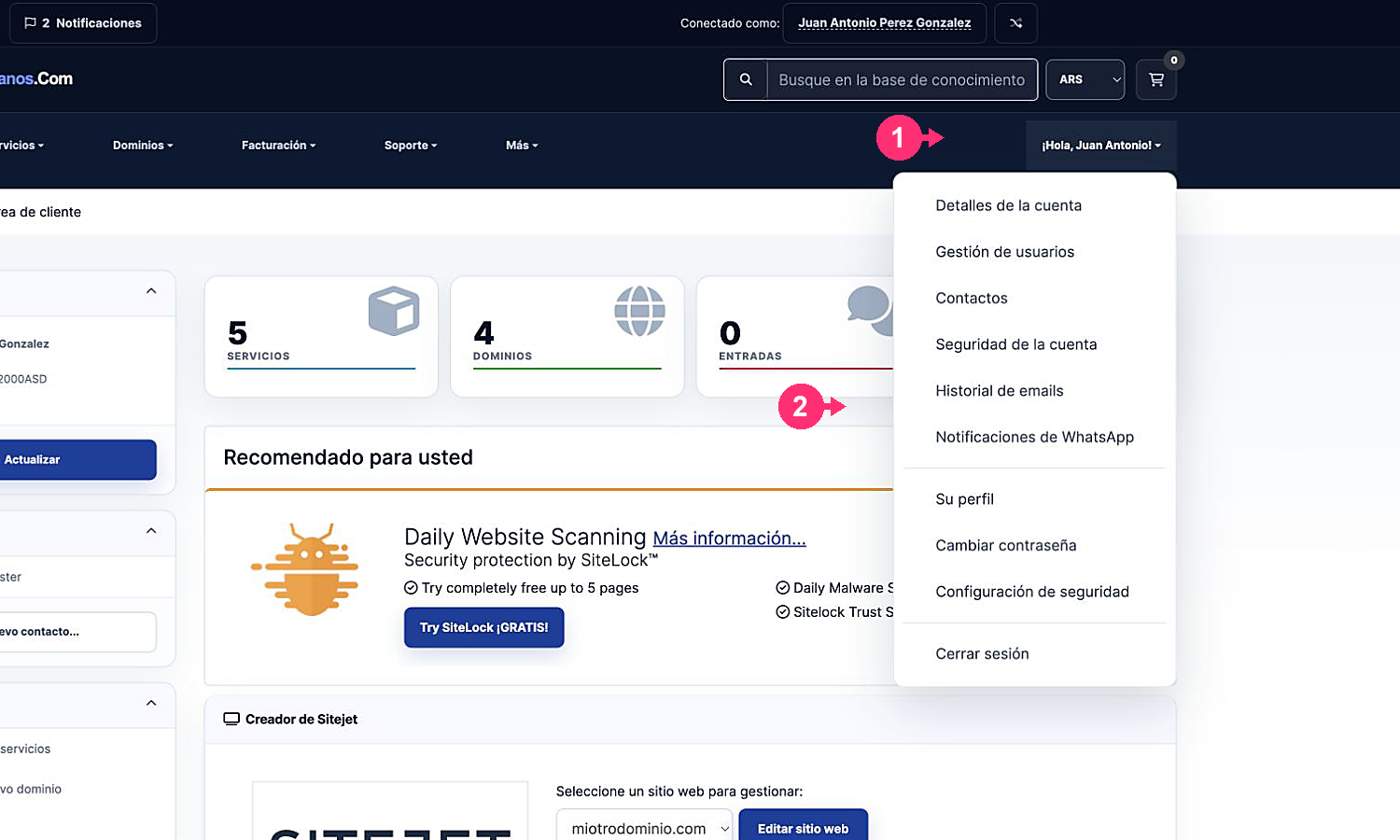
If you don’t remember how to log in follow this link: How to access the Client Area - Open the Hello, [your name]! menu you’ll see at the top right.
- Select Email History.
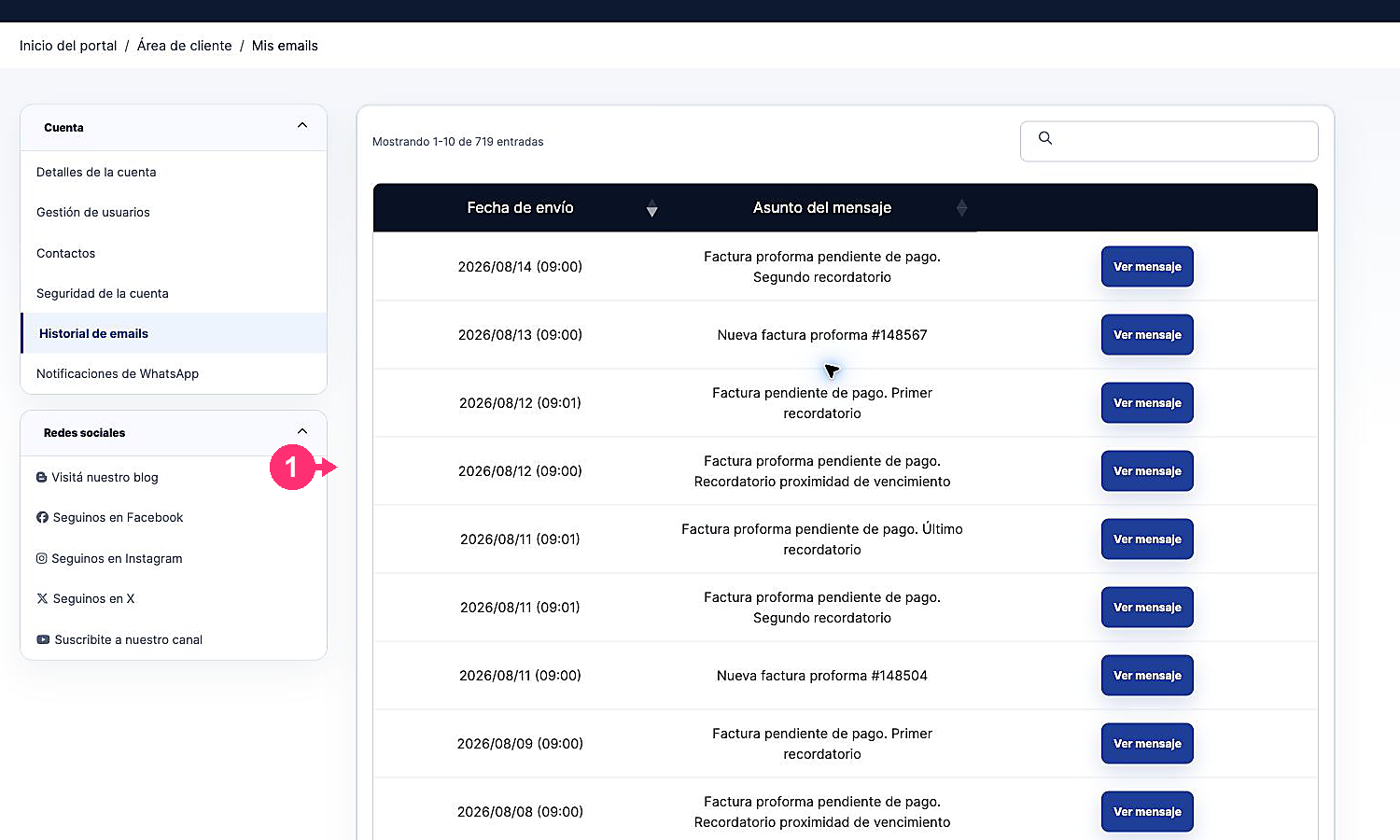
- Notifications and notices sent by the system will appear, including our replies to support tickets. Click View message to read the content of an email.
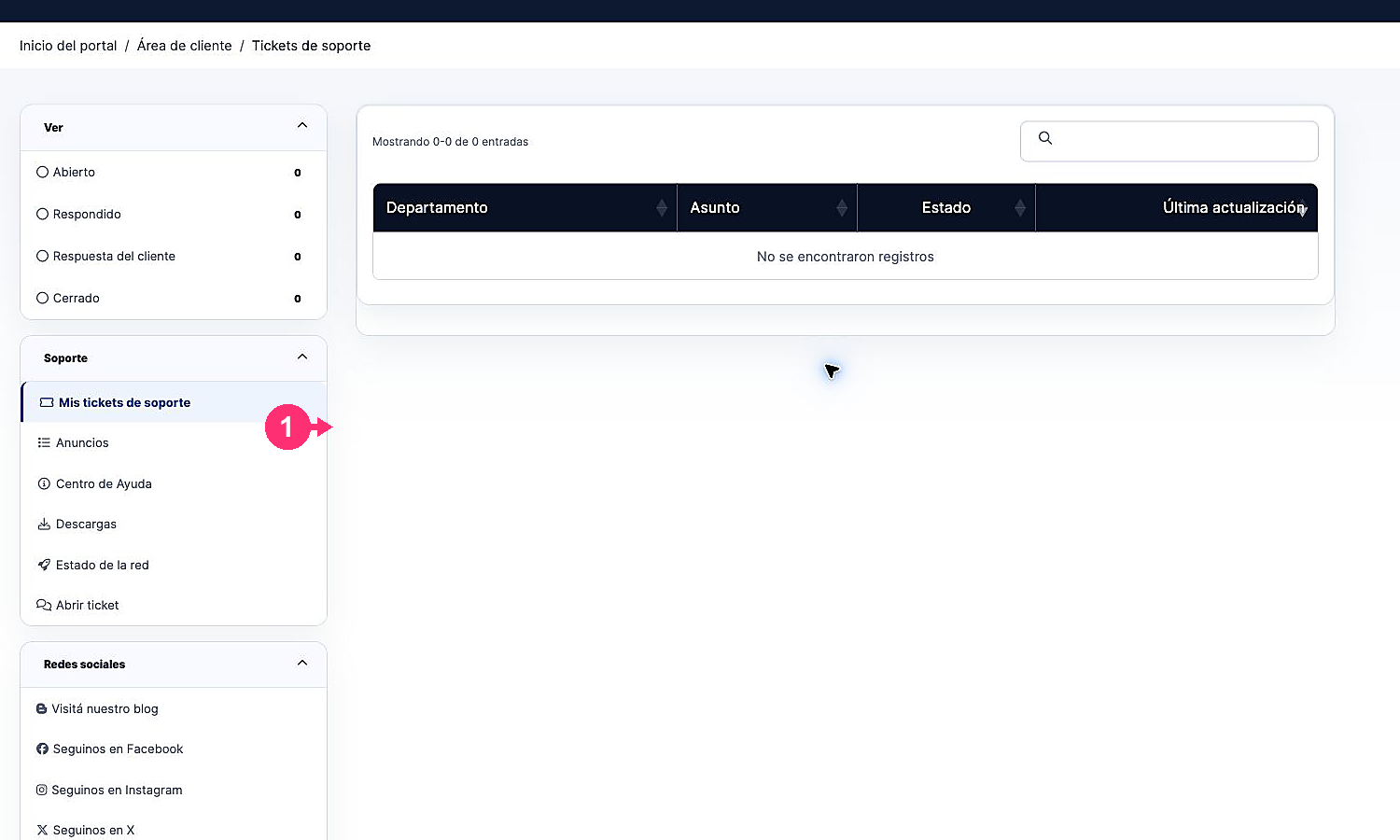
- To view the ticket history, go to Support and select Tickets.