

How to create a hosting account?
Here we will describe how to create a new account in your reseller plan.
After accessing the WHM of your Reseller plan, you should go to “Account Functions” => “Create a New Account” in your WHM.
There you will see several options which we will describe below:
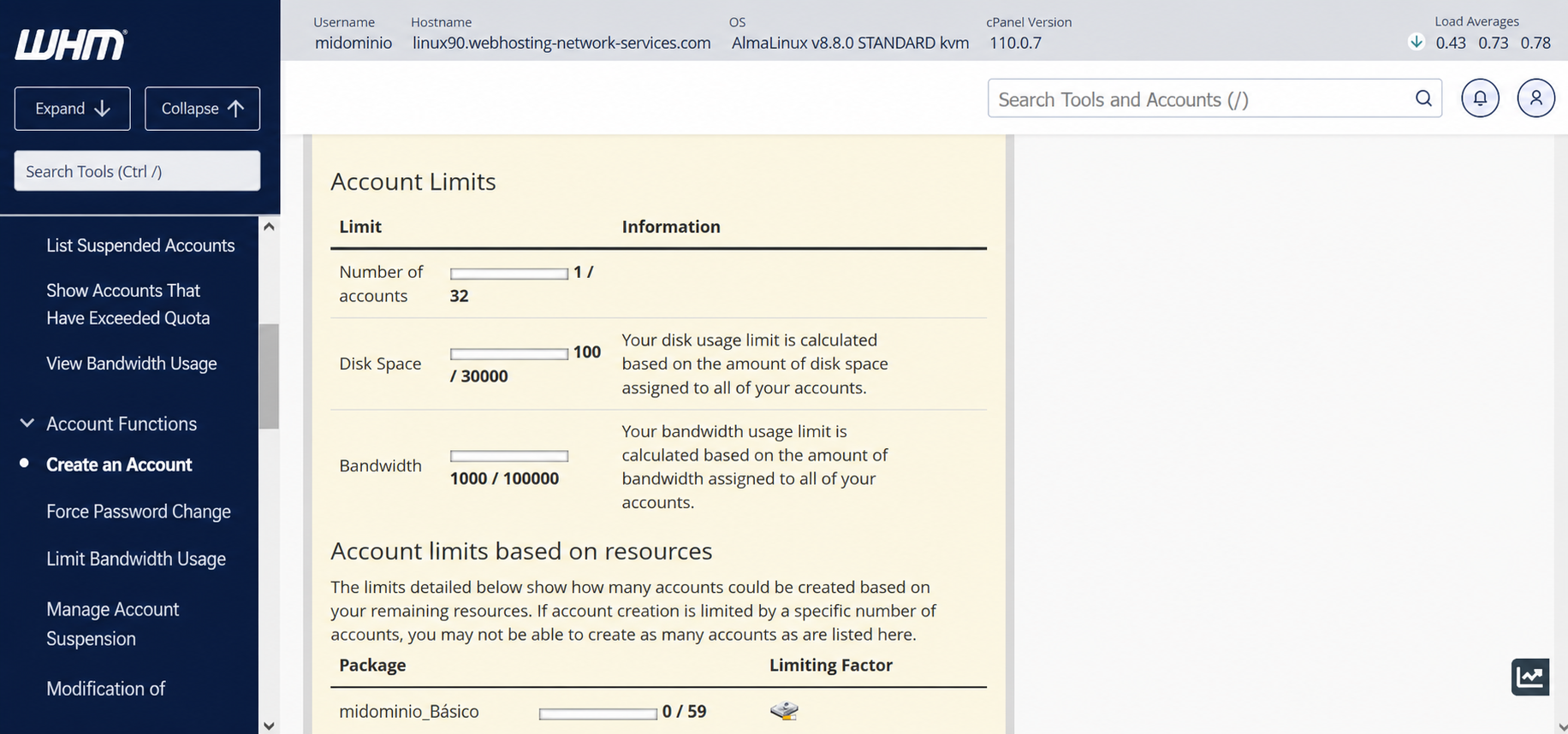
The first thing you will see are the resources used in your reseller plan. There you will see how many accounts you have created as well as the total amount of disk space or bandwidth you have allocated for your domains.
It will also show the number of packages used, among those you have created.
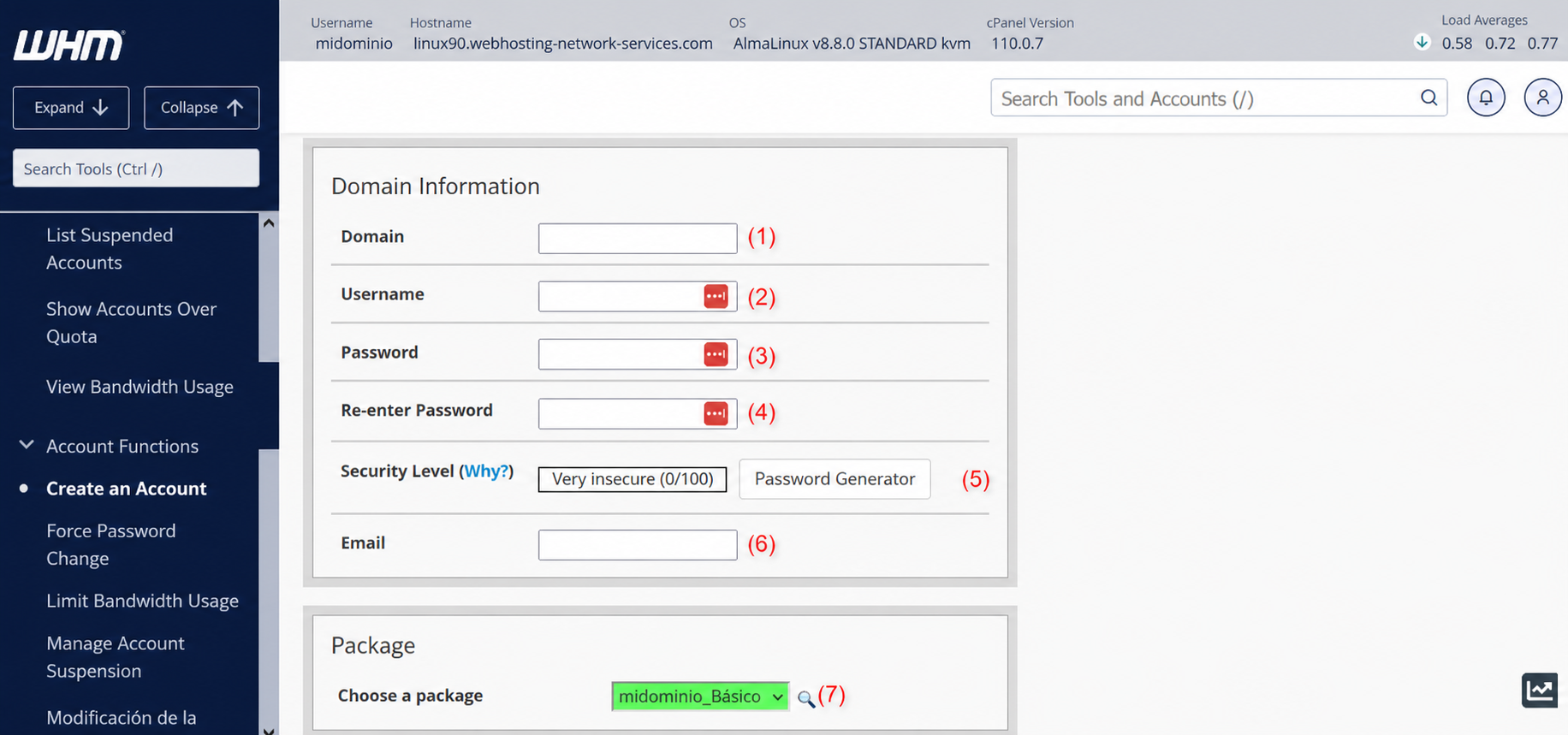
According to the image above:
(1) => Here you enter the domain name to be created.
(2) => The cPanel username for the domain. One will be created automatically after completing the domain name, but you can edit it and set the username you prefer.
(3) and (4) => This is where you can generate the cPanel account password. You must complete both fields to confirm it. You can also use the “Password Generator” found in (5).
(5) => In (5) there is also the password strength meter. The closer to the value 100, the more secure your password will be.
(6) => Here you can configure the email account that will receive all notifications from the domain’s cPanel.
(7) => Here you can select the package/plan that the domain will use.
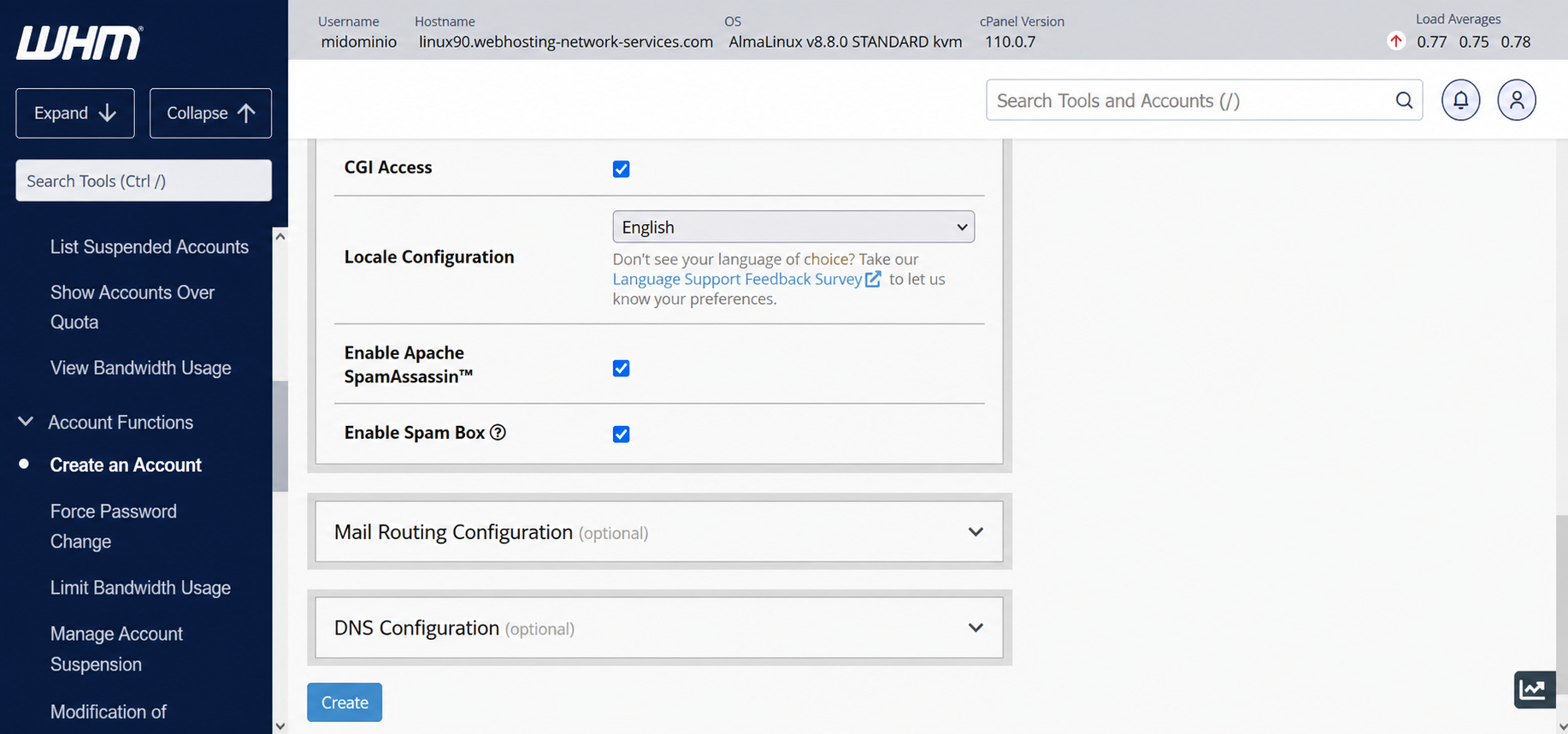
The rest of the configuration shown in the image above is best left at the defaults as suggested by cPanel.