

How do I purchase an add-on?
The available add-ons depend on the services you already have.
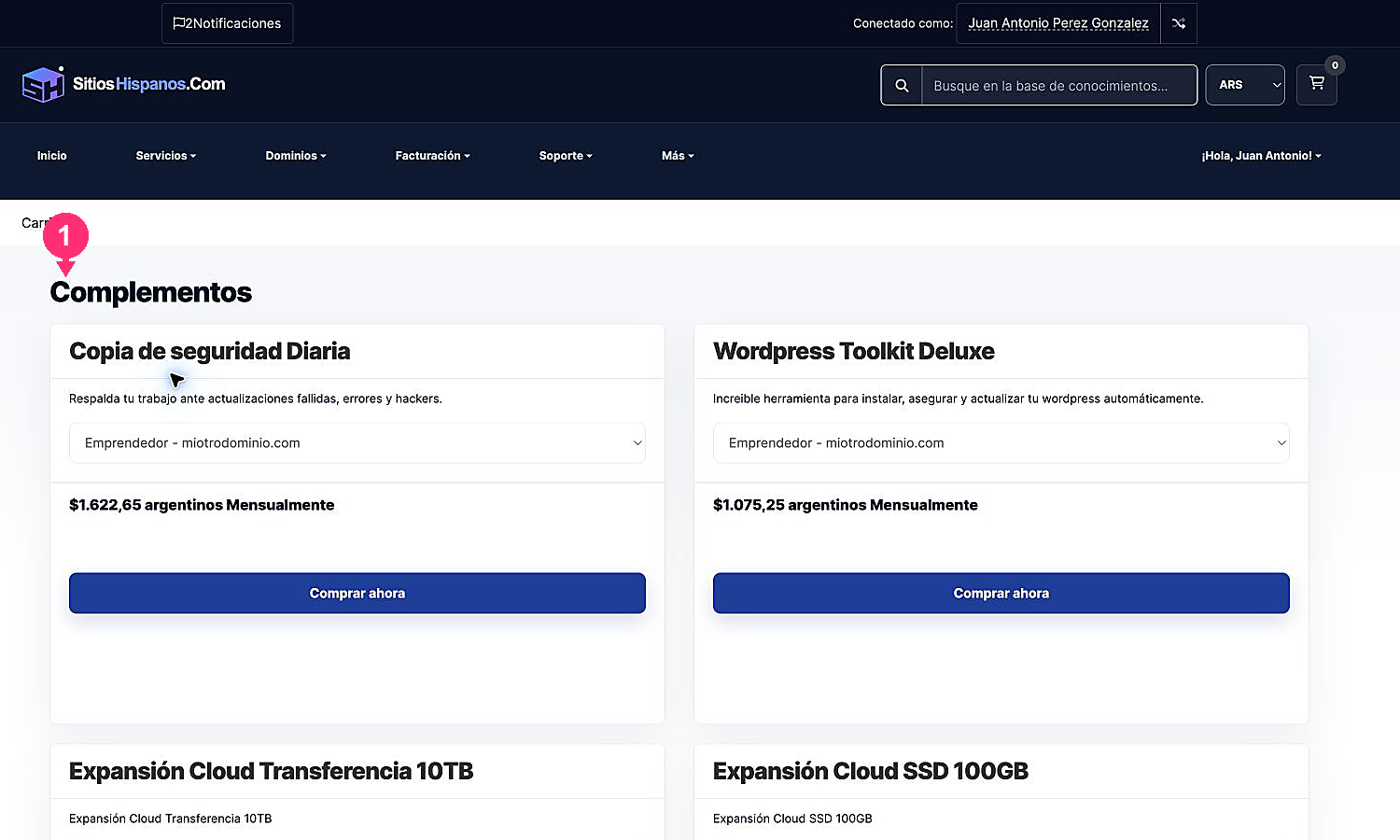
- Go to Services > Buy Add-ons. You can also open a service and go to the Add-ons tab.
- Search for the add-on you need.
- If a selector appears, choose the service it will apply to.
- Review the price and the billing cycle.
- Click Buy Now to add it to the checkout.
Then review the cart, billing details, and payment method in the same way as when purchasing a new service.