What do I need to configure to use Email Marketing?
Before you can send your campaigns you will need to verify the domain or mailbox that will send the emails.
This is necessary to comply with anti-spam rules and ensure the highest possible deliverability rate.
Verification Process
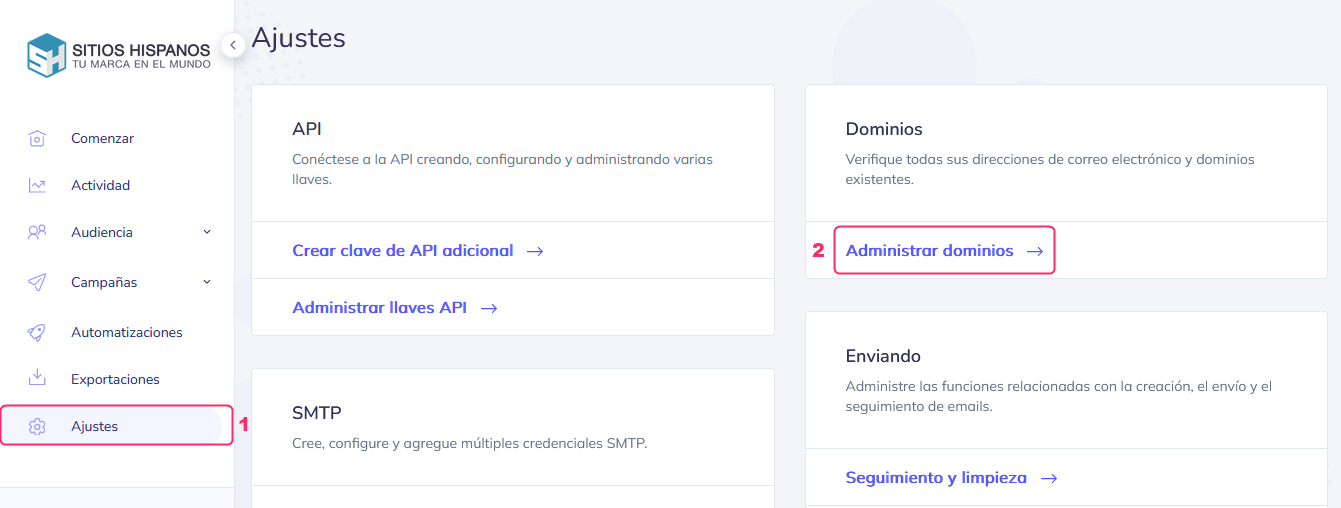
Go to Settings and then Manage Domains, inside the Domains box.
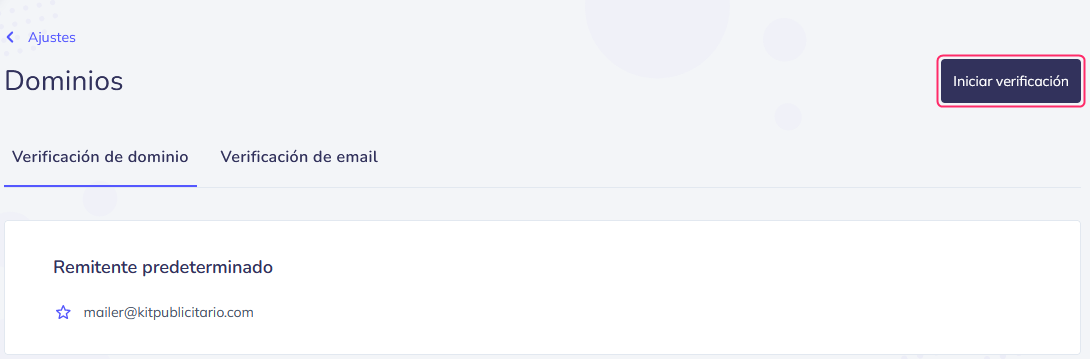
Then, press the Start verification button.
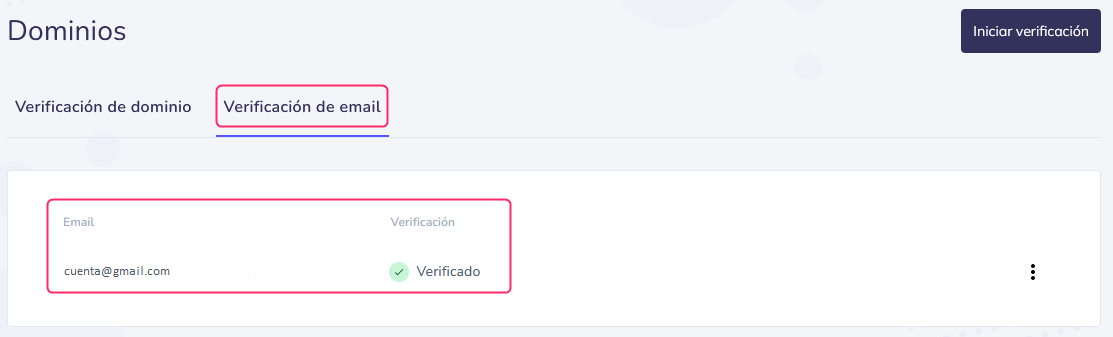
Here you will see the domains or email addresses you have already verified.
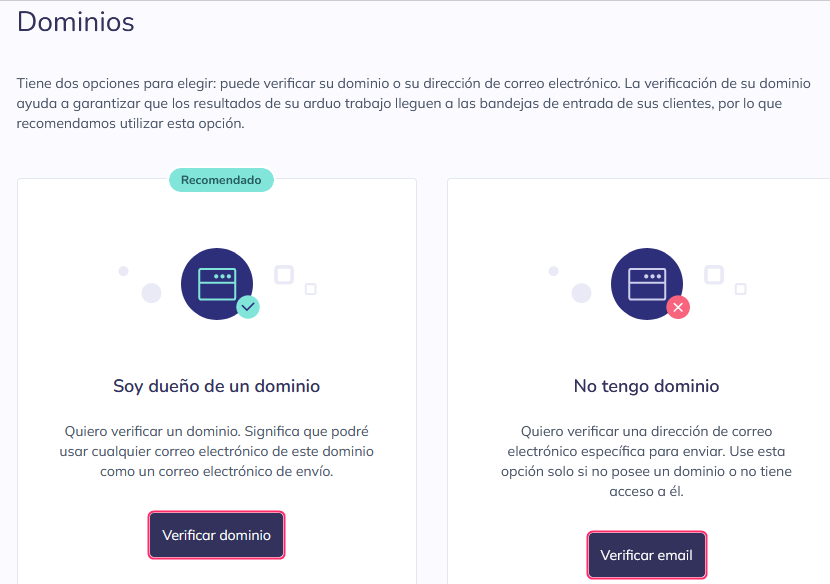
There are two verification options:
- Domain verification
- Email address verification.
If you have a registered domain and want to use mailboxes from that domain, the recommended option is verify the domain.
If you don’t have your own domain or want to use an email address from a third-party domain or one you don’t have access to, then you will have to verify the email address.
Domain verification
Domain verification consists of several steps:
- First you must enter the domain you want to verify.
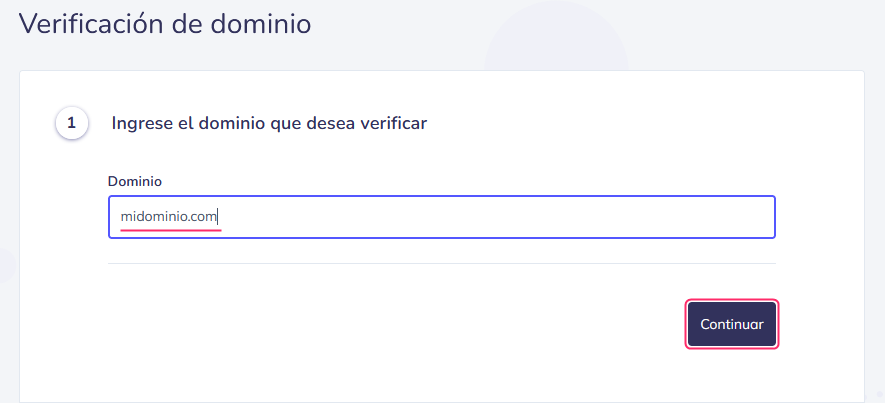
- In this step you will have to edit your domain’s DNS zone.
You must do this on the server where your hosting account associated with the domain is located. - This point will indicate what you must add to the DNS zone mentioned in point 2.
You must add, in the TXT record for SPF authentication:
include:kitpublicitario.com
Example:
v=spf1 +a +mx include:kitpublicitario.com ~all
- In this step the system will confirm the validity of the records previously created.
- Here you will have to define a sender mailbox, from your verified domain, that will send the emails.
- Done, the domain will be verified.
In addition to the TXT SPF record, it is recommended to create a DMARC record.
This record is also created in the DNS Zone. It normally has its own record type.
This is an example of a DMARC record in a DNS Zone:

The TXT format of a DMARC record would look like this:
Name: _dmarc.midominio.com.ar.
Value: v=DMARC1;p=none;sp=none;adkim=r;aspf=r;pct=100;fo=0;rf=afrf;ri=86400
Email verification
Verifying an email address is simpler than domain verification.
Enter the mailbox you want to verify and press the Continue button.
.png)
Then, check the entered mailbox.
You will receive an email from mailer@kitpublicitario.com with the subject Email Verification for Domain.
You must click on the provided link.
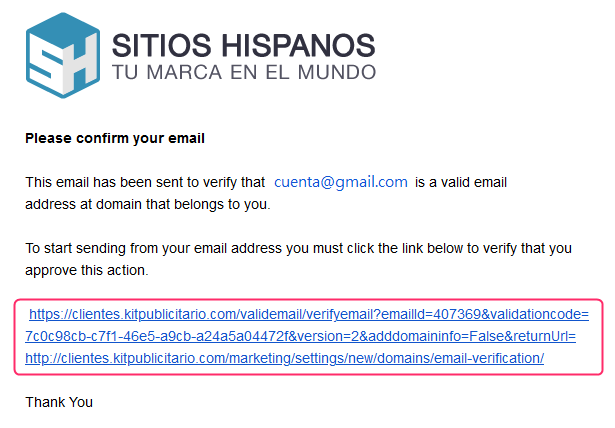
After logging back into the control panel, if you go again to Domain Verification or Email Address Verification, you will see your mailbox verified.