

How do I access the Client Area?
- Go to www.sitioshispanos.com.
- Open Account and select Sign in.
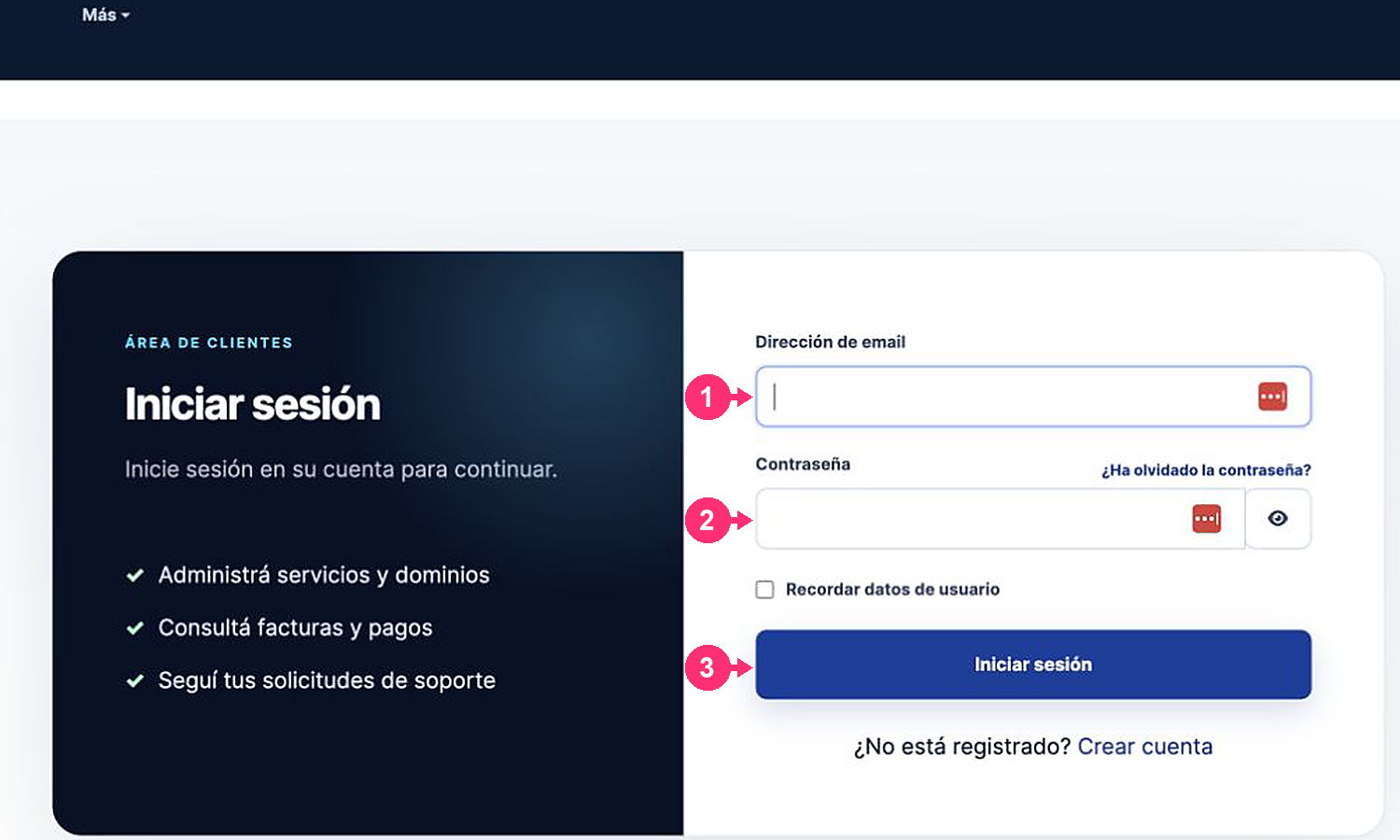
- Enter the email address used when signing up and your password.
- If you use a personal device, you can check Remember user details.
- Press Sign in.
You can also sign in with a previously linked social account. If you forgot your password, see How do I recover my access?.