

How do I view my purchased add-ons?
- Go to Services > My Services.
- Select the service you want to view.
- Open the Add-ons tab within General Information.
- There you will see the name, status, amount, billing cycle, registration date and next due date for each add-on associated.
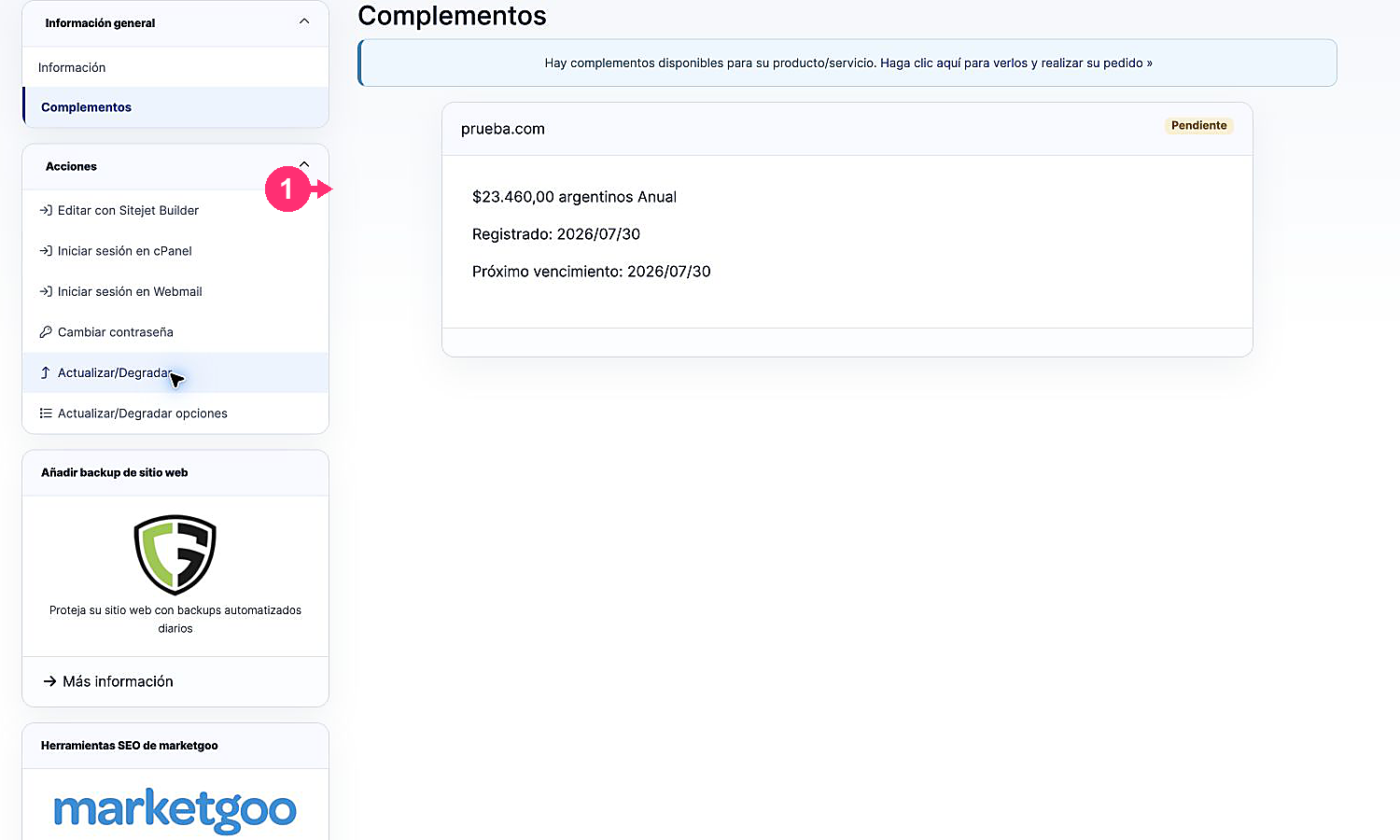
If there are add-ons available for the product, the top notice includes a link to view them and place a new order.