How to change the PHP version in Plesk?
Below we will show you how to change the PHP version that the website of your hosting plan will use.
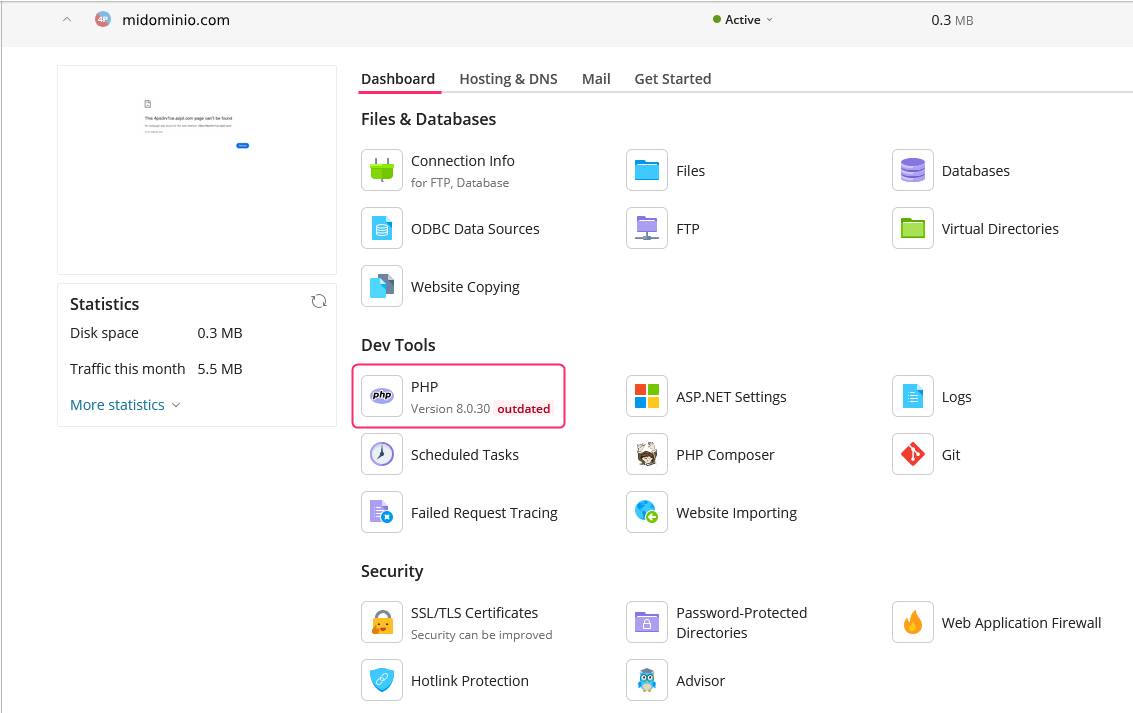
To change the PHP version, go to the PHP tool within the options of the Dashboard box in the control panel.
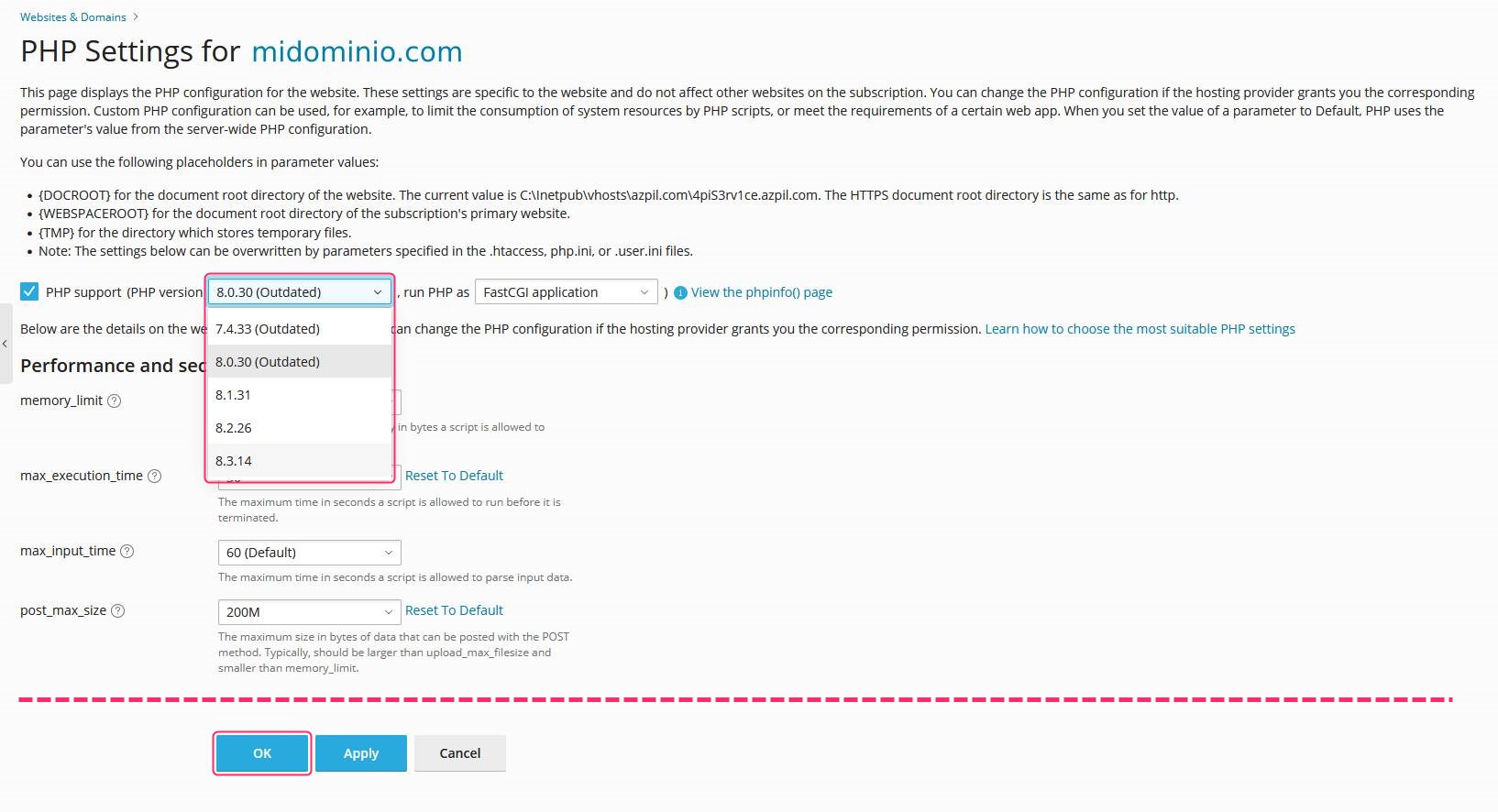
On the PHP Settings screen for your domain you’ll see a dropdown menu where you can choose the new PHP version you want to use.\ At the bottom you’ll see the OK button to save the change.