How to access the Plesk Control Panel?
The Client Area allows you to automatically sign in to Plesk and open its main tools.
Access from your Client Area
-
Go to your Client Area and click Services, then My Services.
-
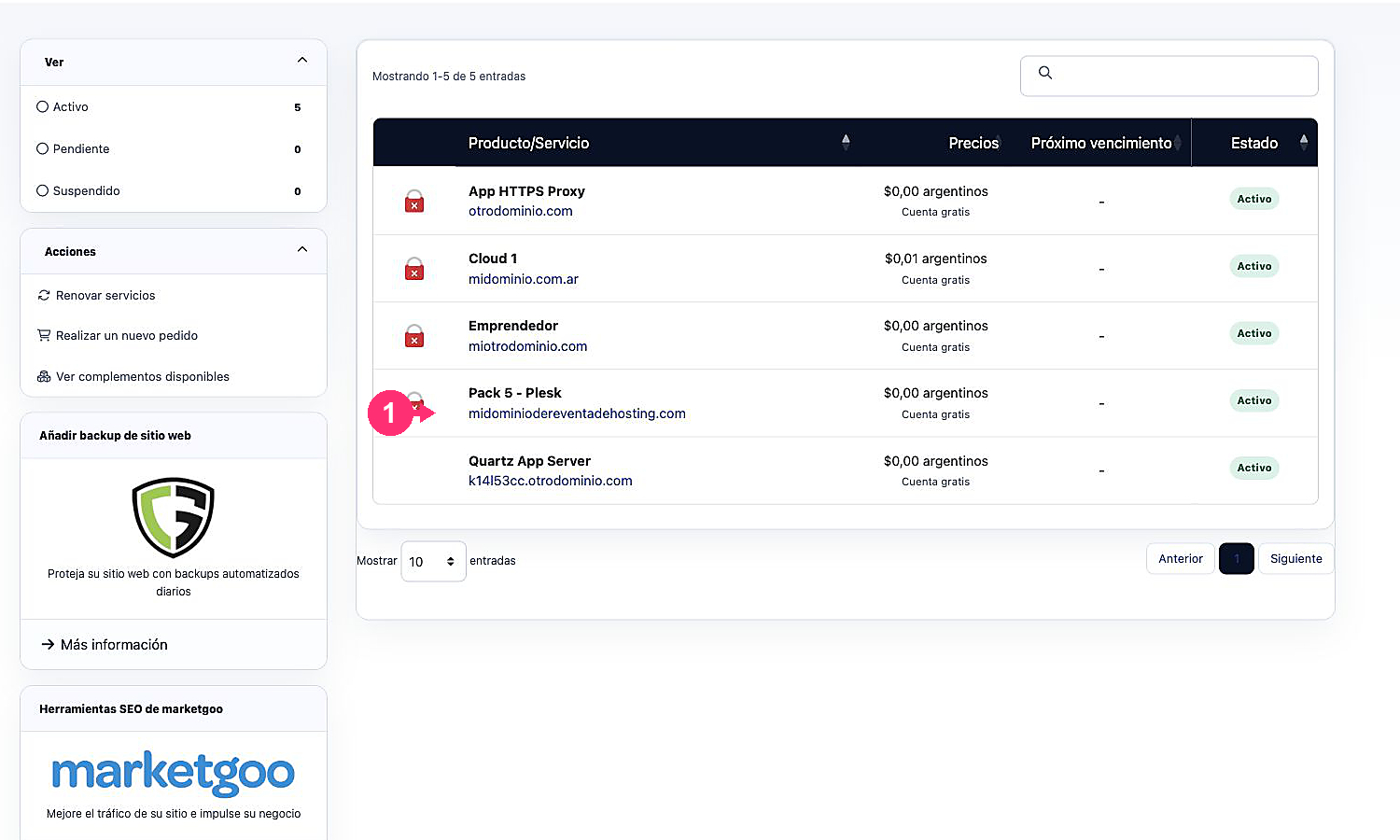
From the list of hosting plans, select the service that uses Plesk.
- Under Actions, click Log in to Plesk. The system will perform automatic login.
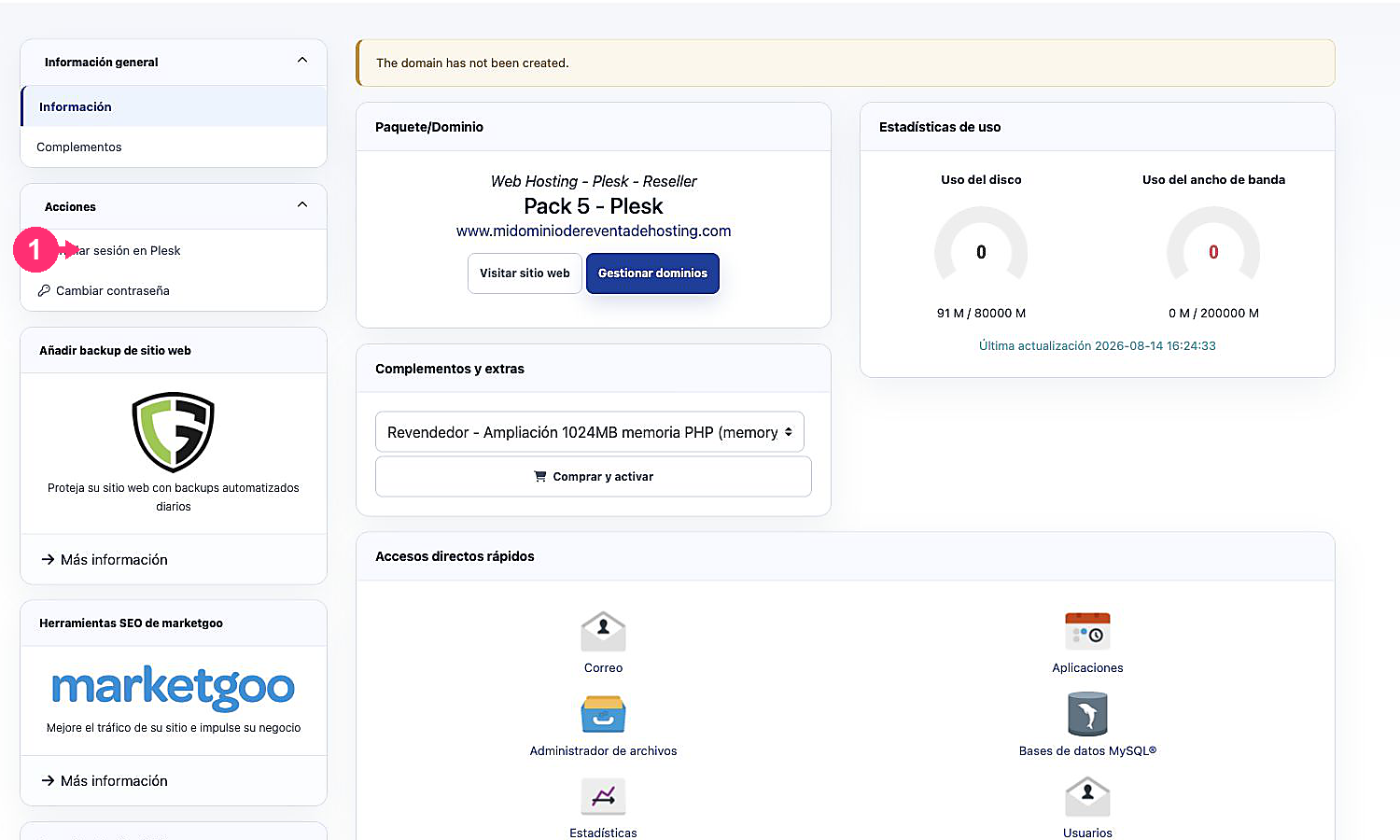
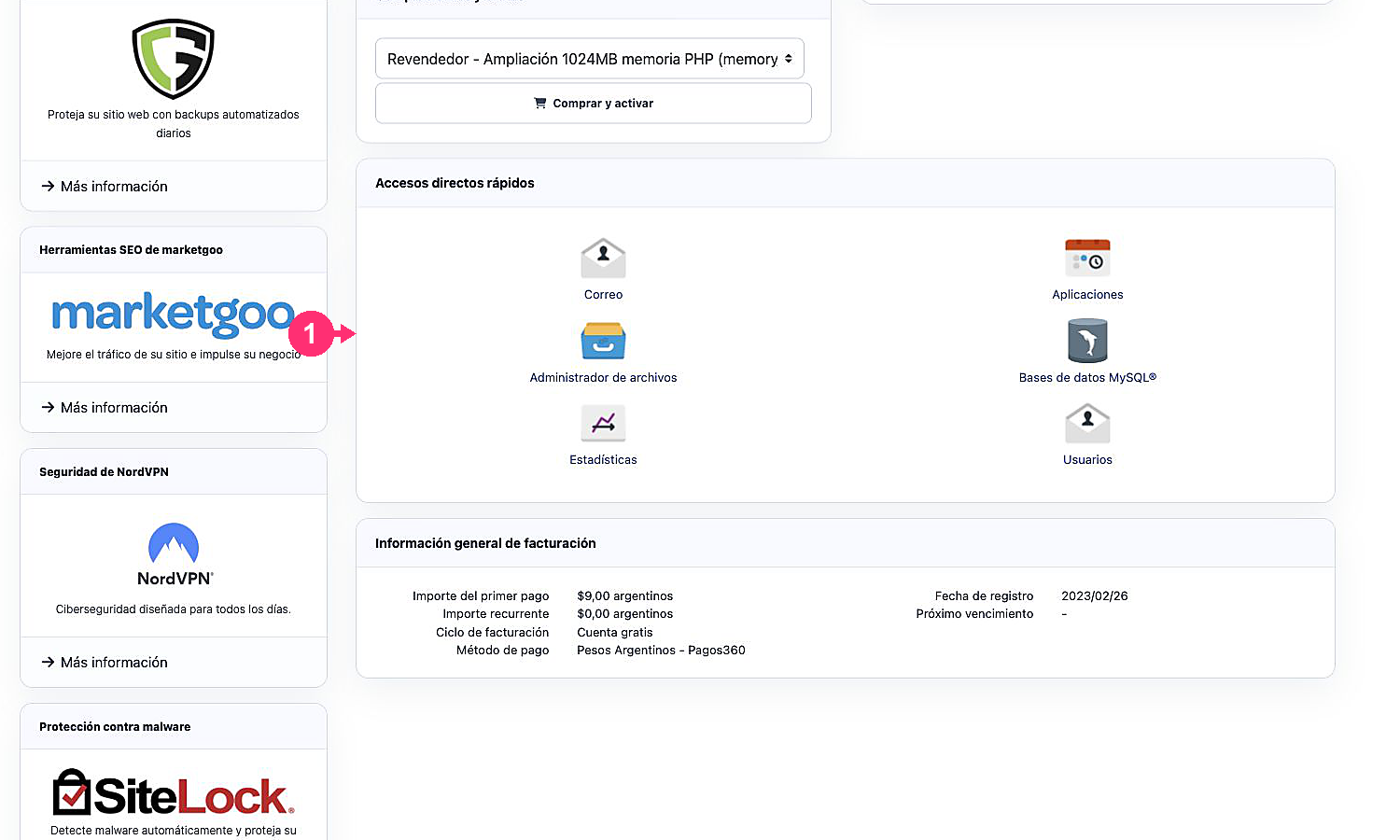
- In Quick shortcuts you can open the tools available for the service directly, such as Mail, Applications, File Manager, or Databases.