How do I download tax invoices?
- Log in to your Client Area.
- Open Billing and select My tax invoices - AFIP.
- If there are issued invoices, locate the invoice by date, number or amount.
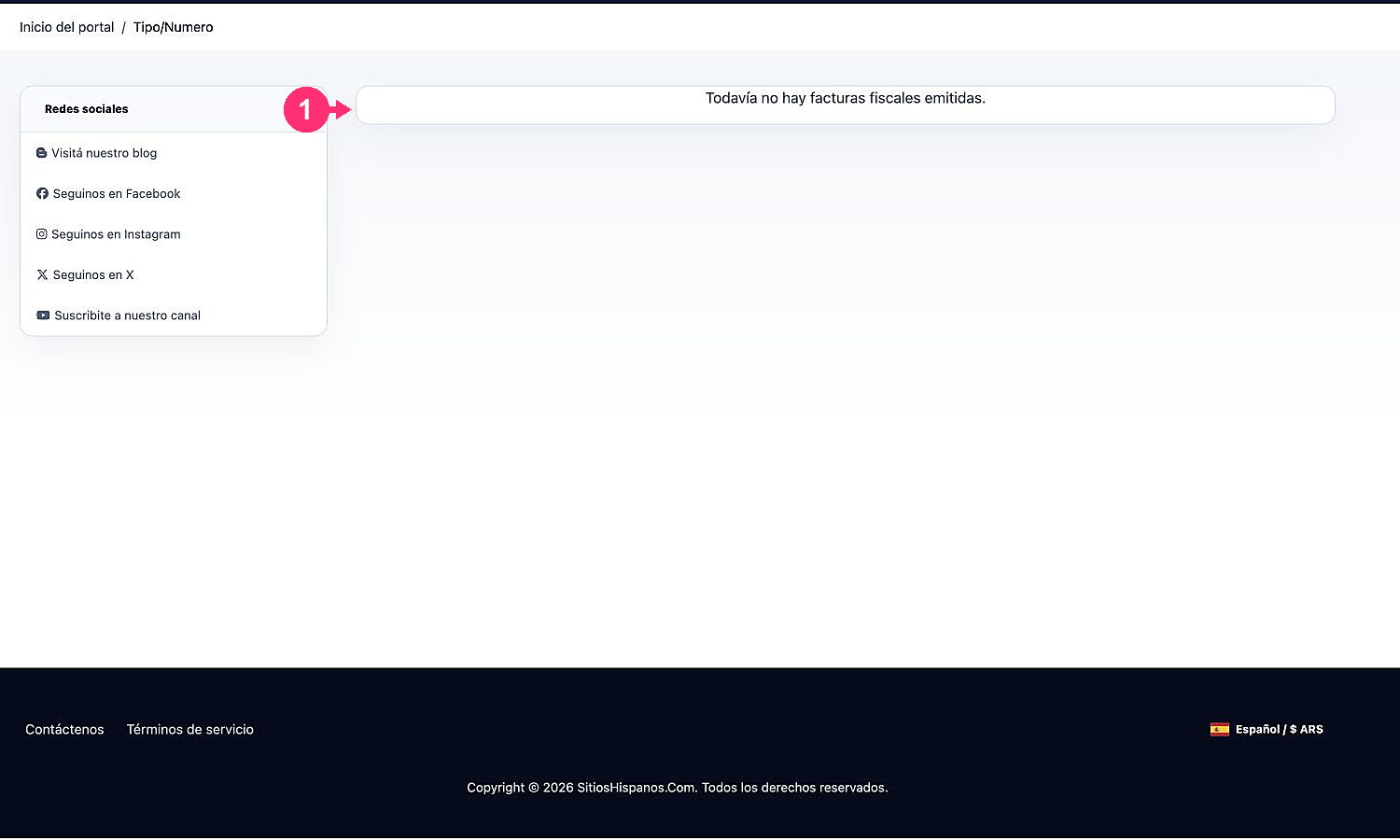
- Use the available action to view or download it. If there are no invoices yet, the list will show the corresponding notice.