How to create FTP sessions for a user in HestiaCP?
Normally, an account is accessed via FTP using the main User credentials created for each hosting account.
If you want to provide restricted FTP access to certain directories or allow access via FTP only without being able to log into the Control Panel, then you will need to create an Additional FTP Account.
To create an Additional FTP Account, follow these steps:
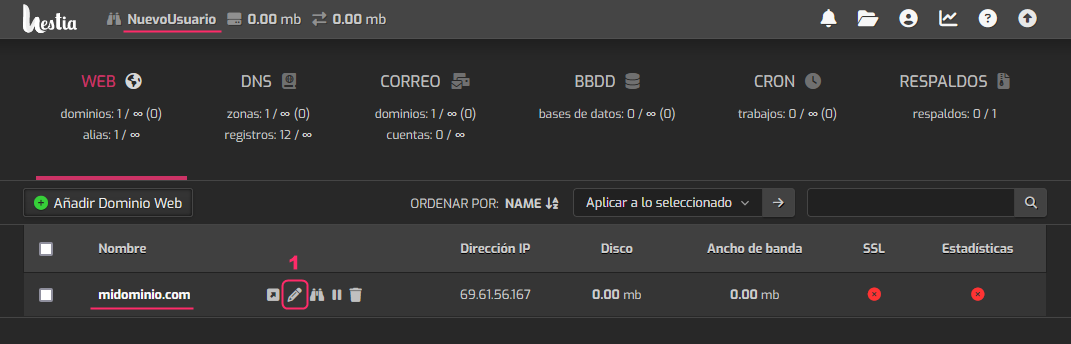
- Log in as the user that owns the hosting account you want to grant FTP access to.
To the right of the account’s domain, select the pencil icon to edit it.
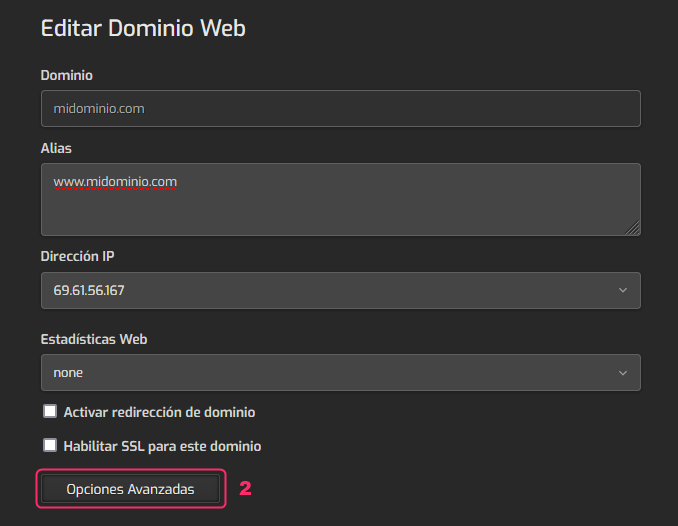
- On the account edit screen click the Advanced Options button.
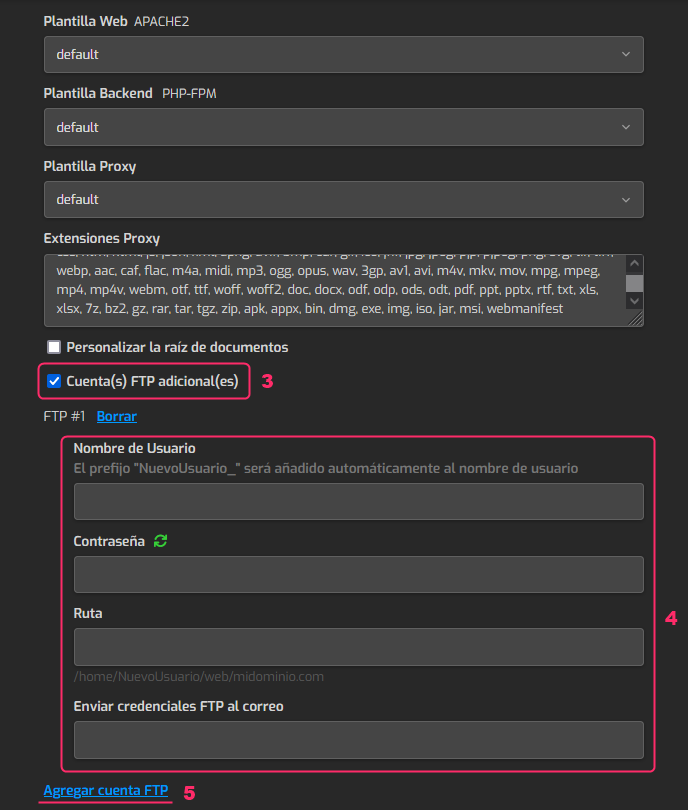
- In the account’s advanced options check the option that says: Additional FTP Account(s).
- Fill in the connection details for this new FTP account.
In Path, you should choose the directory this FTP account will be able to access if you want to limit access to certain areas. - By clicking Add FTP Account you can add new FTP accounts like the one you are configuring.
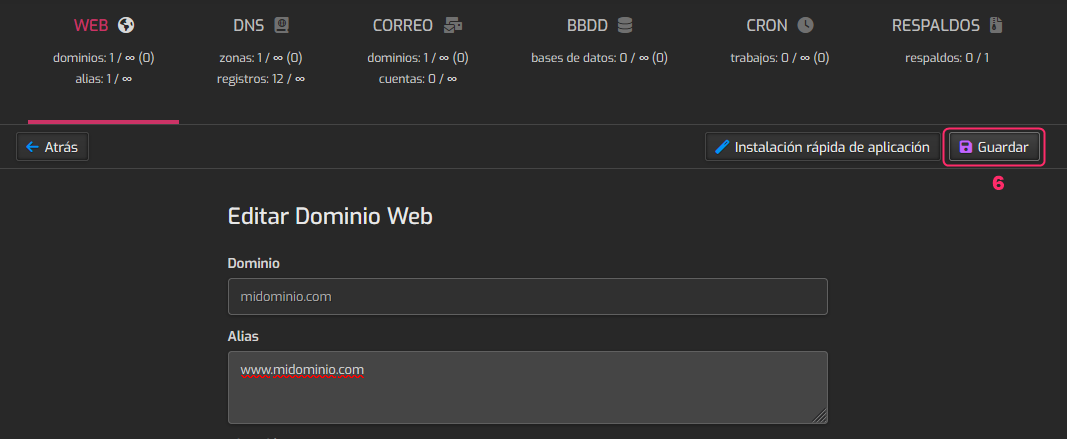
- When you have finished configuring the new FTP account scroll to the top of this screen and press the Save button, at the top right.