

How do I open a support ticket?
To open a support ticket, follow these steps:
- Log in to your Client Area.
If you don’t remember how to log in, follow this link: Como acceder al Área de Cliente - Go to Support and select Open ticket.
- You will find the three available departments. Choose the one that corresponds to the type of inquiry you have.
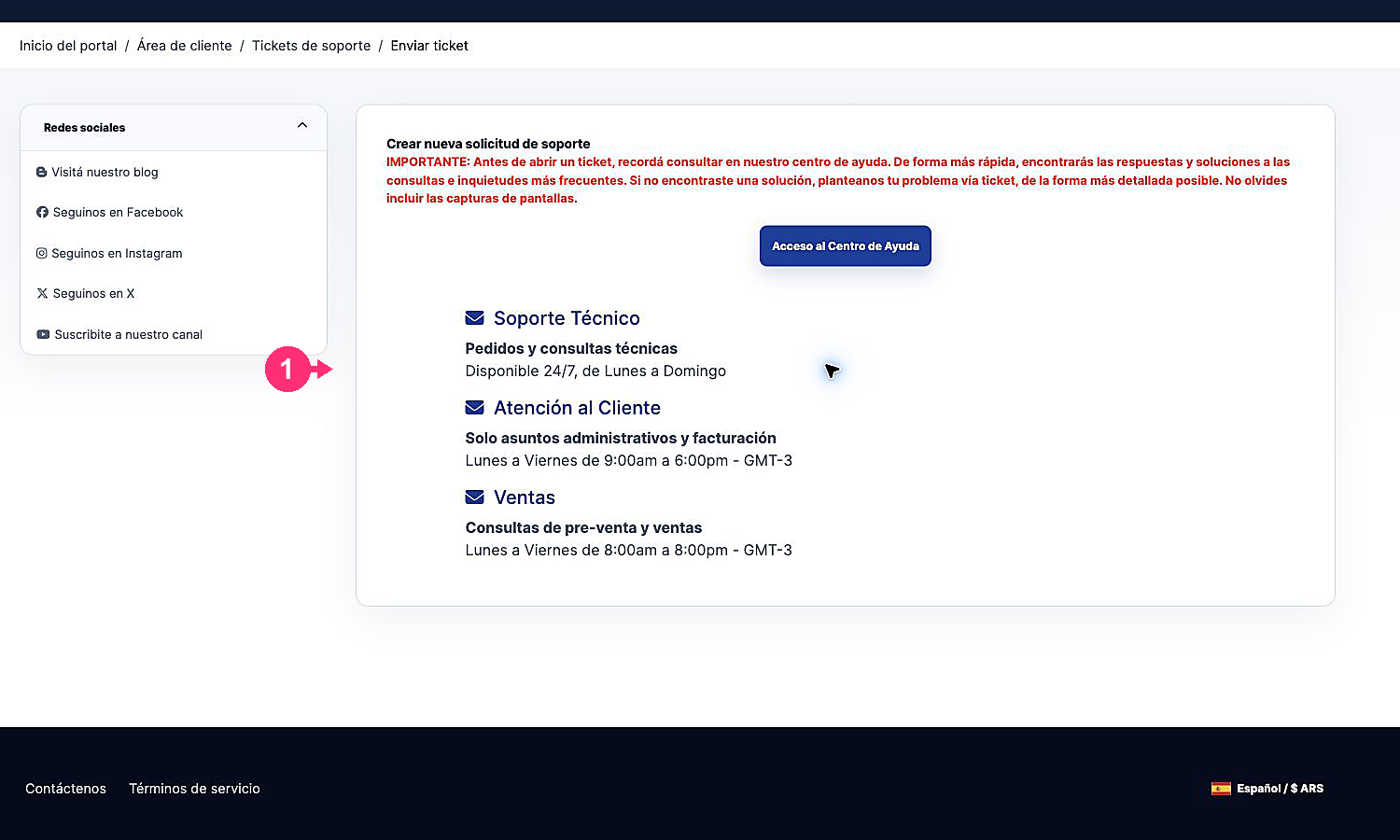
Access the Help Center:
Remember that we have a Help Center where you will find answers to most of your questions.
Access it by clicking the following link: