

How do I view and pay my invoices?
- Log in to your Client Area.
- Open Billing > My invoices.
- Use the search or the status filters to locate the invoice.
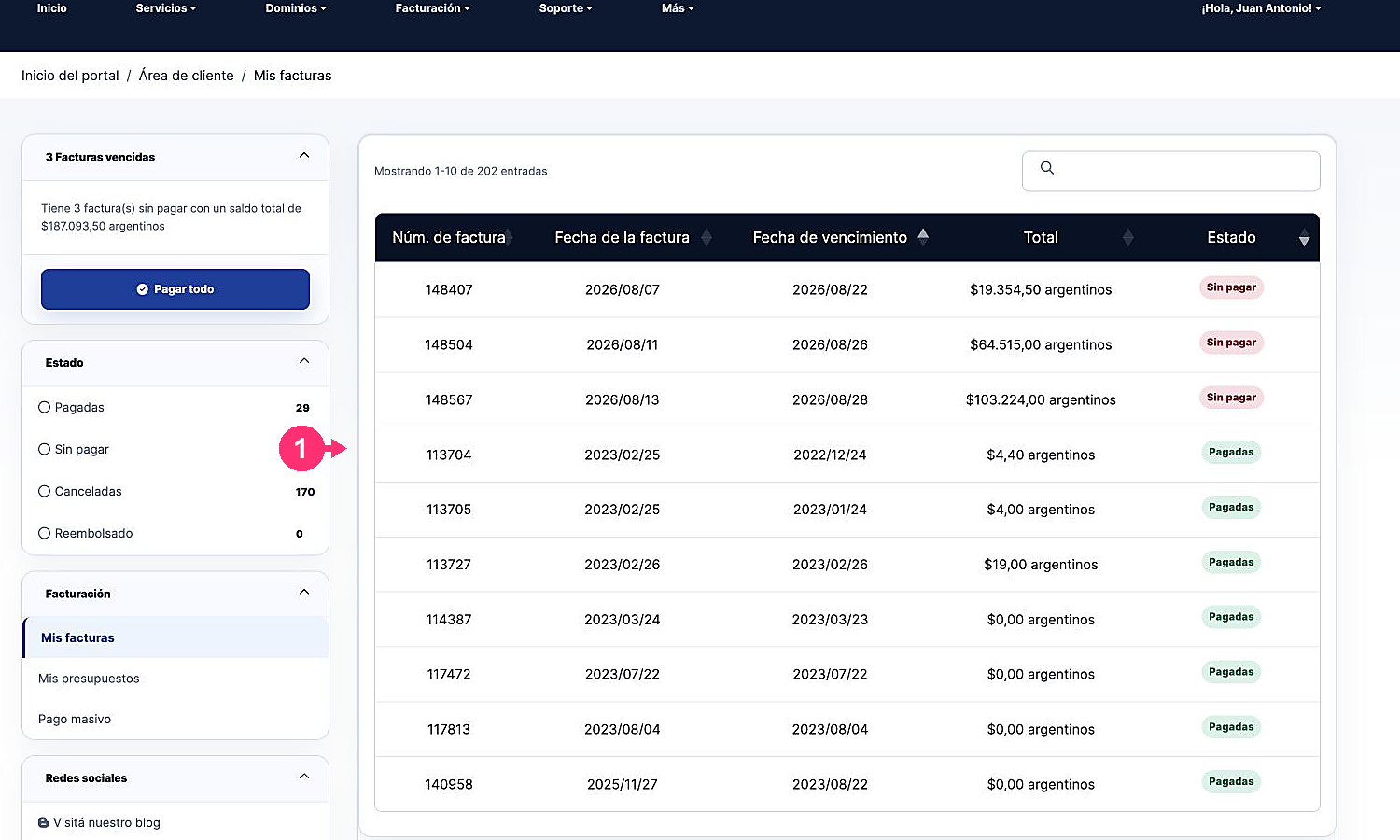
- Select a pending invoice to open the details.
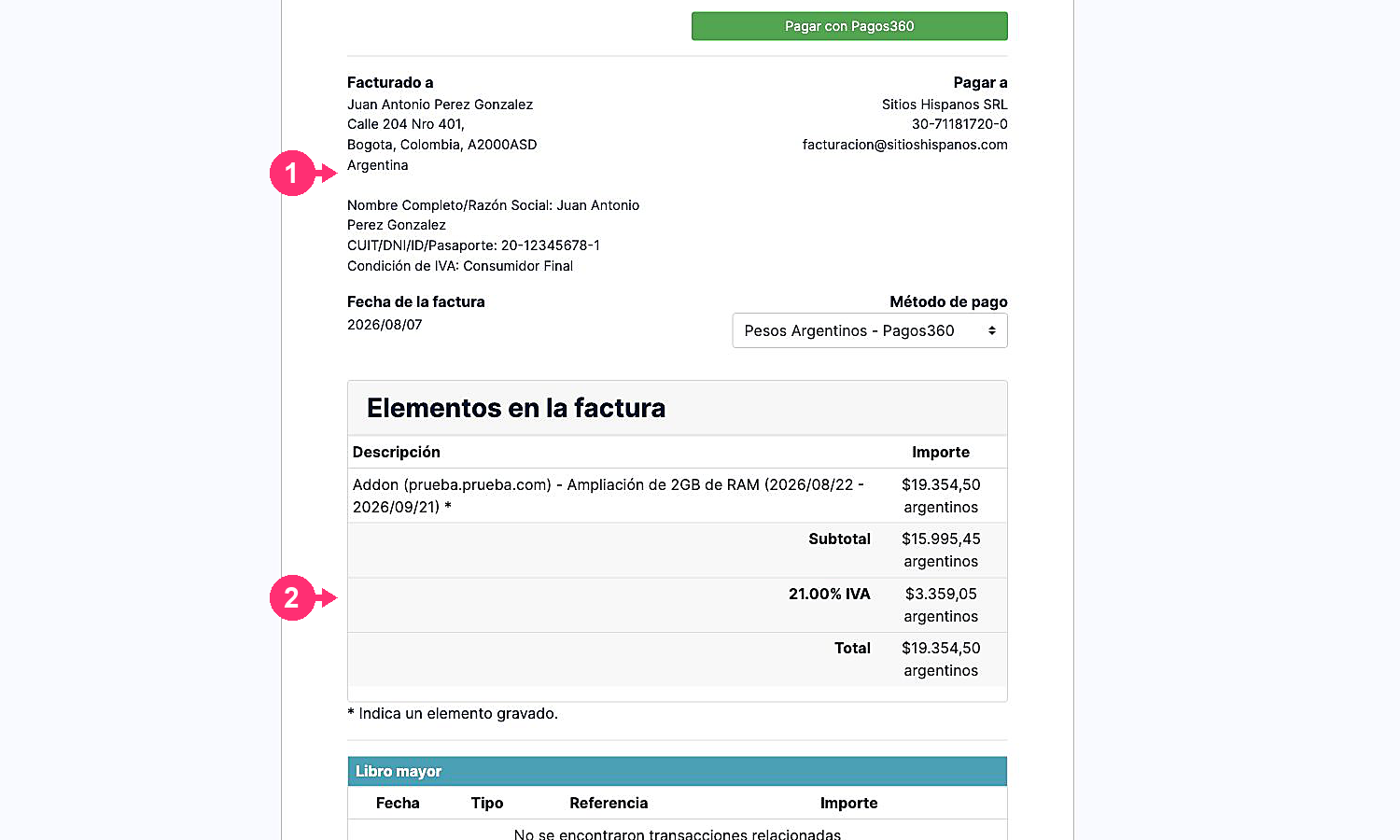
- Verify the description, the period, the due date, and the total.
- Choose the available payment gateway and follow its instructions.
To pay multiple pending invoices at once, use Bulk Payment or Pay All, when those options are available.