How to create Email templates?
Email templates will allow you to create much more attractive and interactive designs for your emails.
Our platform will present an example template or model which you can edit using a graphical editor.
On the other hand, if you already have a design made elsewhere (in HTML), you can import it and even edit the HTML code using an internal editor of our platform.
To access the template editor you must go to Campaigns=>Email Templates.
Then, on the right side of the screen, press the Create template button.
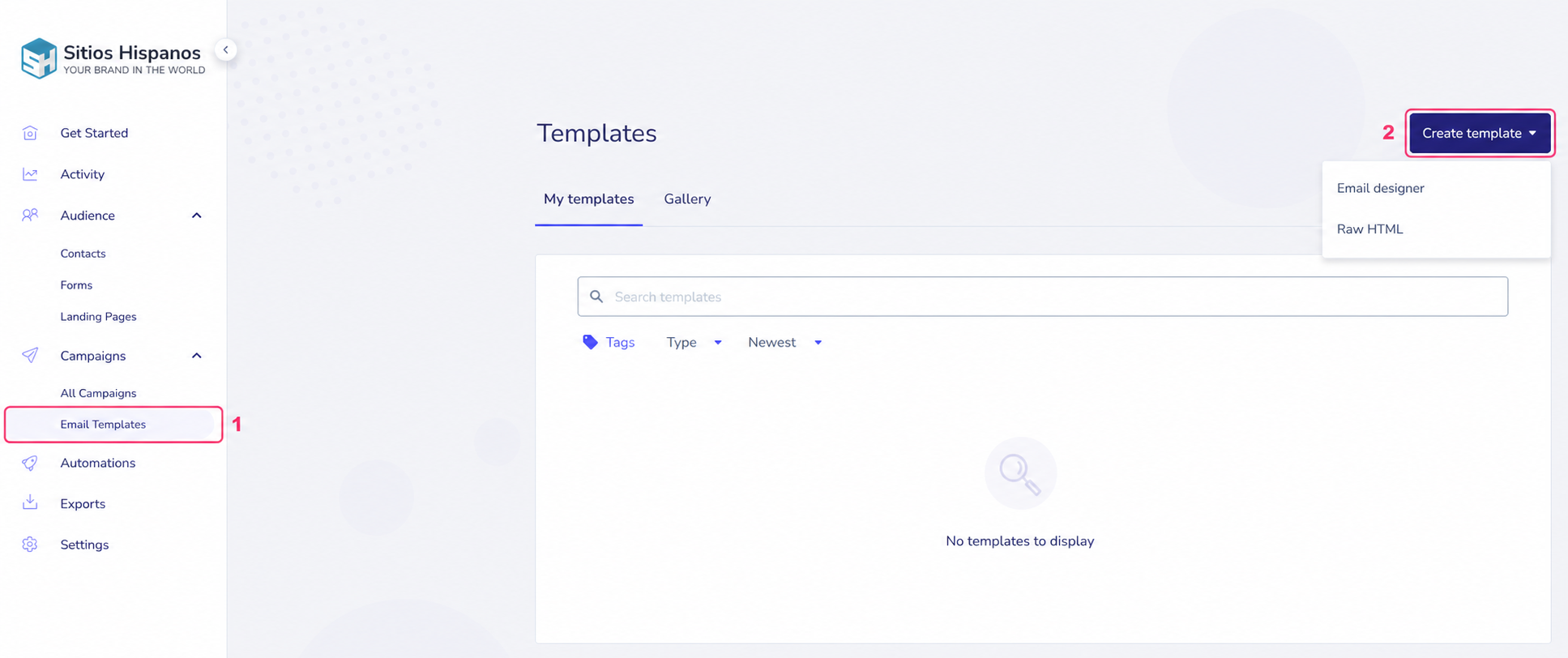
When you press the Create template button, you will see the two options mentioned above:
- Email designer: Will open the graphical template editor.
- Raw HTML: Will open the HTML editor to modify your template’s code.
In the following link you will see how the Graphical template editor works:
editor-grafico-de-plantillas.md
If you want to know more about the HTML template editor follow the link below:
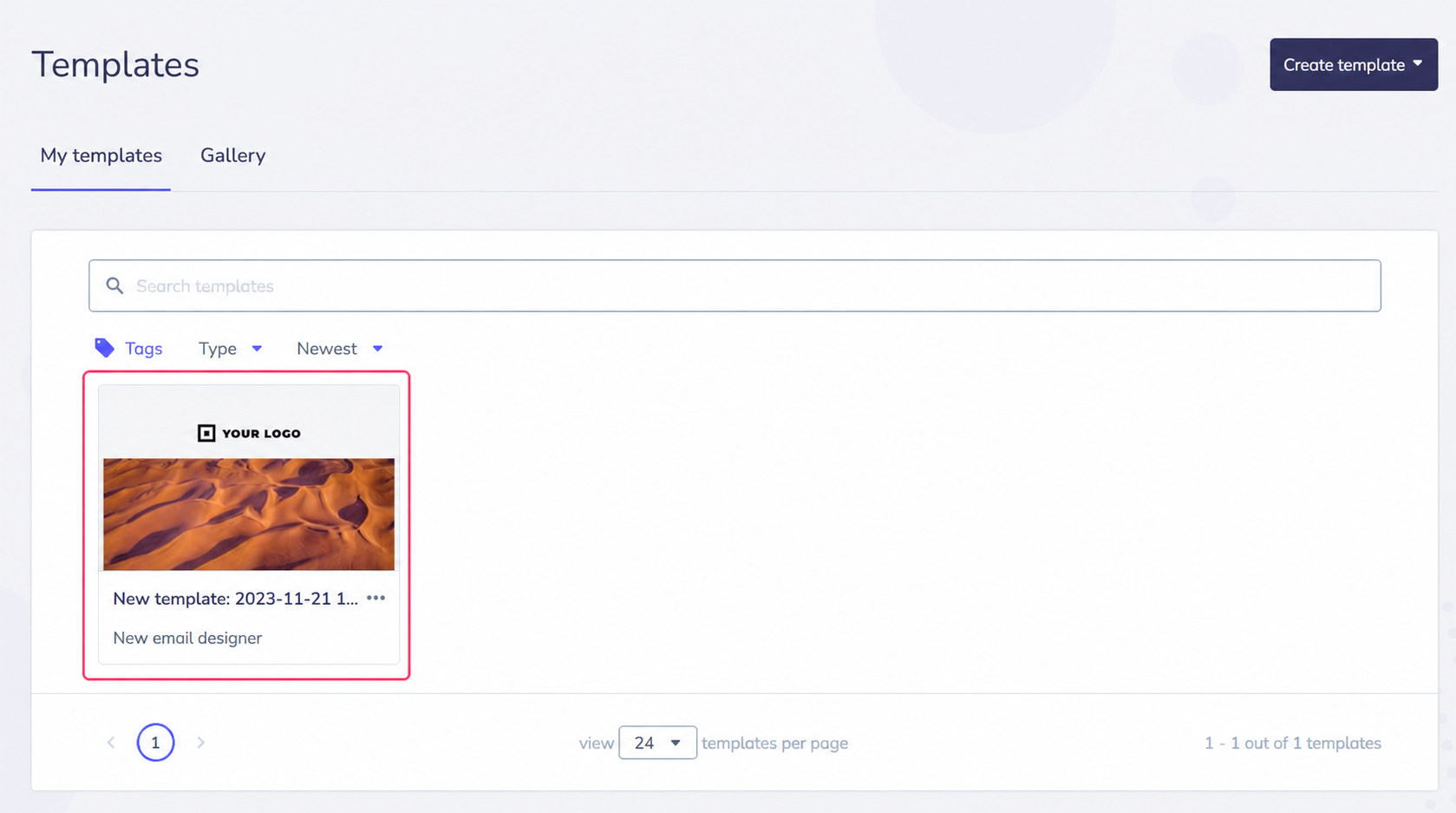
After finishing creating a template, you will see it in the central list.