

How to set up my email account on iOS?
Below we will show you how to set up an email mailbox on iOS.
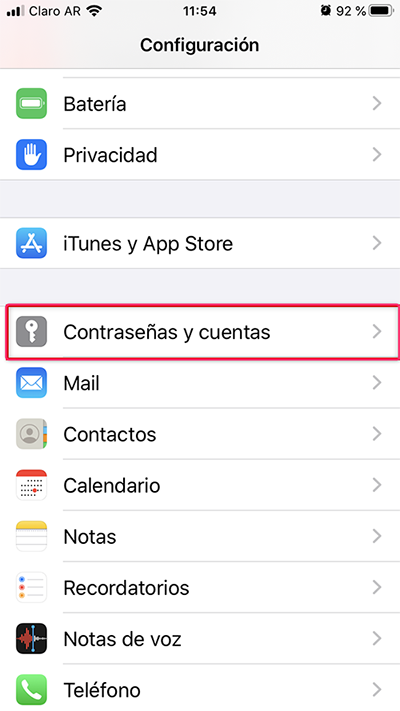
- Go to Settings and then to Passwords & Accounts
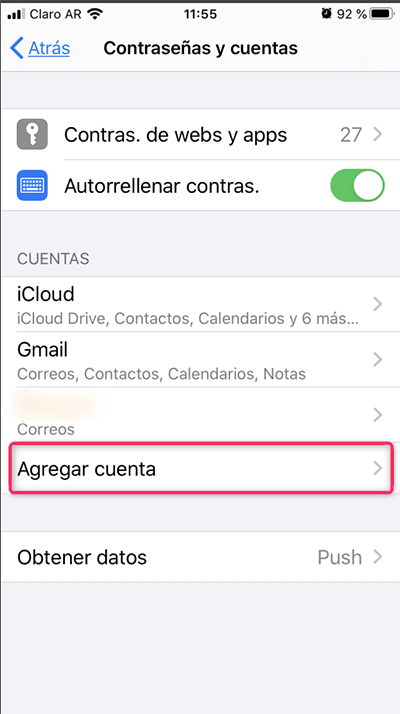
- Then tap Add Account
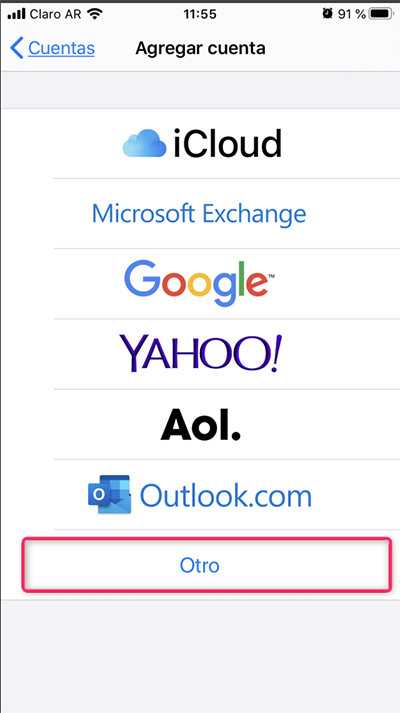
- Tap Other
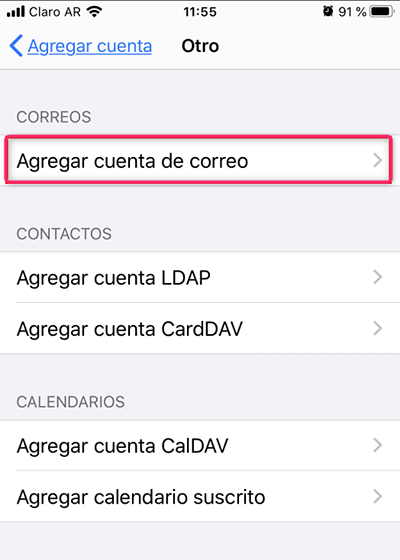
- Inside Other tap Add Mail Account
- Fill in your account details and tap Next
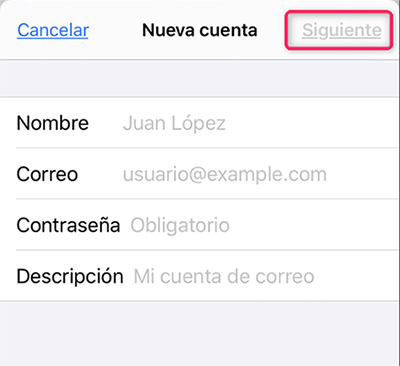
- If the mailbox configuration is correct, tap Save to finish.
If an error occurs or the details are incorrect, you will have to modify them manually.
Select whether your account will be IMAP or POP and then configure it as shown below:
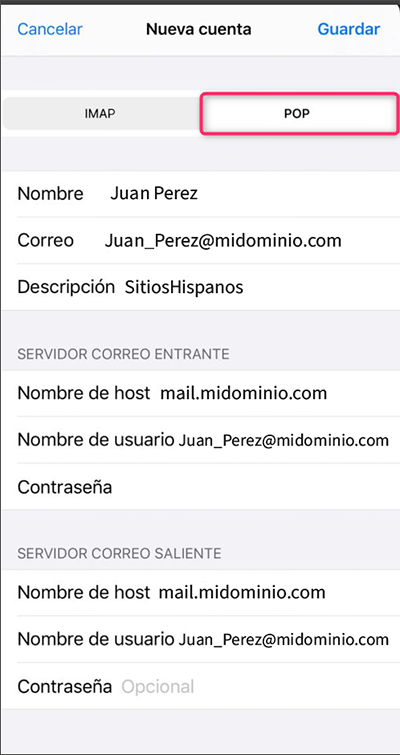
The same configuration will work for IMAP and POP
When you have finished modifying the details, tap Save.