How to access the HestiaCP control panel?
To access the HestiaCP control panel you should enter the following web address in your browser:
IP_del_servidor:8083
Example:
188.210.110.15:8083
Another way to access is:
midominio:8083
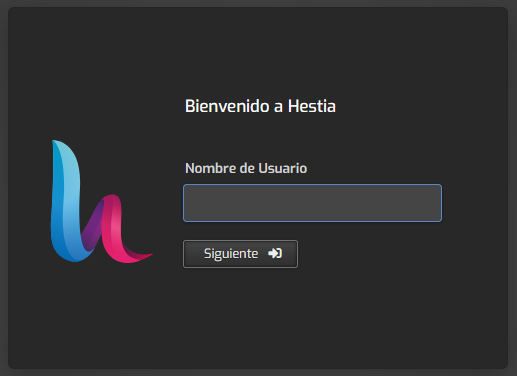
The Login screen will open where you must enter the username and password.
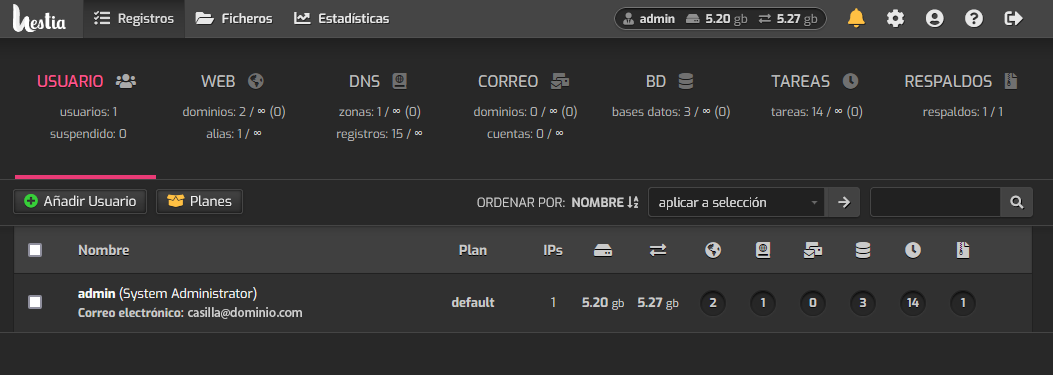
Once you enter the control panel you will see the main screen, from where you can access the different services and settings.