How do I change the password for my service’s control panel?
This procedure changes the technical password of the panel associated with the service. It does not modify your Client Area password.
- Go to Services > My services.
- Select the corresponding service.
- Under Actions, select Change password.
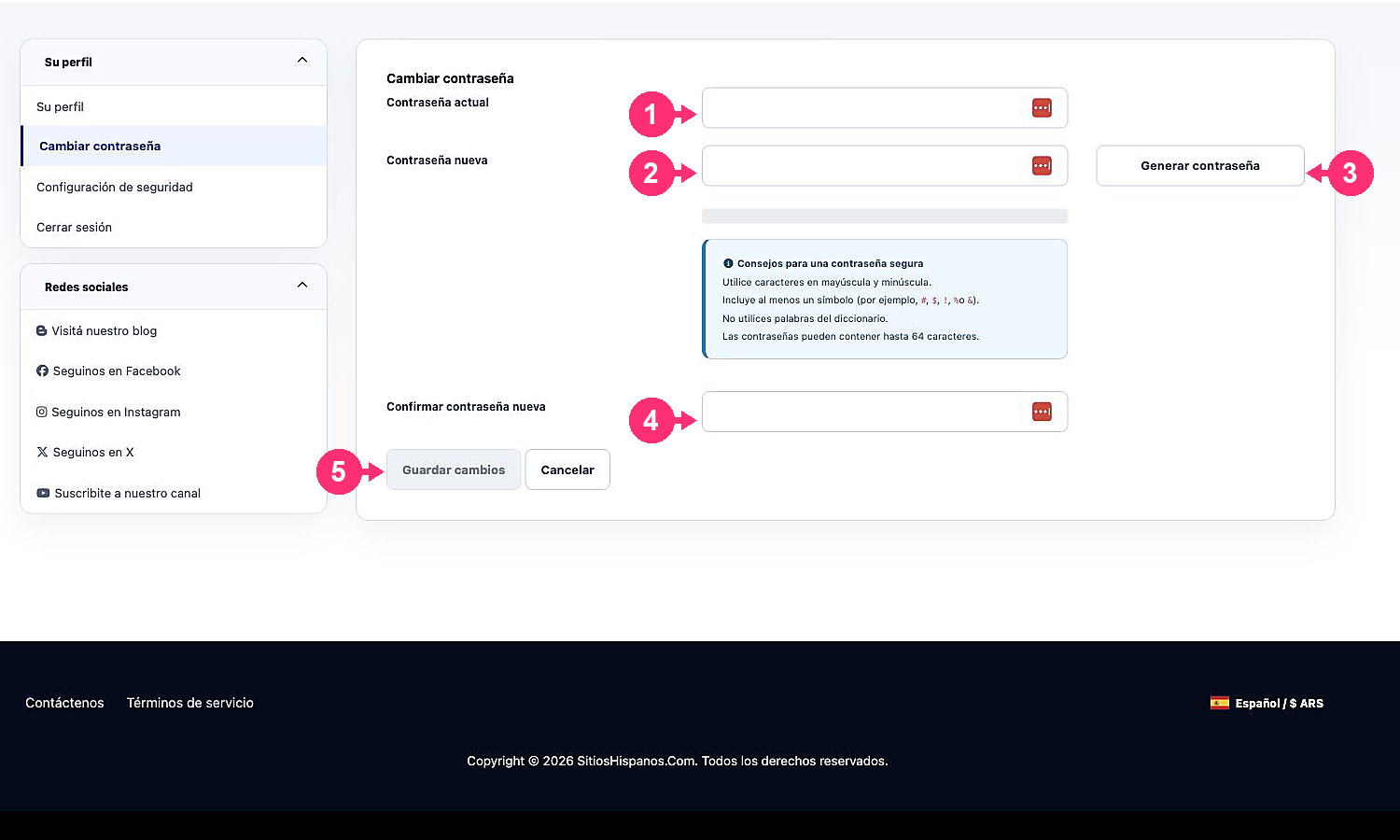
- Type the new password and repeat it in Confirm new password. You can also use Generate password.
- Click Save changes.